In short
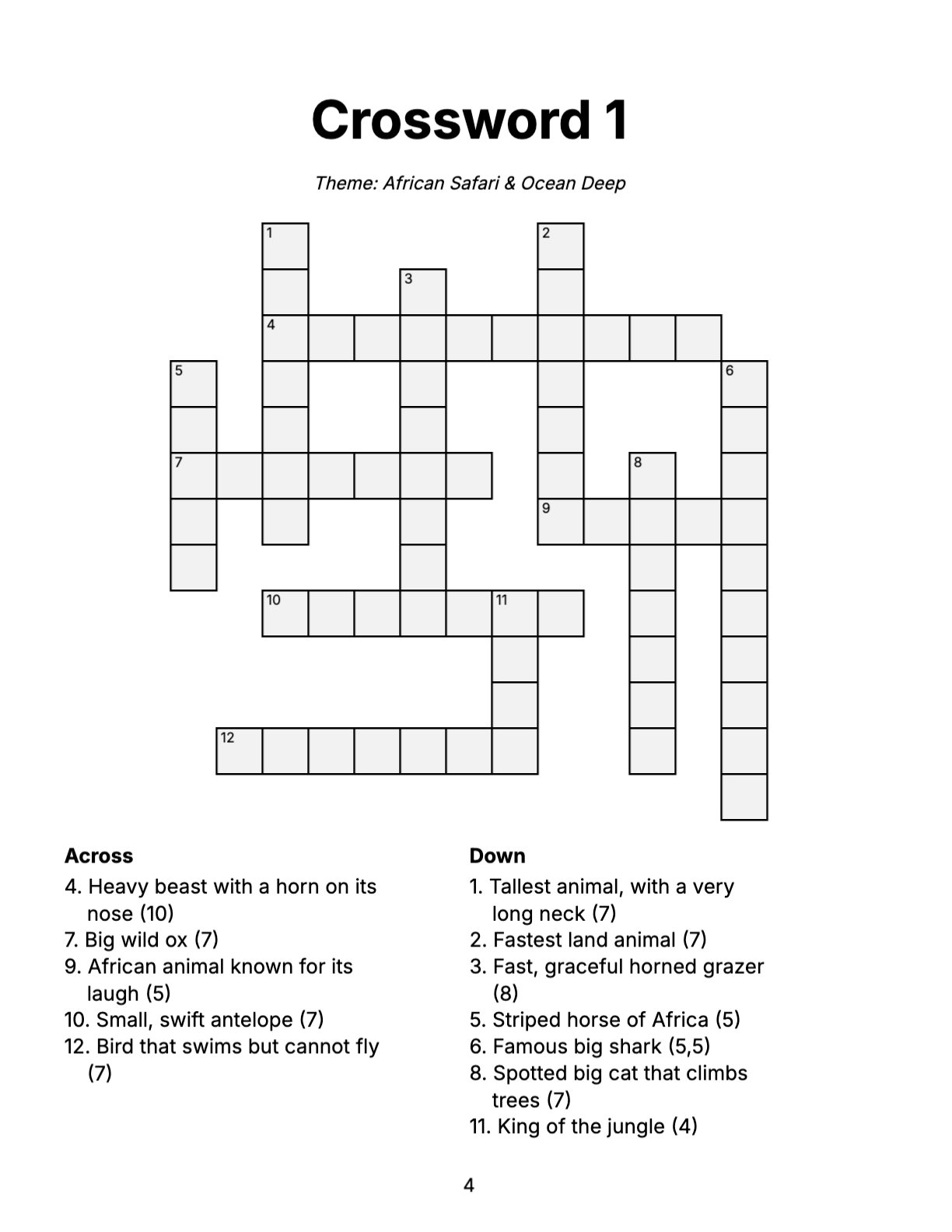
A variety book gives the solver a new kind of puzzle every few pages: word searches, sudokus, mazes, word scrambles and more in one volume. This guide explains how to pick the chapters, how many puzzles each one needs and how the book is put together, and shows, screen by screen, how we built an 80-page, four-chapter book in Wisdom Effect.
On this page
- 1.Why Publish a Mixed Book
- 2.Pick the Chapters and Their Order
- 3.Standard, Kids and Large Print Editions
- 4.Contents, Numbering and Answer Keys
- 5.Step 1: Create the Book and Choose Chapters
- 6.Step 2: Settings and Quantities per Chapter
- 7.Step 3: Page Count and KDP Summary
- 8.Step 4: Check the Layout and Export
- 9.Frequently Asked Questions
Why Publish a Mixed Book
A single-type book promises more of one thing: 100 sudokus, 80 word searches. A mixed book promises variety. It suits buyers who get bored by the same puzzle on every page, gift buyers who do not know which puzzle the recipient likes, families who share one book, and teachers and care homes who want something for every solver.
On Amazon these books are sold as variety puzzle books, activity books for adults, brain games or kids activity books. They also make a good second book for a publisher who already has single-type titles: the same themes and the same quality, in a new package.
The risk is the opposite of a single-type book: a mixed book can feel thin. Ten puzzles of ten types each looks like a sampler. Fewer chapters with enough puzzles in each read like a real book.
Pick the Chapters and Their Order
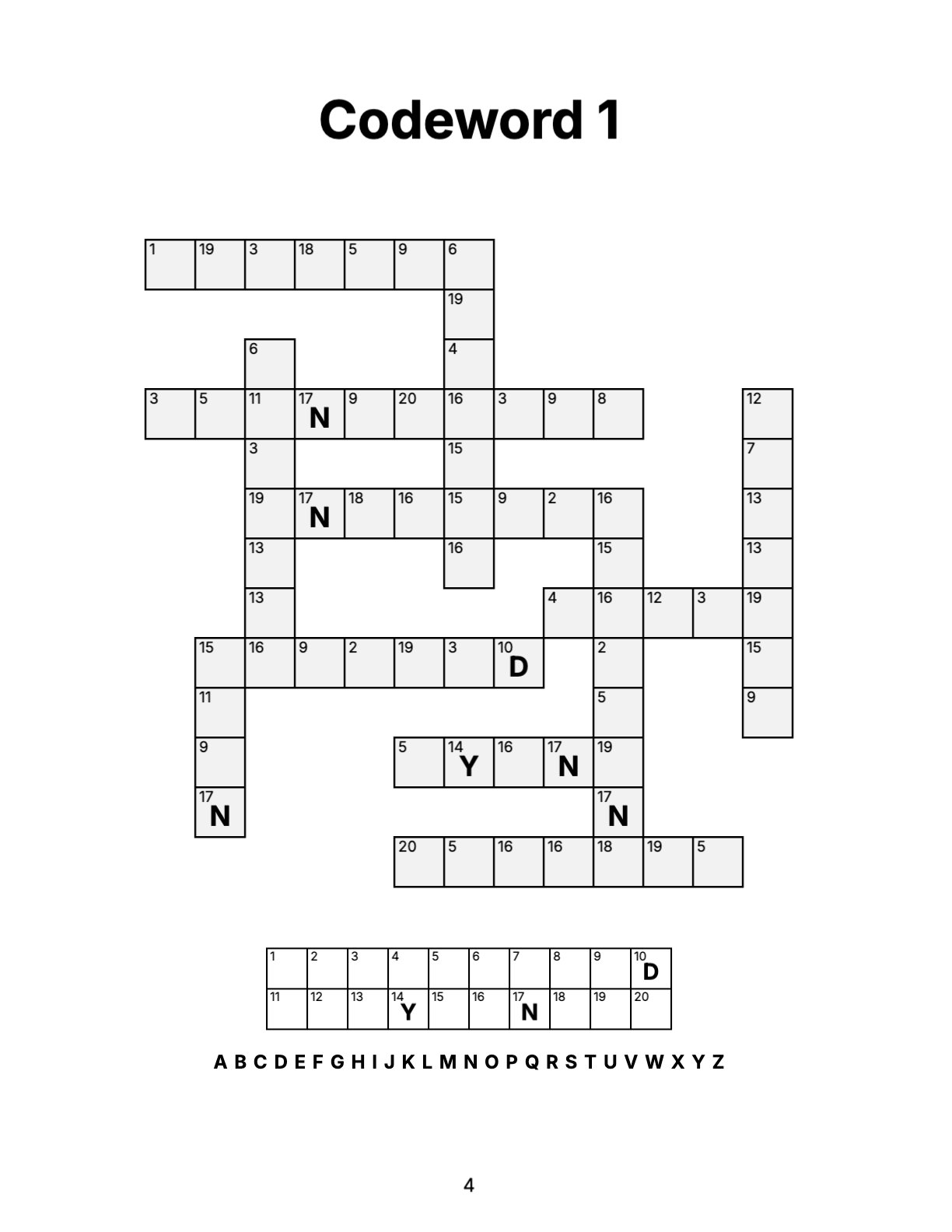
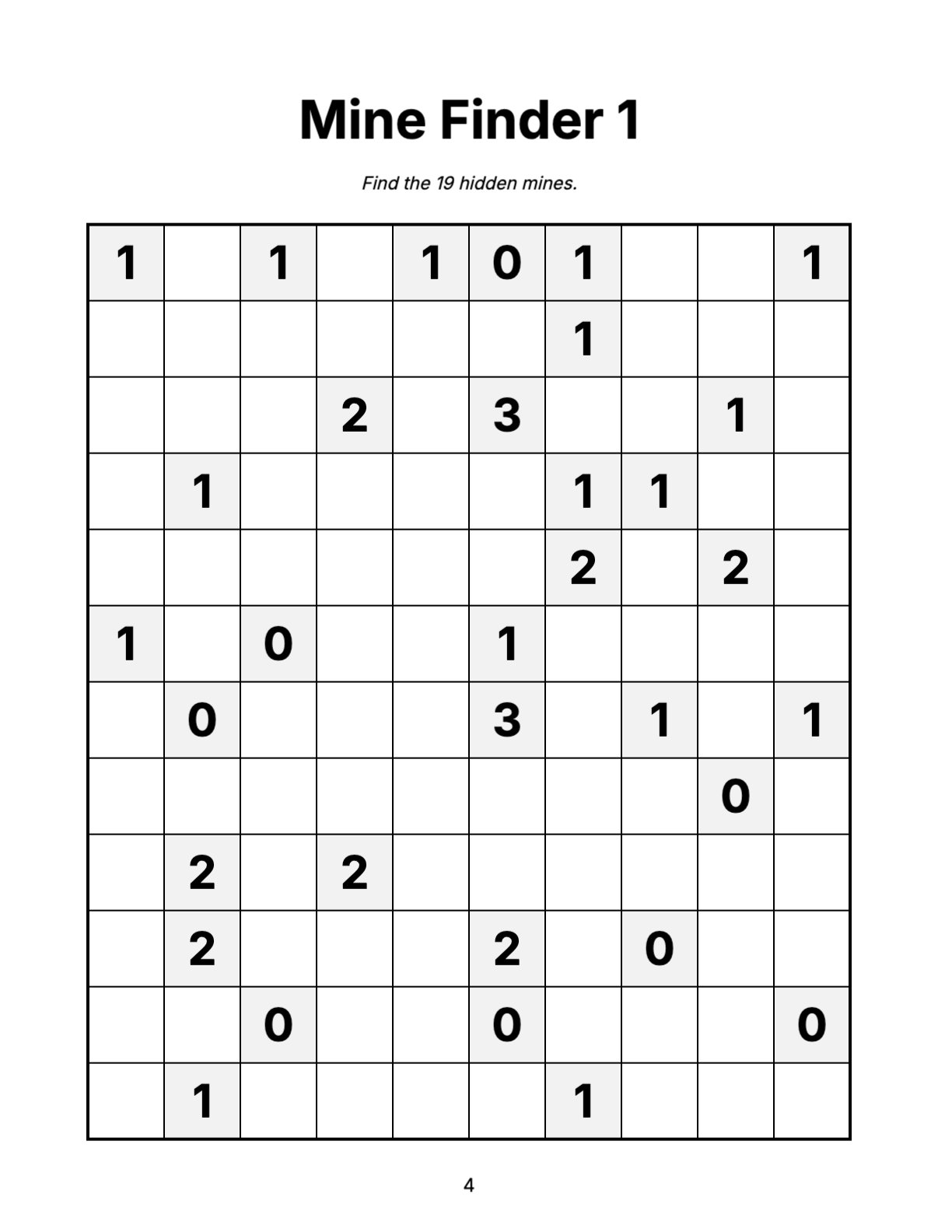
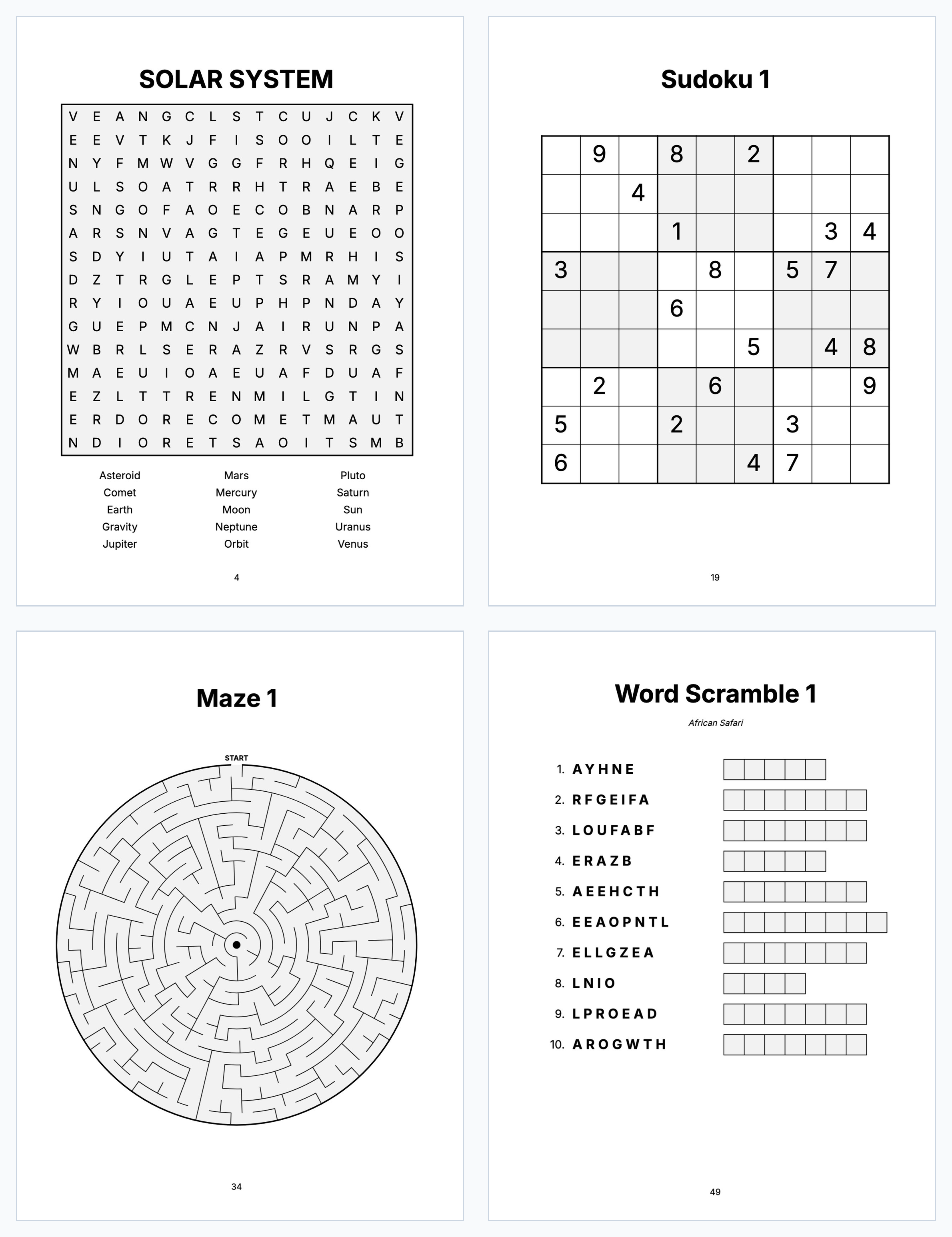
A mixed book in Wisdom Effect can hold forty-five chapter types: Sudoku, Word Search, Maze, Word Scramble, Missing Vowels, Fill-In, Classic Number Search, Missing Vowel Word Search, Snake Word Search, Circle Word Search, Winding Word Search, Walled Word Search, Honeycomb Word Search, Spiral Word Search, Ricochet Word Search, Takuzu, Math Squares, Math Search, Number Pyramids, Magic Squares, Suko, Number Path, Yajilin, Kakurasu, Galaxies, Crossword, Codewords, Cryptogram, Anagram, Mine Finder, Hidden Message Word Search, Number Search, Wordoku, Nonogram, Suguru, Futoshiki, Hidoku, Hashi, Shikaku, Nurikabe, Kakuro, Color Nonogram, Zebra Nonogram, Triangle Nonogram and Mosaic. It needs at least two chapters; for one puzzle type, a single-type book is the better choice.
Three to five chapters work best. Mix quick wins with thinking puzzles: a word search or a maze is solved in minutes, a sudoku or a cryptogram takes longer. A good order starts easy and familiar (word search), moves to logic (sudoku), gives a break (maze) and ends with word puzzles that need vocabulary (word scramble, missing vowels, cryptogram).
Each chapter needs enough puzzles to feel complete. We use 15 per chapter as a starting point: four chapters make 60 puzzles, a comfortable size for an 8.5×11 in paperback.
| Chapter type | Starter | Pro | Publisher |
|---|---|---|---|
| Word Search | Yes | Yes | Yes |
| Sudoku | Yes | Yes | Yes |
| Maze | Yes | Yes | Yes |
| Missing Vowels | Yes | Yes | Yes |
| Word Scramble | — | Yes | Yes |
| Cryptogram | — | Yes | Yes |
| Wordoku | — | — | Yes |
Standard, Kids and Large Print Editions
The edition sets the rules for every chapter at once, so you do not have to make each one child-friendly or easy to read by hand.
Standard starts with 15×15 word searches, 9×9 Medium sudokus and circular mazes of 15 rings (Hard). Kids starts with 8×8 word searches with words running only right and down, 4×4 sudokus, small 8×10 mazes with pictures, short word scrambles (3–5 letters, first letter kept) and Secret Codes: shift codes with the shift printed and a key tracker. Large Print (Senior) puts one puzzle on each page: 14×14 word searches, 9×9 Easy sudokus and wide-corridor circular mazes of 9 rings.
In the large print edition the word chapters (cryptogram, word scramble, missing vowels) print one solution per page, so the answers stay at 16 pt or larger.
| Standard | Kids | Large Print | |
|---|---|---|---|
| Word Search | 15×15 | 8×8, right and down | 14×14 |
| Sudoku | 9×9 Medium | 4×4 | 9×9 Easy |
| Maze | Circle, 15 rings | 8×10 with pictures | Circle, 9 rings, wide corridors |
| Other chapters | Off | Word Scrambles, Secret Codes | Off |
| Puzzles per page | Per chapter | Per chapter | 1 |
Contents, Numbering and Answer Keys
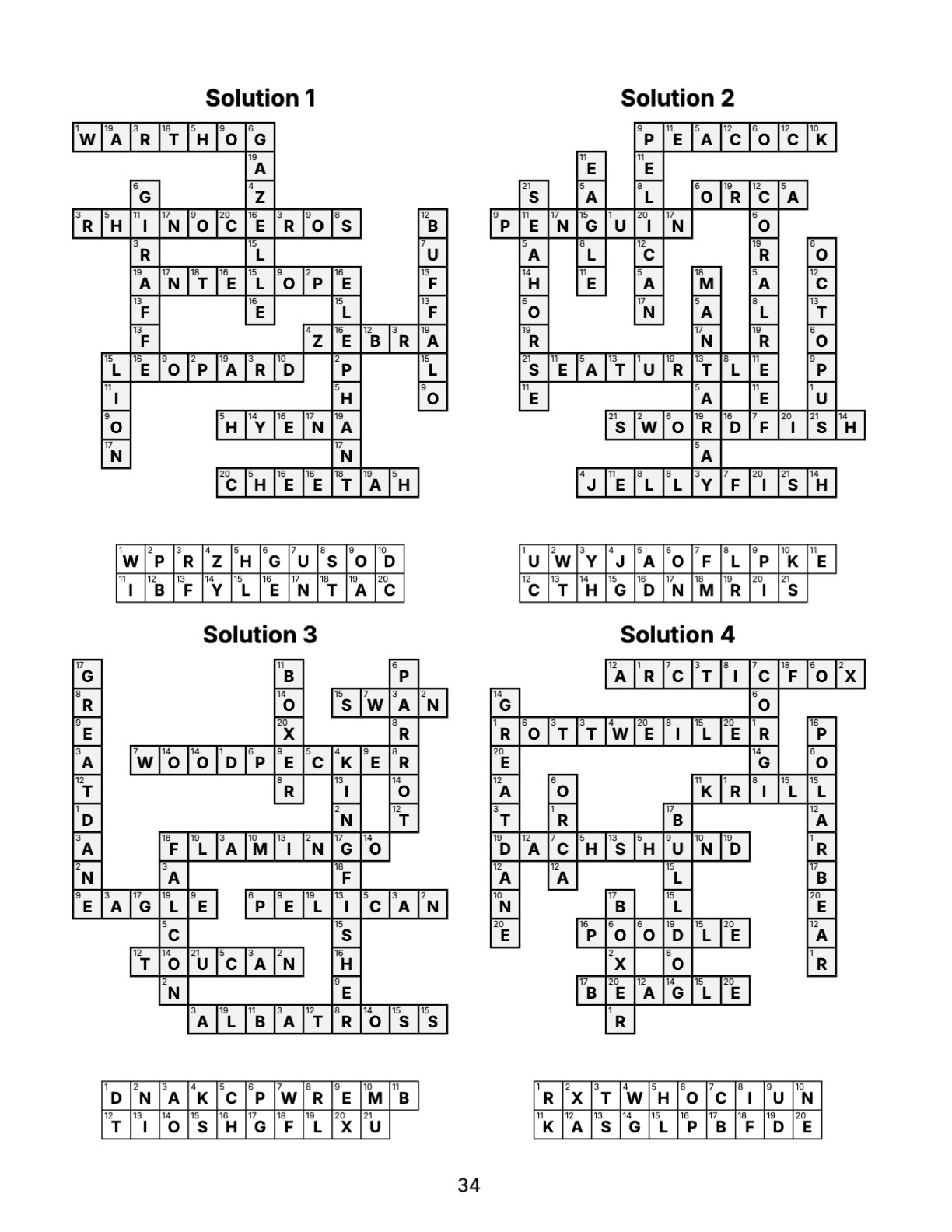
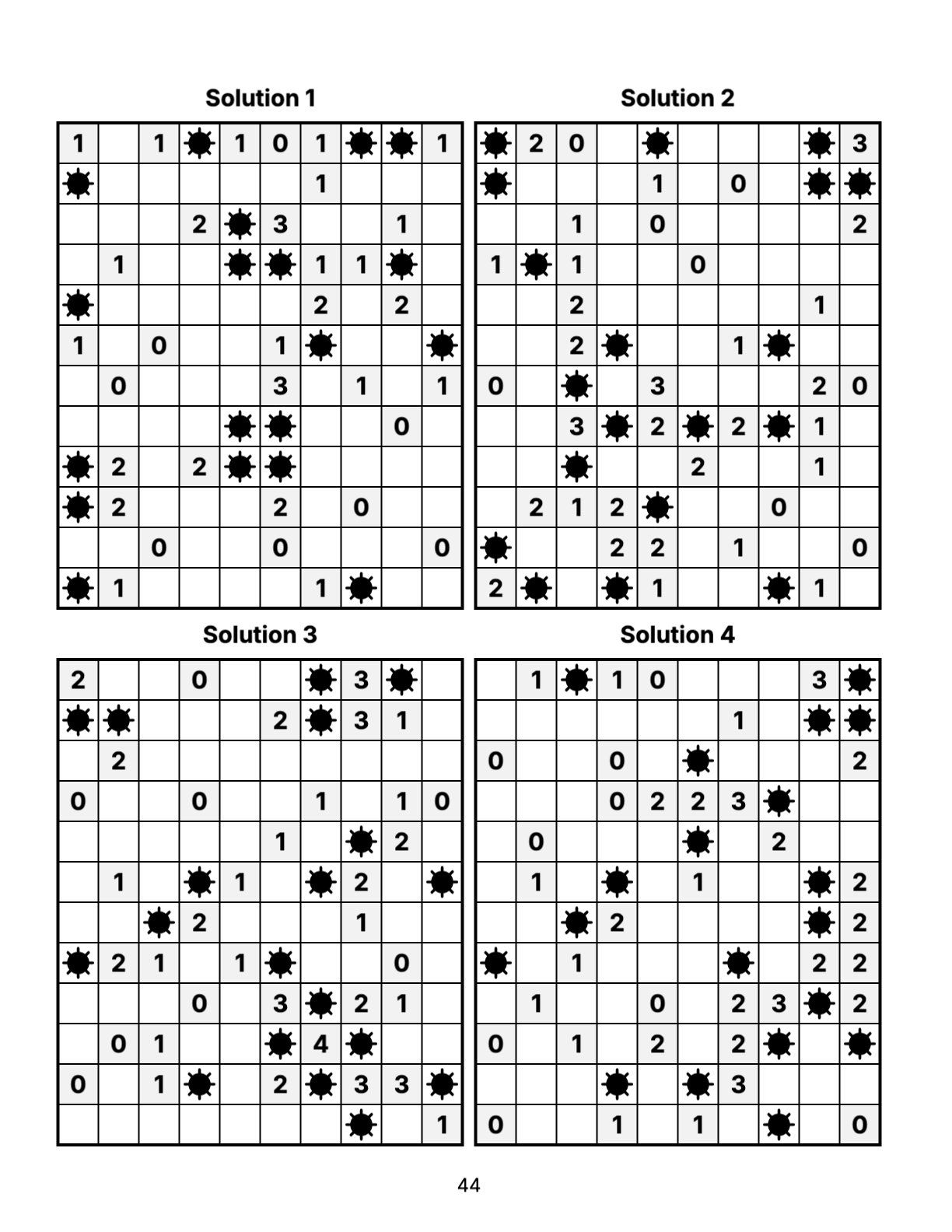
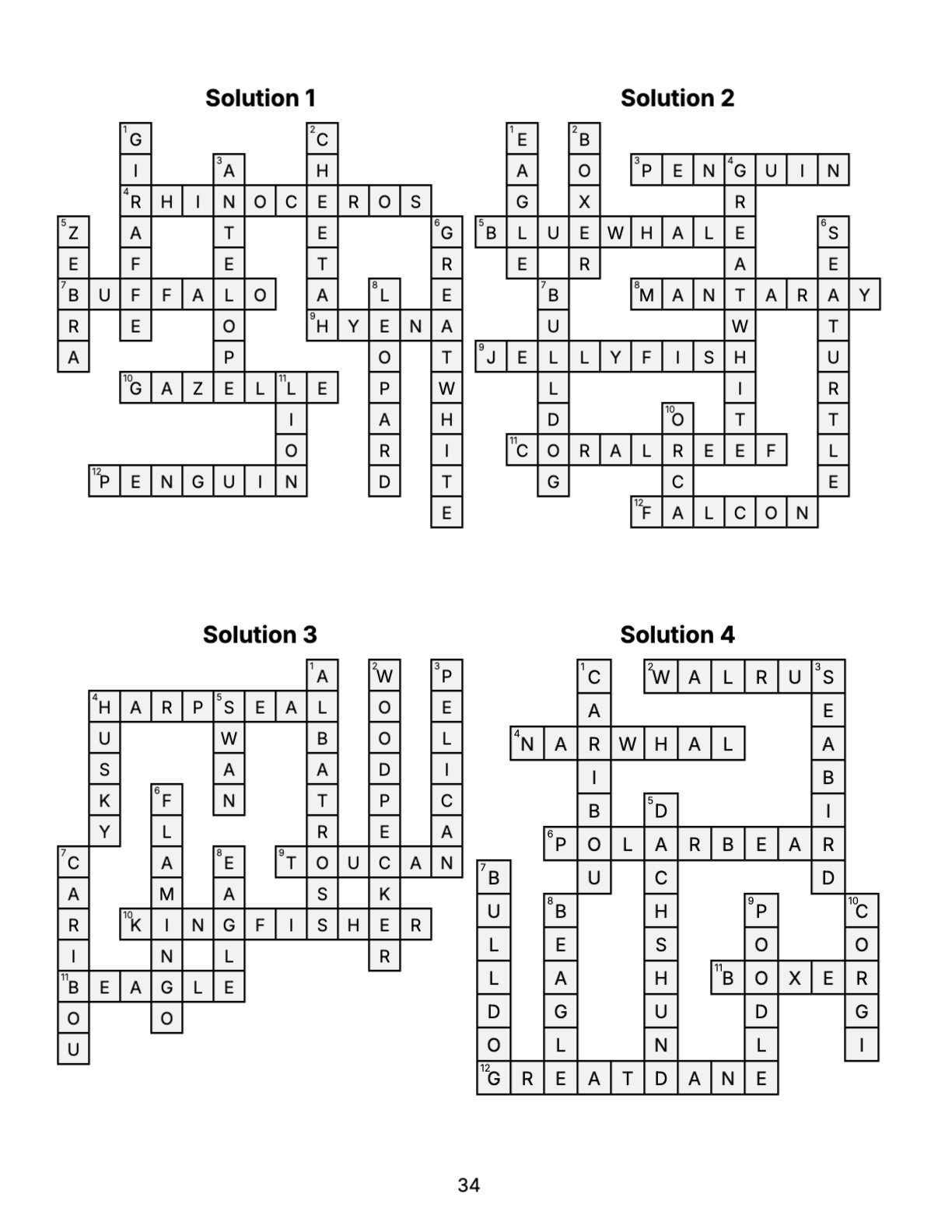
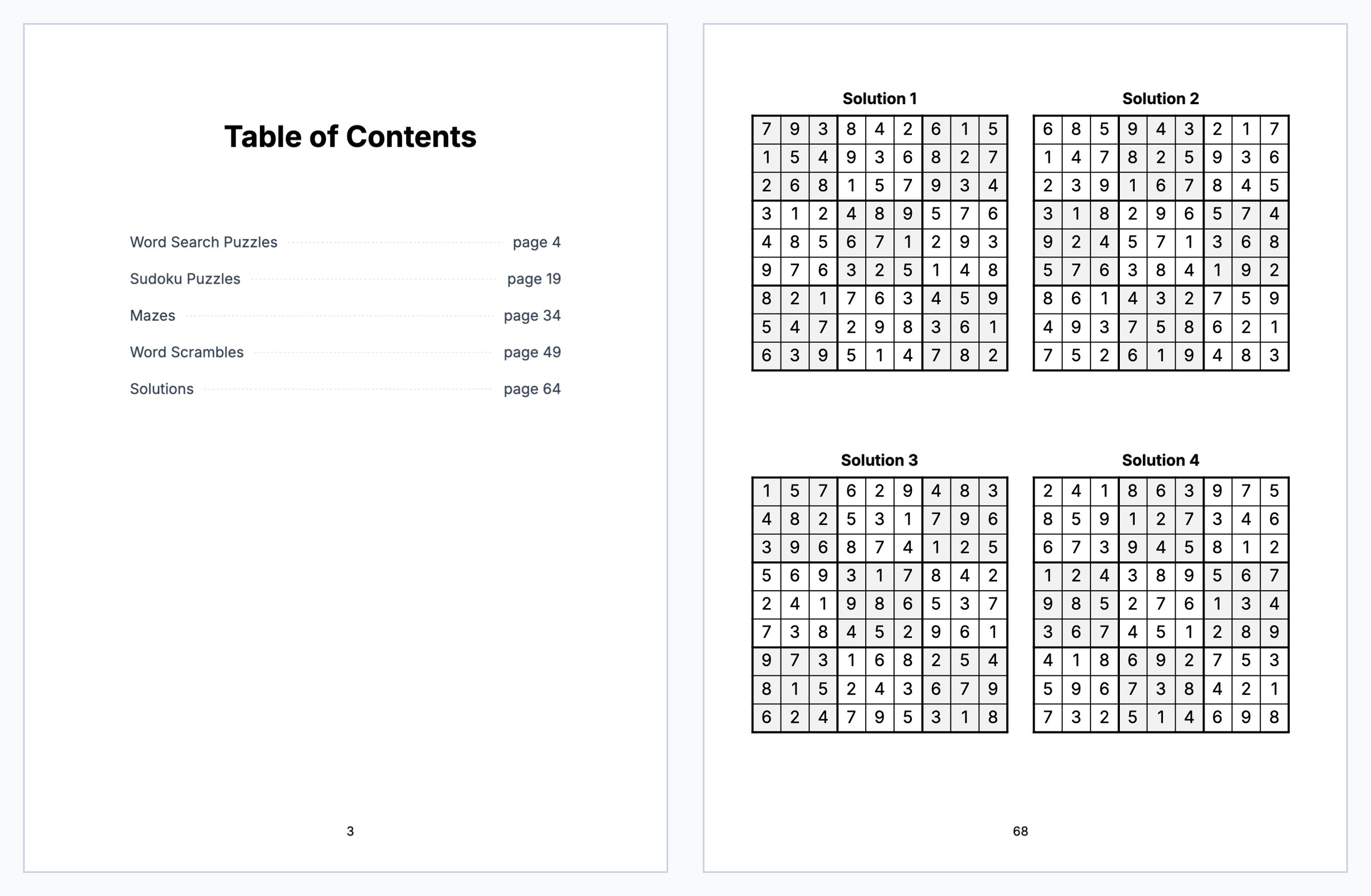
The book has a fixed order: title page, copyright page, table of contents and progress tracker, then the puzzles chapter by chapter, then all answer keys at the end, in the same chapter order. Solvers know where to look, and answers never sit next to a puzzle they might give away.
The table of contents has one line per chapter (Word Search Puzzles, Sudoku Puzzles, Mazes, Word Scrambles) and one for the solutions, with page numbers. Numbering starts again in every chapter: Sudoku 1, Maze 1, and Solution 1 for each chapter in the answer key. Because each chapter is a different kind of puzzle, the answer pages stay easy to tell apart.
Puzzles per page and solutions per page are set per chapter. Mazes and word searches usually get a full page each; small sudokus can share a page, and their answer keys fit four or more to a page.
Step 1: Create the Book and Choose Chapters
On the Create page, pick the edition (Standard, Kids or Senior) and select the Mixed Book card. You can also pick a season first to start from a seasonal mixed book.
The configurator opens on 1. Book Settings. Choose the trim size, then use the Chapters panel: switch chapters on or off, drag them or use the arrows to change their order. Every chapter that is on gets its own numbered tab. Chapters your plan does not include stay locked.
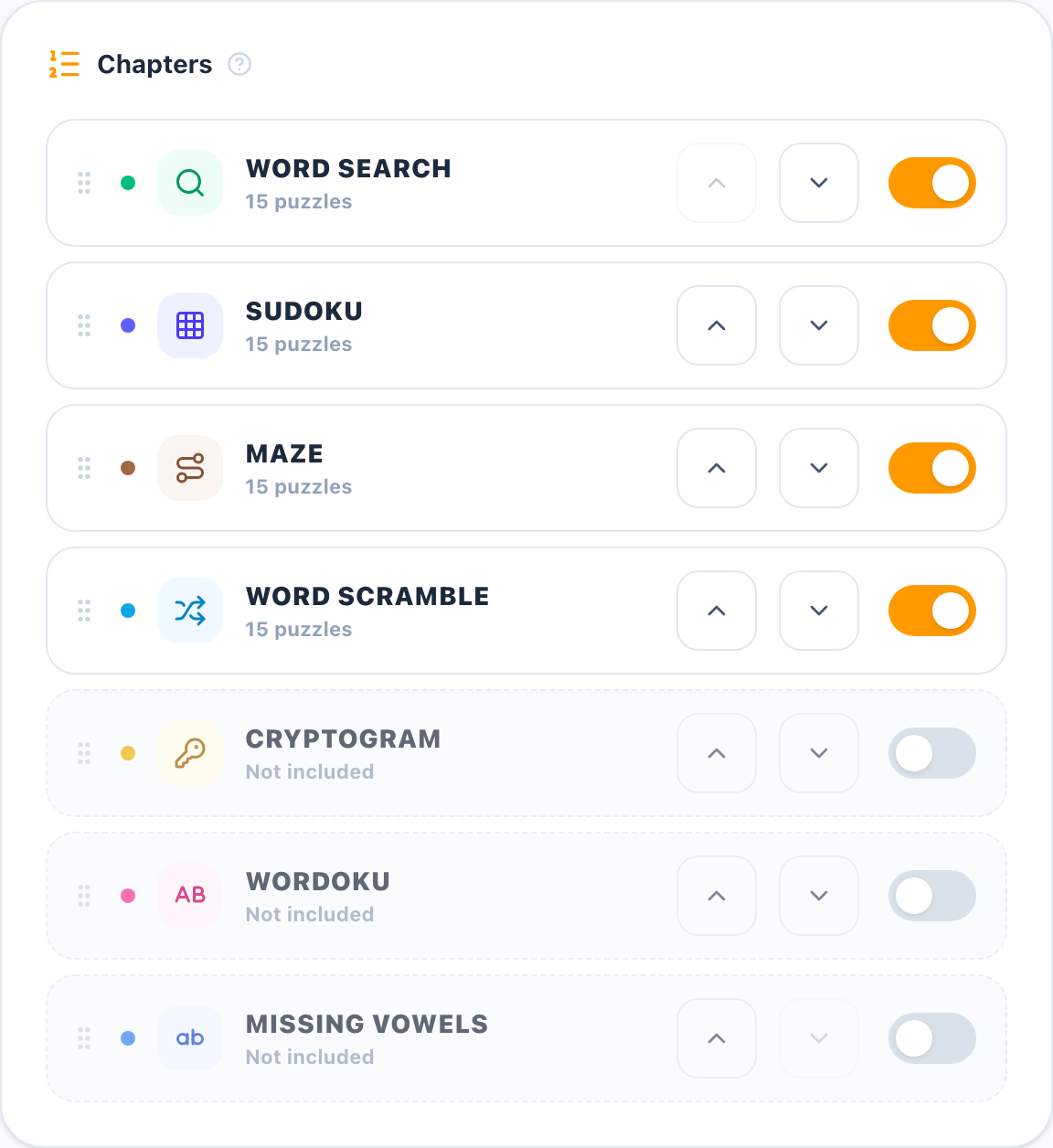
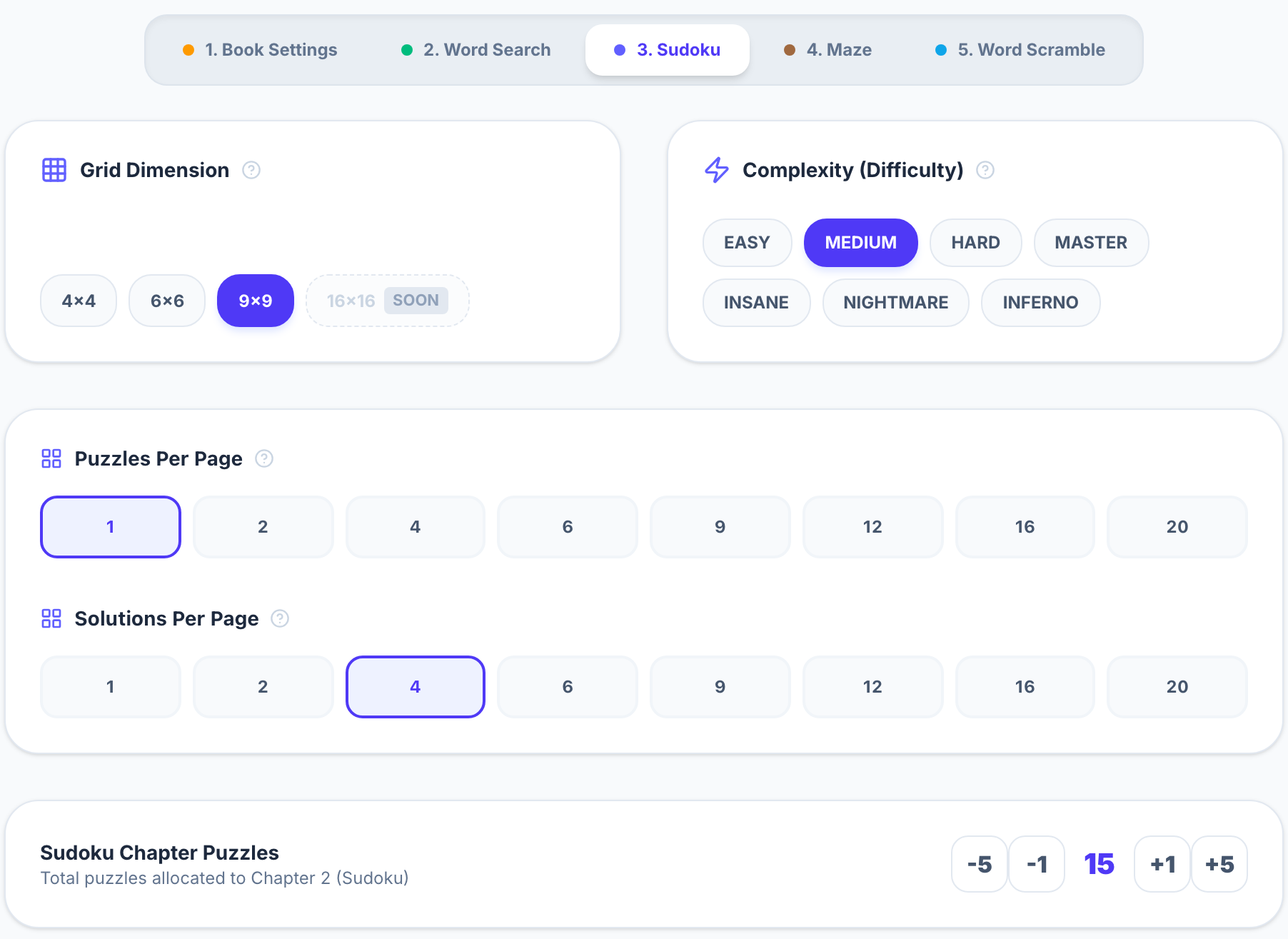
Step 2: Settings and Quantities per Chapter
Each chapter tab has the same settings as a single-type book of that kind: theme and grid size for a word search, grid size and difficulty for a sudoku, size and shape for a maze, word length and scramble rules for a word scramble. It also sets puzzles per page, solutions per page and the number of puzzles in the chapter (15 by default, with buttons for ±1 and ±5).
Credits are counted per puzzle, as in a single-type book: 1 credit per puzzle, 2 for Expert puzzles and for color, zebra and triangle nonograms, and 2 or 3 for the hardest sudoku levels (Insane, Nightmare, Inferno).
Step 3: Page Count and KDP Summary
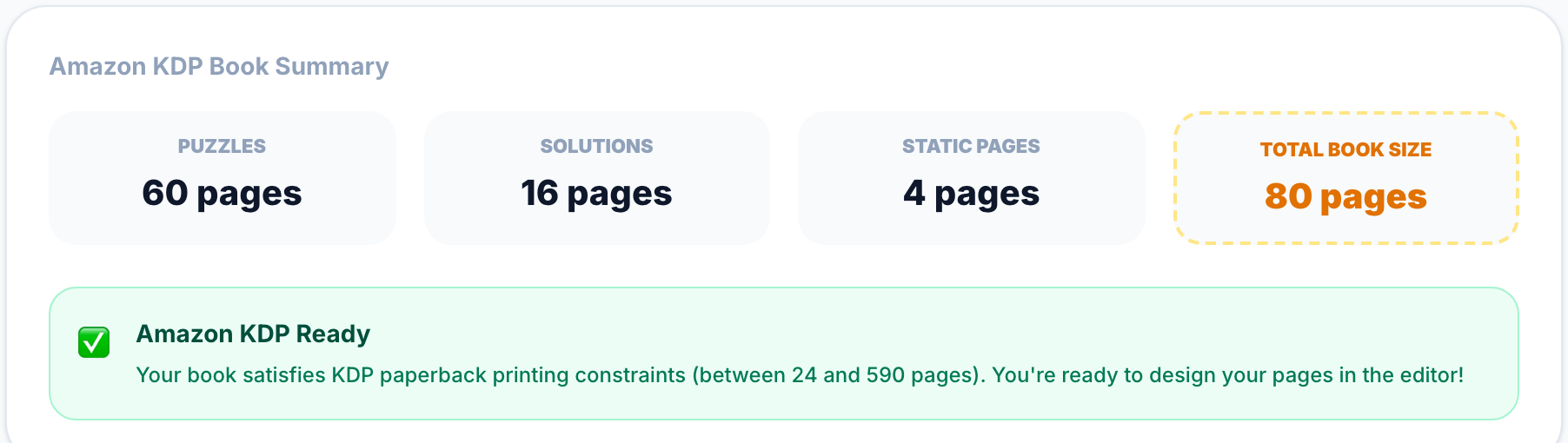
The Amazon KDP Book Summary adds up every chapter. Our example book has 60 puzzle pages (four chapters of 15, one puzzle per page), 16 answer pages and 4 static pages: 80 pages in total. A KDP paperback at 8.5×11 on white paper needs between 24 and 590 pages (up to 828 at 8×10 and smaller); the summary shows when the book fits and the editor opens only then.
If the book is too short, add puzzles to a chapter or put fewer puzzles on each page. If it is too long, do the opposite, or move a chapter to a second volume.
Step 4: Check the Layout and Export
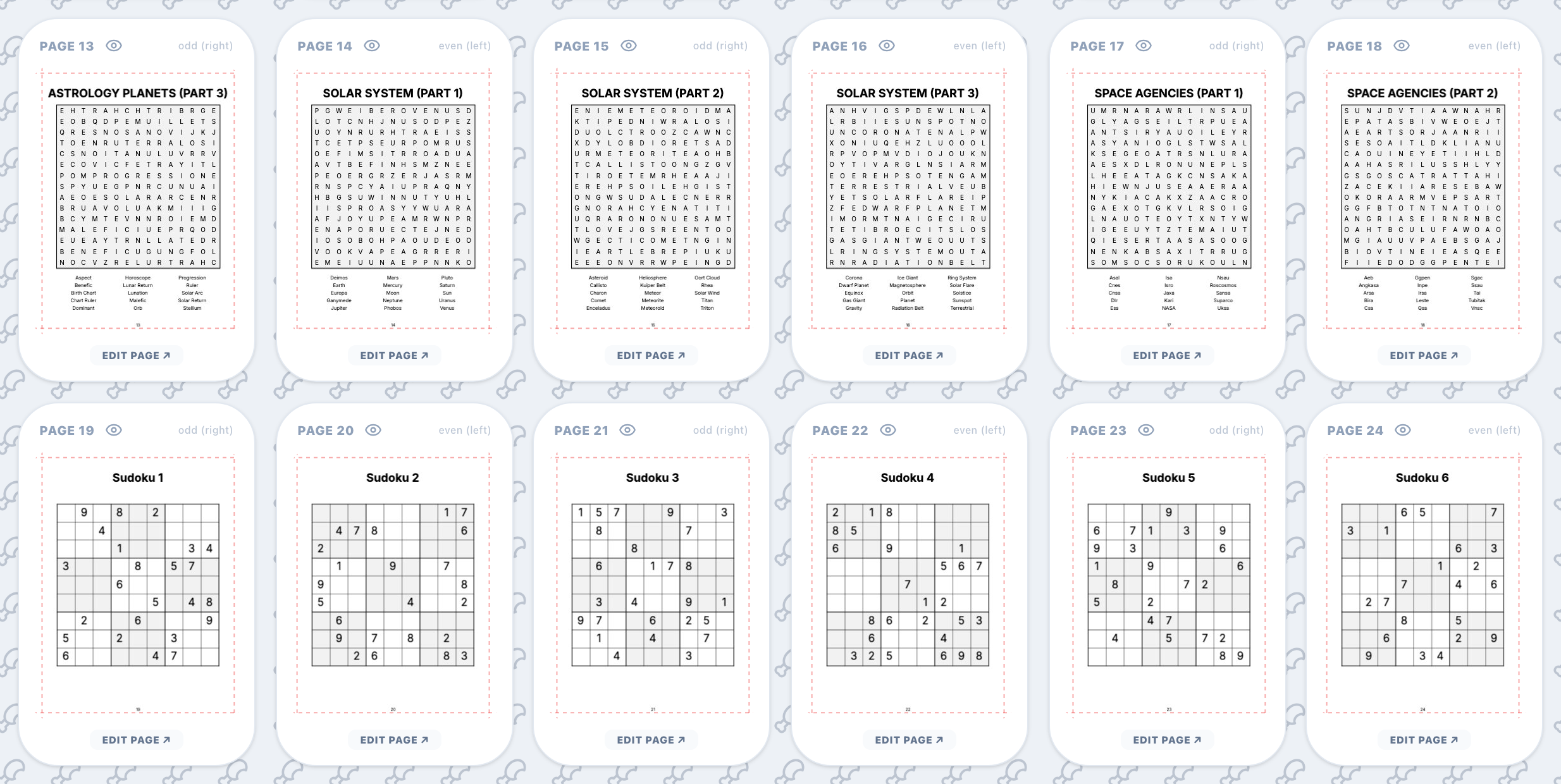
In the editor the Puzzles and Solutions menus switch between chapters, and the Book Layout Preview shows every page of the book in order. Check where each chapter begins. In our book the word searches fill pages 4 to 18 and Sudoku 1 starts on page 19, a right-hand page.
Chapters look best when they start on the right. The Difficulty Page Break option in Output Settings ("Start difficulties on right (odd) pages") adds a blank page where a chapter would otherwise start on the left. Then design the pages, write the title and end pages, and export the interior and cover PDFs for KDP.
Key rules
- Three to five chapters with 15 or more puzzles each read like a book, not a sampler.
- Order the chapters from quick and familiar to slower and harder.
- The edition sets kids or large print rules for every chapter at once.
- All answer keys come at the end, in chapter order; check the KDP page count before export.
Tools for This Guide
Mixed Puzzle Book Generator
Variety puzzle and activity books with up to forty-five chapter types, kids and large print editions.
OpenWord Search Book Generator
Word search books from 900+ themes or your own word lists.
OpenSudoku Book Generator
Sudoku books with seven difficulty levels, Kids and Large Print editions and answer keys.
OpenKids Puzzle Book Generator
Kids activity books with 4×4 sudokus, forward-only word searches, mazes with pictures and secret codes.
OpenLarge Print Puzzle Book Generator
Large print activity books with one puzzle per page and 16 pt+ text for seniors.
OpenFree KDP Spine Width Calculator
The spine width of your paperback from its page count and paper type.
OpenFrequently Asked Questions
How many chapters should a mixed puzzle book have?
At least two, and three to five work best. With 15 puzzles per chapter, four chapters make a 60-puzzle book of about 80 pages with the answer keys.
Can I change the order of the chapters?
Yes. Drag the chapters or use the arrows in the Chapters panel. The puzzles, the table of contents and the answer keys all follow that order.
Where are the answers in a mixed book?
All answer keys are at the end of the book, chapter by chapter in the same order as the puzzles. Numbering starts again in each chapter.
Can I make a kids or large print mixed book?
Yes. Pick the Kids or Senior edition on the Create page; every chapter then uses the kids or large print rules, such as 4×4 sudokus for kids or one puzzle per page in large print.
Which plans include mixed books?
Every plan. Starter mixes the classic types (Sudoku, Word Search, Maze, Word Scramble, Missing Vowels, Fill-In, Classic Number Search and Missing Vowel Word Search); Pro and Publisher mix every type. The free trial includes all seven.