In short
A codeword is a crossword without clues: every square holds a number, each number stands for one letter, and a few letters are given to start. The solver cracks the code word by word. The puzzle only works if the given letters lead to exactly one answer. This guide explains how codewords are built, why the one-answer check matters, how many letters to give and which grids suit kids, adults and seniors, then walks through creating, designing and exporting a codeword book in Wisdom Effect.
On this page
- 1.What Is a Codeword Puzzle?
- 2.Why Every Grid Needs Exactly One Answer
- 3.How Many Letters to Give
- 4.Themes, Your Own Words and Book Languages
- 5.Pick the Audience: Grid and Words
- 6.Code Key, Alphabet and Answer Keys
- 7.Step 1: Create the Book
- 8.Step 2: Difficulty, Words and Given Letters
- 9.Step 3: Book Settings, Design and Export
- 10.Frequently Asked Questions
What Is a Codeword Puzzle?
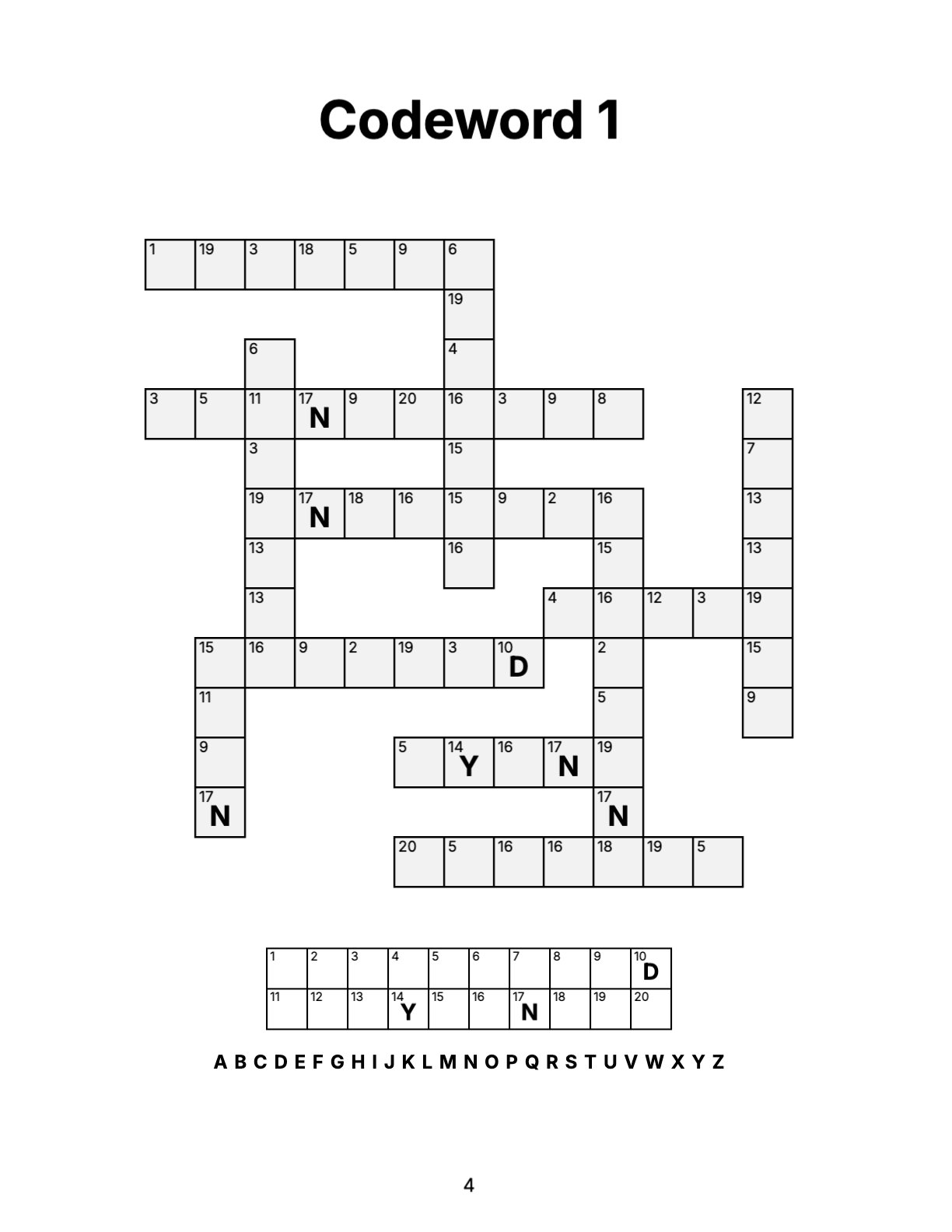
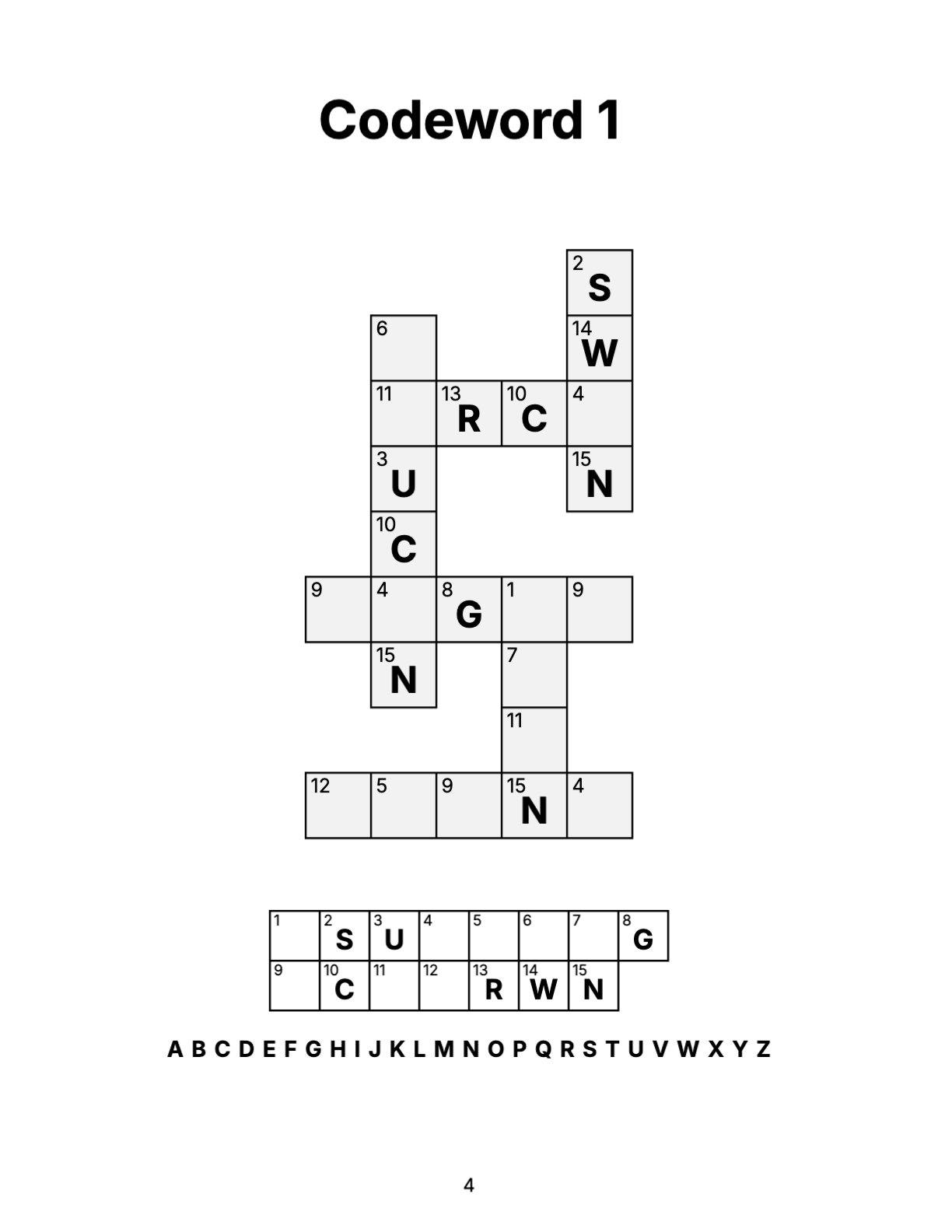
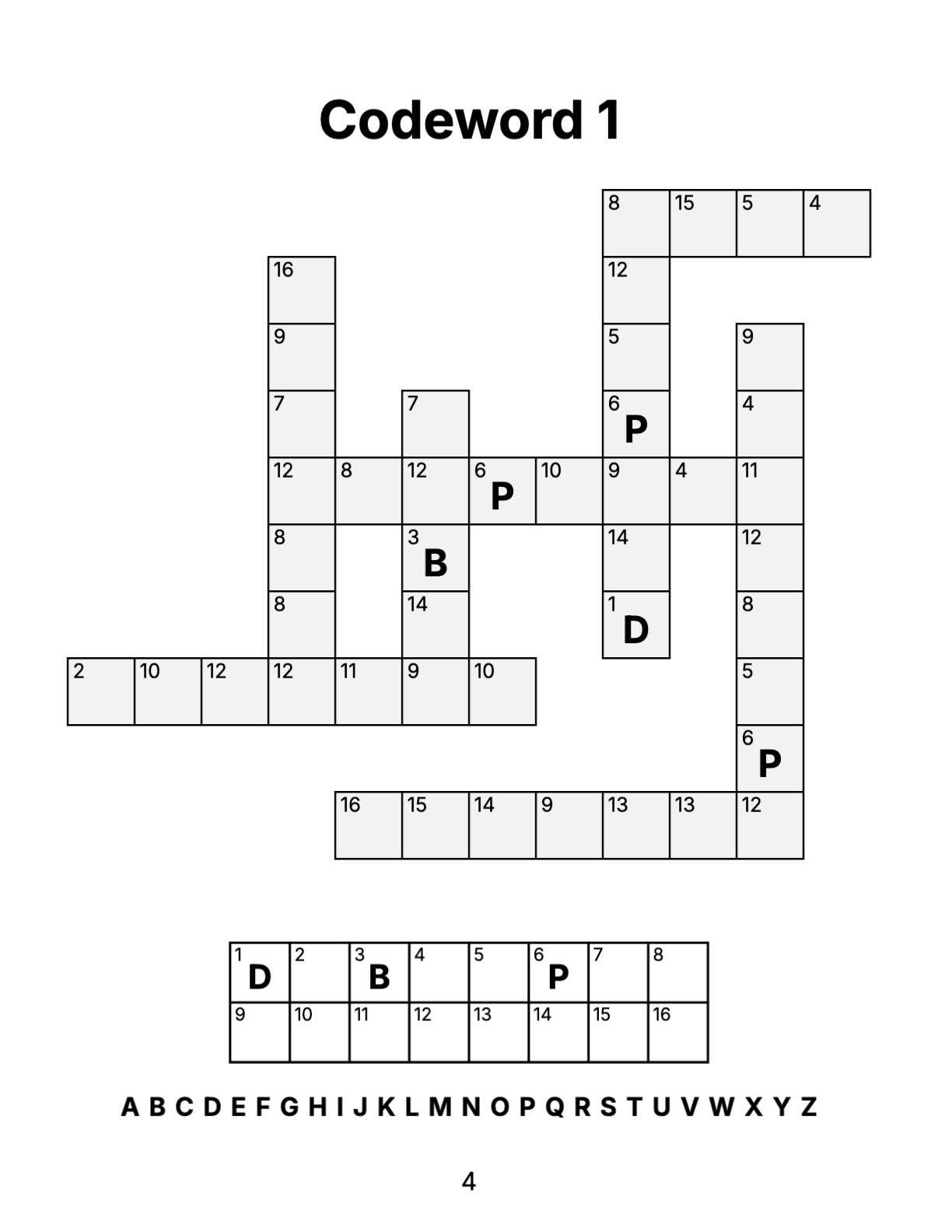
A codeword — also called a codebreaker or code cracker — looks like a crossword with every square numbered and no clues. Each number from 1 to 26 stands for one letter of the alphabet, the same letter wherever it appears. Two or three letters are given at the start. The solver writes them into every square with their number, spots a word that is almost complete, finds a new letter, and keeps going until the whole code is cracked.
Codewords are a staple of British and American puzzle magazines and a strong sub-niche on Amazon KDP: they feel like a crossword and a cryptogram at once. In Wisdom Effect they use the same freeform grid engine as the crosswords — themed words crossing in open space or with black squares around them — with a code instead of clues.
Why Every Grid Needs Exactly One Answer
A codeword is fair only if logic leads to one filling. With too few given letters, a short word such as _ATS can be BATS, CATS, HATS or RATS, and nothing in the grid tells them apart. The reader finishes with a different answer than the key, and the review blames the book.
Wisdom Effect solves every grid before it goes into your book, against a dictionary of over 200,000 English words plus the words of your own list. If a second filling exists, the grid gets one more given letter — one that tells the fillings apart — and is solved again. Grids keep the number of letters you asked for whenever that already gives one answer. The Book Check in the configurator shows the result for the first puzzles of your book.
How Many Letters to Give
The number of given letters is the main difficulty dial. The generator mixes letters that appear once in the grid with letters that appear several times: one common letter fills many squares and gives the solver a start, one rare letter keeps the opening from being trivial.
| Preset | Largest grid | Words | Letters given |
|---|---|---|---|
| Easy | 11×11 | 8 | 3 |
| Medium | 13×13 | 12 | 3 |
| Hard | 15×15 | 16 | 2 |
| Expert | 17×17 | 20 | 2 |
Themes, Your Own Words and Book Languages
Pick one of the built-in themes, a seasonal list such as Christmas or Halloween, or upload your own word list (Title,Word1,Word2… or # Title followed by words); each topic fills a grid. Books in German, French, Spanish, Polish and other languages keep the letters of the language — Ä, Ñ or Ł get numbers of their own, so a code can run past 26 — and print the alphabet of the language under the grid.
Pick the Audience: Grid and Words
Children need short words, small grids and more letters to start from. Adults enjoy 13×13 to 17×17 grids with two given letters. Seniors prefer a relaxed pace with big squares — one puzzle per page and large print matter more than the grid size.
| Edition | Grid | Words per puzzle | Letters given |
|---|---|---|---|
| Kids | 7×7 to 11×11 | 4–10, 3–7 letters | 2–8 |
| Standard | 9×9 to 17×17 | 6–20 | 1–6 |
| Senior | 9×9 to 14×14 | 5–14 | 2–6, large print |
Code Key, Alphabet and Answer Keys
Under each grid the code key lists the numbers in boxes, with the given letters filled in, so the reader can note every letter found. The alphabet below it is for crossing off the letters already used. Both can be switched off for an expert book that prints only the grid.
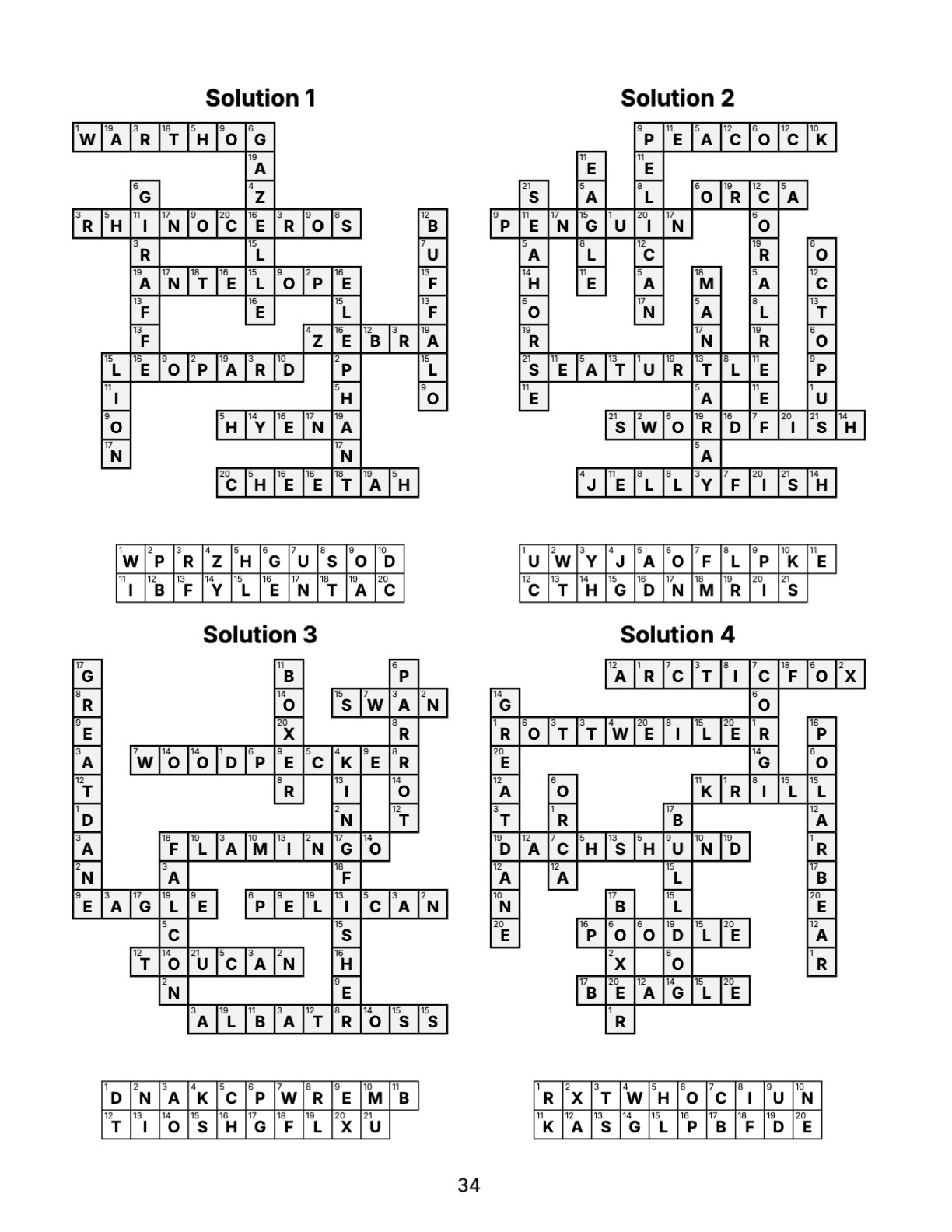
The answer key fills in every letter and the whole code, several solutions to a page. Given letters print in a color of your choice on the puzzle pages, so readers see at once where to start.
Step 1: Create the Book
On /create choose the edition at the top (Standard, Kids or Senior) and click the Codewords card. Holiday editions such as Christmas or Halloween add the season’s words, colors, title fonts and the season’s word in the puzzle titles. Codewords can also be one chapter of a Mixed Book, with its own settings.
Step 2: Difficulty, Words and Given Letters
Difficulty sets the grid, the number of words, their lengths and the given letters in one click: Easy to Expert in the standard edition, Tiny to Giant for kids, Relaxed to Master for seniors. Code & Grid Look sets the given letters on their own, the code key, the alphabet and open squares or black blocks. Word Source picks a theme or your list, Grid Size and Word Lengths fine-tune the grids.
The Book Code makes the book reproducible: the same code always gives the same puzzles, a new code a new book. The Book Check next to it solves the first puzzles and reports how many have exactly one answer, the code lengths and how many needed an extra letter.
Step 3: Book Settings, Design and Export
Pick the trim size, the number of puzzles (1 codeword = 1 credit, 2 at Expert) and the puzzles and solutions per page. The page preview shows the first puzzle and solution page, and the KDP summary counts the pages and checks the page range KDP prints in the trim size (24–590 pages at 8.5×11 on white paper, up to 828 at 8×10 and smaller).
Launch Codewords Editor opens the book. The Puzzle Design panel switches the grid look, the code key and the alphabet and sets the line weights and the size of numbers and letters; the Color Palette has the color of the given letters. The instruction and the alphabet are texts of their own and the code key moves as a whole: click them on the page to move, restyle or reword them. When the book is ready, export the interior PDF and design the cover with the spine sized from the page count.
Key rules
- A fair codeword has exactly one answer with its given letters.
- Given letters are the main difficulty dial: 3 for easy, 2 for hard.
- Common words make cleaner puzzles than rare words and names.
- Choose short words and more letters for kids, big squares for seniors.
Tools for This Guide
Codeword Puzzle Book Generator
Codeword puzzle books: number-coded crossword grids with one answer each, Kids & Large Print.
OpenFree Codeword Puzzle Generator
A free printable codeword page from Easy to Expert with an answer key.
OpenCrossword Puzzle Book Generator
Freeform crossword books with clues or fill-in word lists.
OpenFrequently Asked Questions
How do you solve a codeword puzzle?
Each number stands for one letter, the same everywhere in the grid. Write the given letters into all squares with their numbers, find a word that is almost complete, add its new letters to the code key and repeat until every square is filled.
Does every codeword have one answer?
Yes. Every grid is solved against a large dictionary before it goes into the book; a grid with a second possible filling gets one more given letter.
How many puzzles should a codeword book have?
Most codeword books hold 50–100 puzzles, one per page, plus the answer key at the back. KDP needs at least 24 pages for a paperback.
Are codewords good for kids?
Yes, with short words, small grids and four or five given letters they train spelling and pattern spotting. The Kids edition limits grids and word lengths and gives more letters.
How many credits does a codeword book cost?
One credit per puzzle, so a 60-puzzle book costs 60 credits; an Expert puzzle (a grid over 15×15 or more than 16 words) costs 2. The book type is part of the Pro and Publisher plans.