In short
A cryptogram book lives or dies by one thing: every puzzle must be solvable, and in exactly one way. Pick texts your readers enjoy, match the cipher and the revealed letters to the audience, and check every puzzle before it goes to print. This guide explains each decision and shows, screen by screen, how to make a complete cryptogram book in Wisdom Effect.
On this page
- 1.Choose Texts Readers Want to Decode
- 2.Aristocrat, Patristocrat or Shift Code?
- 3.Exactly One Solution per Puzzle
- 4.Revealed Letters, Kids and Large Print
- 5.Answer Keys
- 6.Step 1: Create the Book
- 7.Step 2: Difficulty and Texts
- 8.Step 3: Cipher, Hints and Book Check
- 9.Step 4: Book Settings
- 10.Step 5: Design and Export
- 11.Frequently Asked Questions
Choose Texts Readers Want to Decode
Quotes are the classic choice: the reward for solving is a sentence worth reading. A collection with one topic — friendship, gardening, travel, faith, humor — gives a book a clear buyer and a clear title. You bring the quotes; the generator encrypts them.
Length matters. Under about 25 letters a cryptogram has too little to work with; between 60 and 150 letters it is comfortable; very long texts need small boxes on a 6×9 page. Wisdom Effect accepts texts of 25 to 250 letters with at least 8 different letters.
Copyright matters too. Use your own texts or public-domain quotes (authors who died long ago). Quotes of living authors are usually protected, even when they circulate freely online.
Aristocrat, Patristocrat or Shift Code?
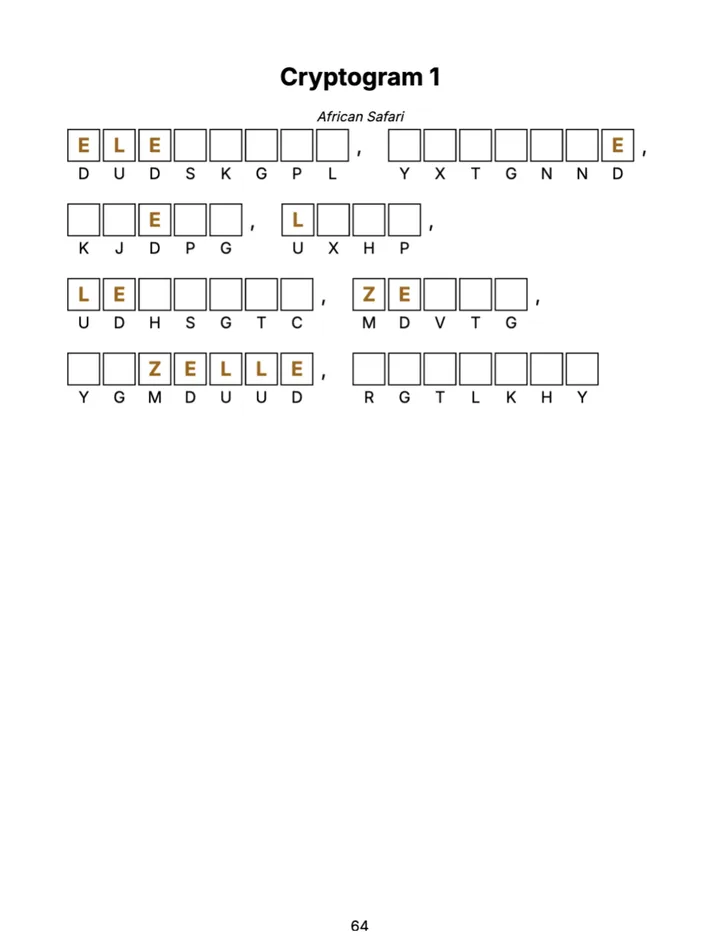
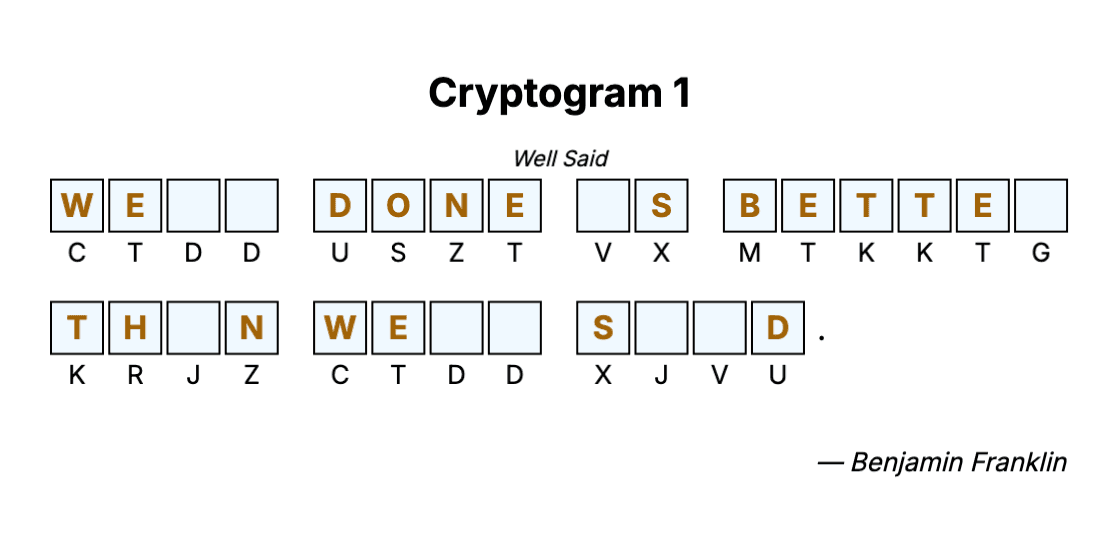
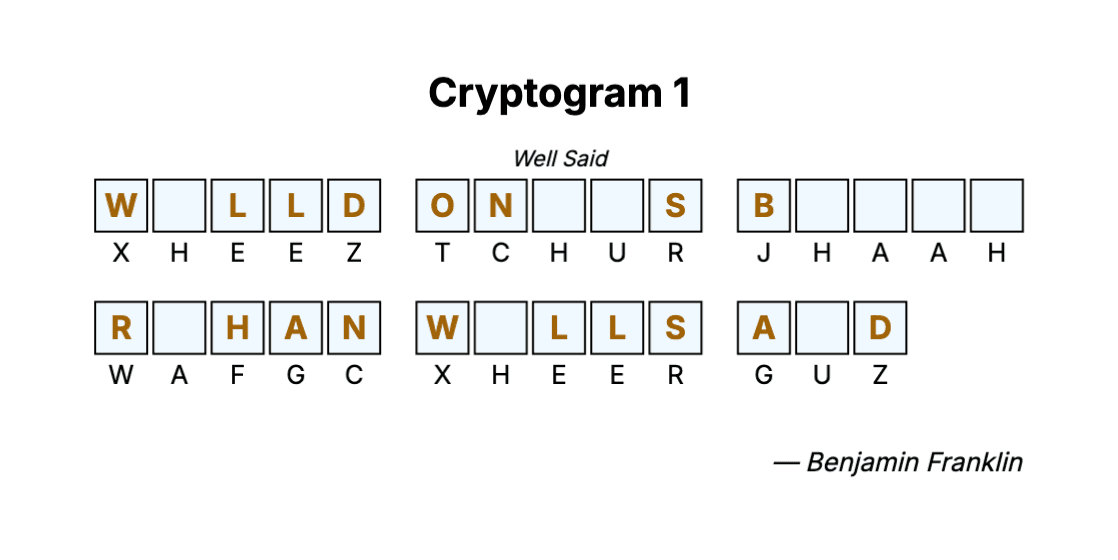
All three are substitution ciphers: every letter stands for another letter, and the same letter always for the same one. They differ in how much the reader sees.
The cipher alphabet is either random (a new one for every puzzle) or built from a keyword, the way classic cryptogram columns do it. The cipher symbols can be letters or numbers.
| Cipher | What the reader sees | Best for |
|---|---|---|
| Aristocrat | Word breaks and punctuation kept | Most adult and senior books |
| Patristocrat | Letters only, in groups of five | Expert sections |
| Shift code (Caesar) | Every letter moved the same number of places | Kids and beginners |
Key rules
- No letter should ever stand for itself — it is the convention solvers expect, and every key in Wisdom Effect follows it.
- Number codes feel friendlier for kids and seniors. Each number stands for one letter (1–26), but not in alphabet order — otherwise the puzzle would be solved at a glance.
Exactly One Solution per Puzzle
A short text can often be read in two ways: a single three-letter word, a letter that appears once. Readers notice — and a puzzle with two answers feels broken.
The fix is to check each puzzle against a dictionary and, when a second reading fits, reveal one of the letters the readings disagree on. One revealed letter usually settles it.
Revealed Letters, Kids and Large Print
Revealed letters are the main difficulty dial. Two or three revealed letters suit most adult books; zero makes an expert puzzle.
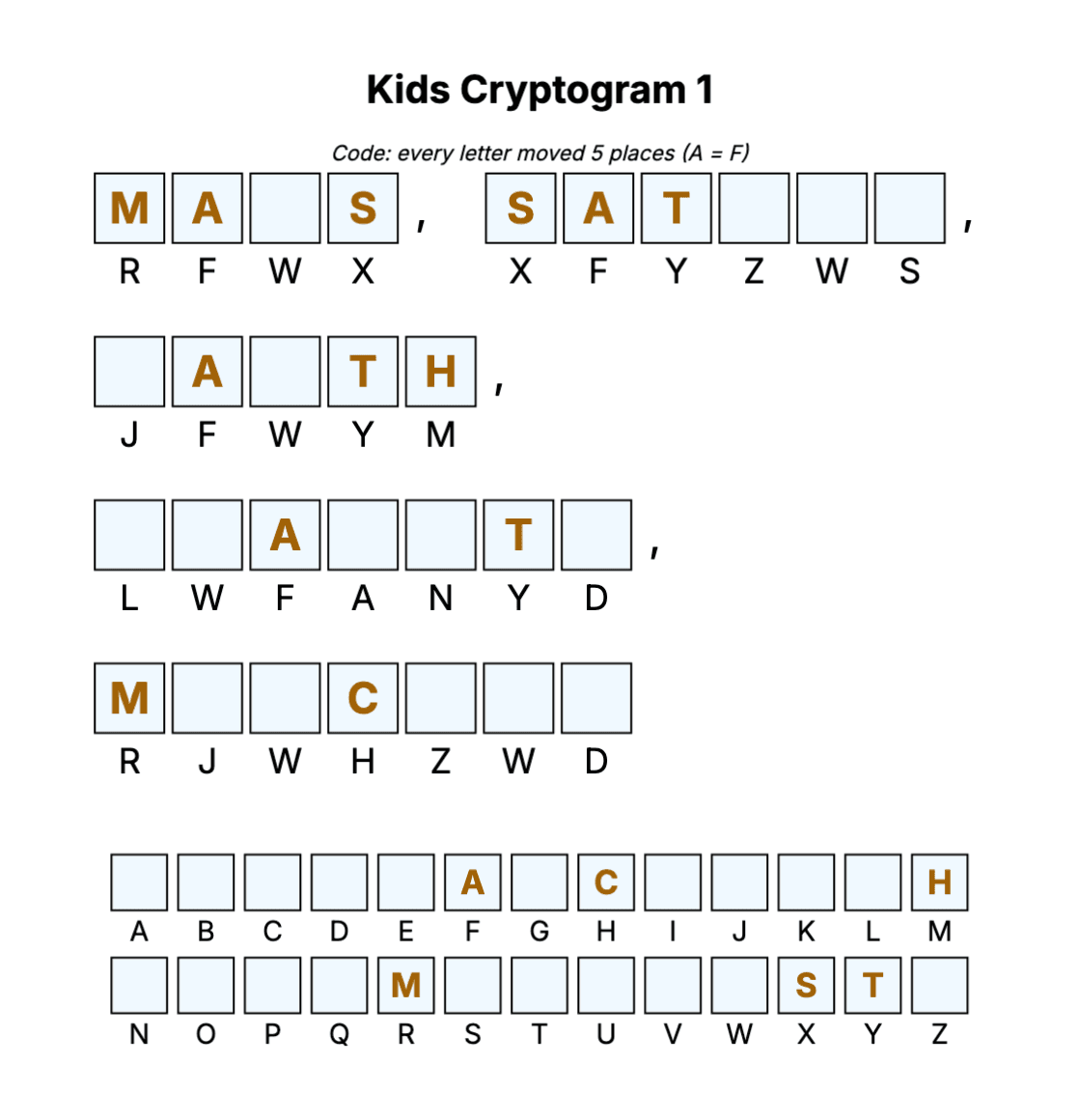
For children, use shift codes with the shift printed as a clue ("every letter moved 5 places, A = F"), five or six revealed letters, short texts and big boxes. For seniors, print one puzzle per page with larger boxes, reveal a few letters and add an A–Z strip for noting the key.
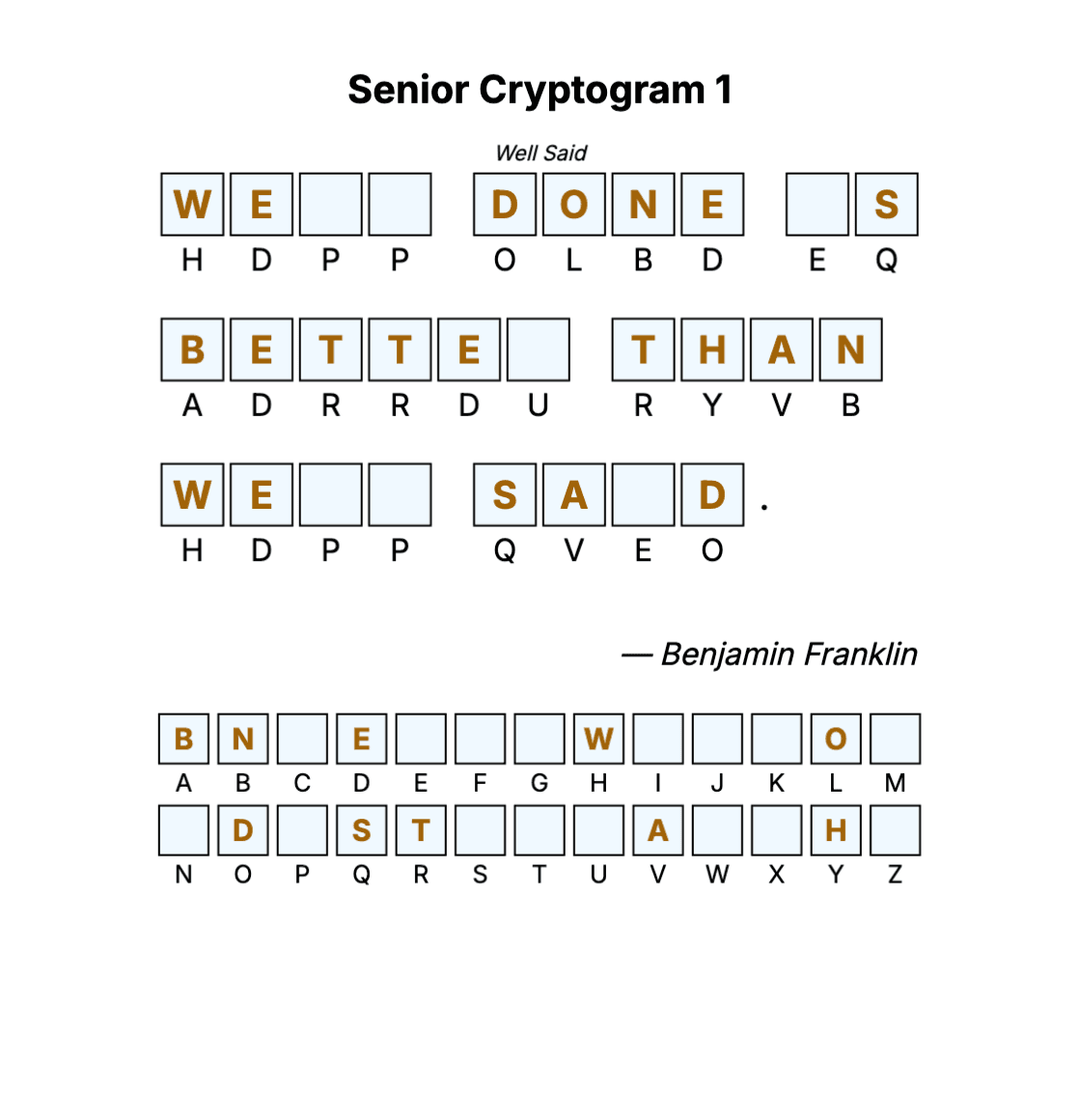
| Edition | Cipher | Revealed letters | Puzzles per page |
|---|---|---|---|
| Kids | Shift code, or a number code | 5–8 | 1–2 |
| Standard | Aristocrat, Patristocrat or shift code | 0–8 | 1, 2 or 4 |
| Senior | Aristocrat | 2–8 | 1 |
Answer Keys
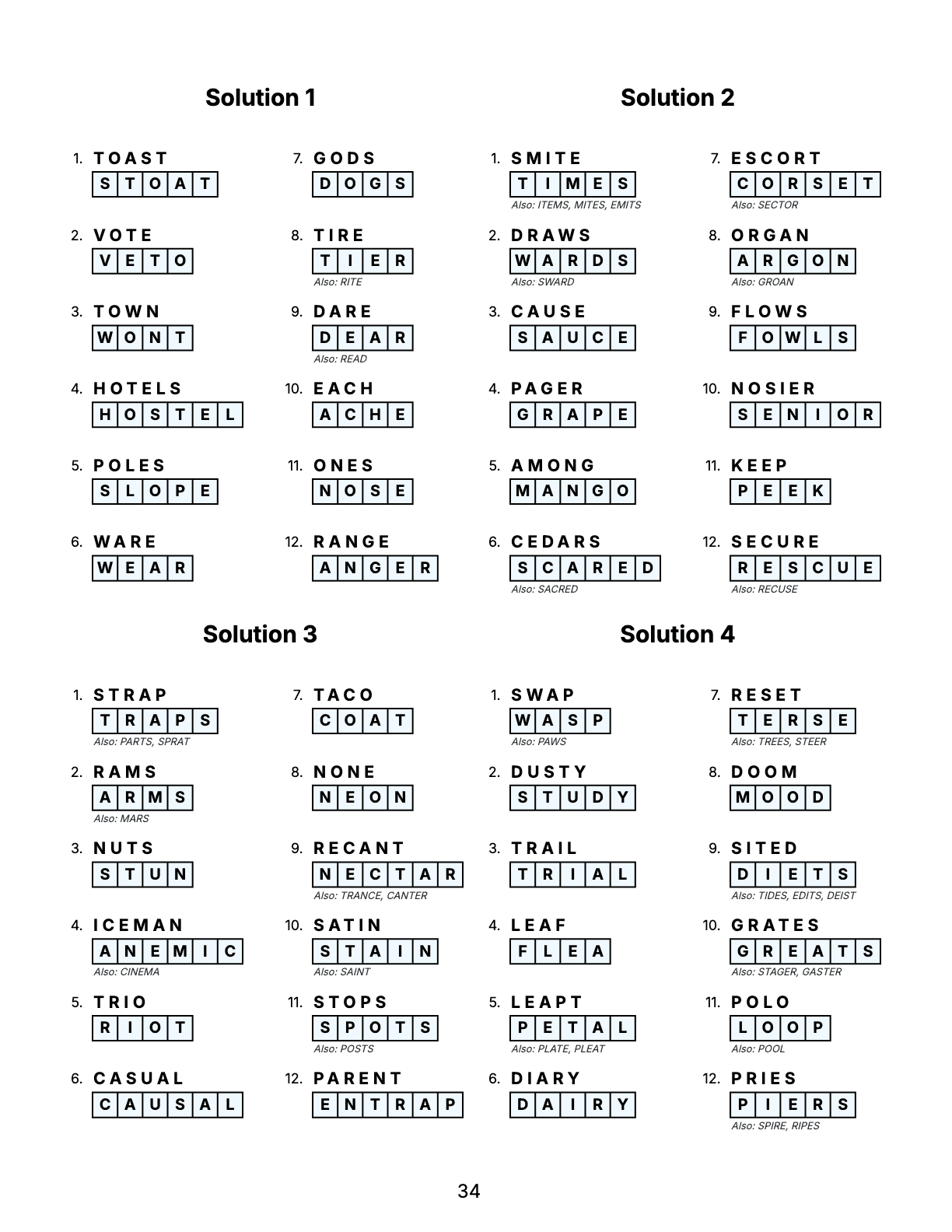
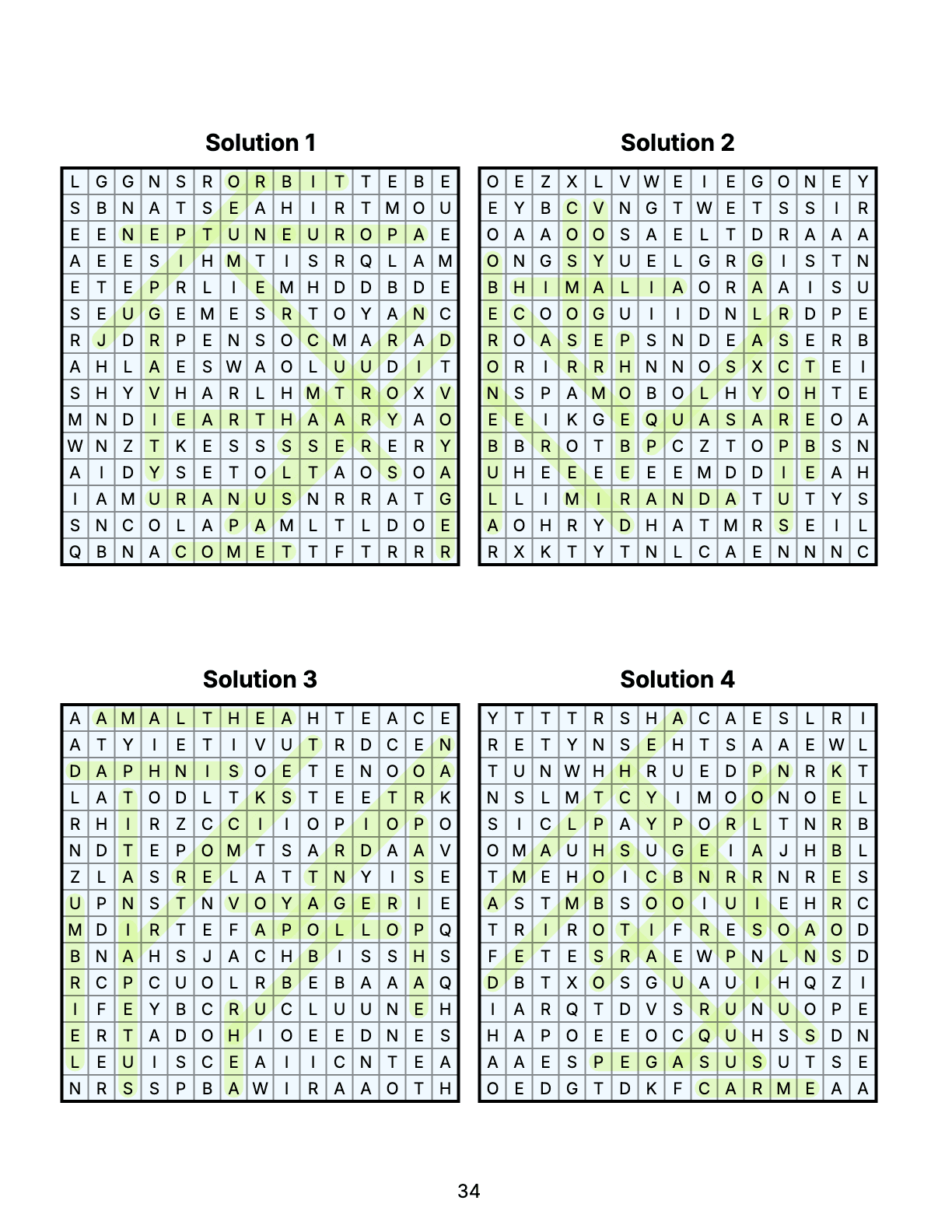
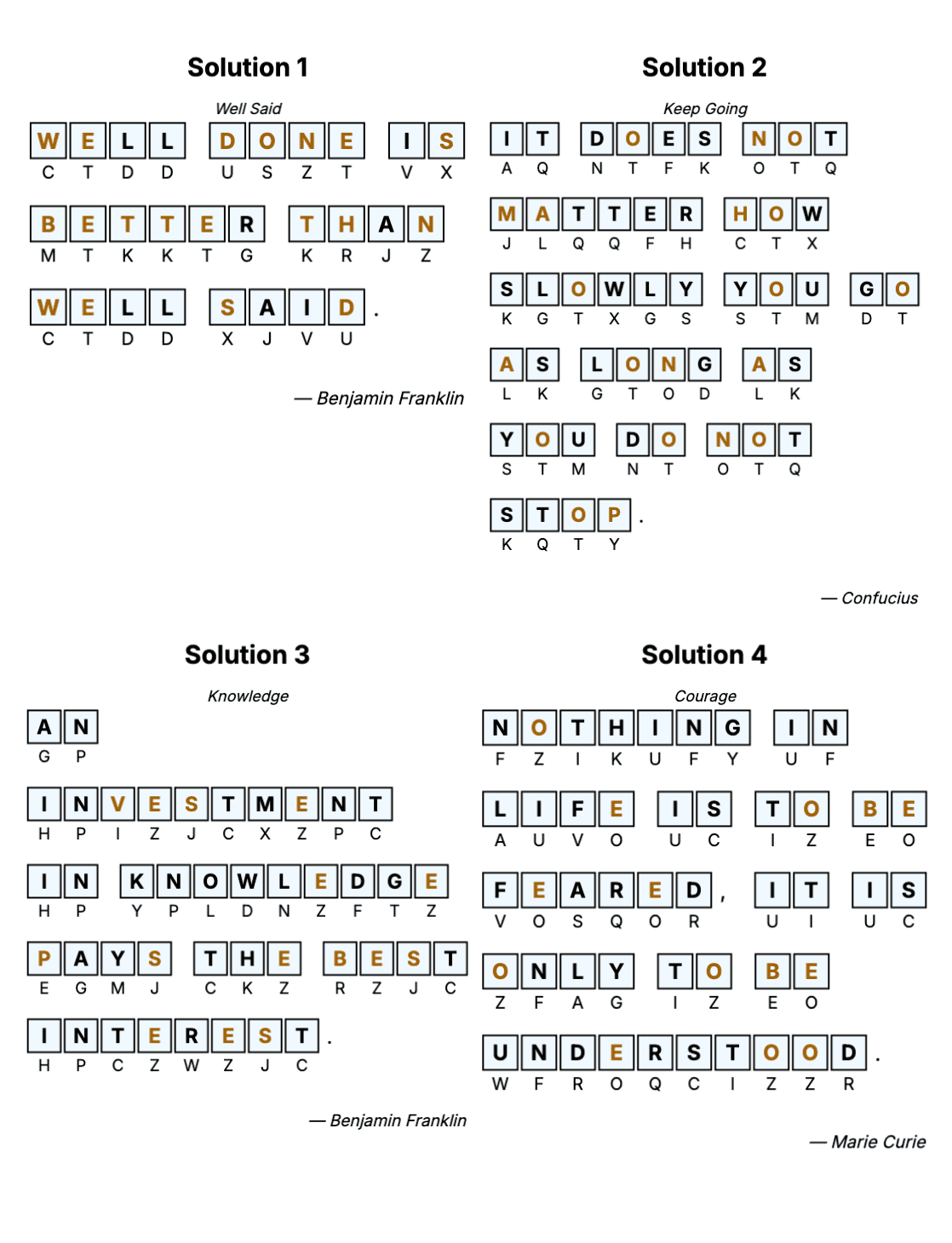
The answer key goes at the back of the book. Each solution repeats the puzzle with every box filled in, so the reader can compare it letter by letter. The letters that were revealed in the puzzle keep their color, and the title and the author stay with each solution.
Standard books print 1, 2, 4 or 6 solutions per page (4 by default); Kids and Senior books 1, 2 or 4, so the keys stay readable.
Step 1: Create the Book
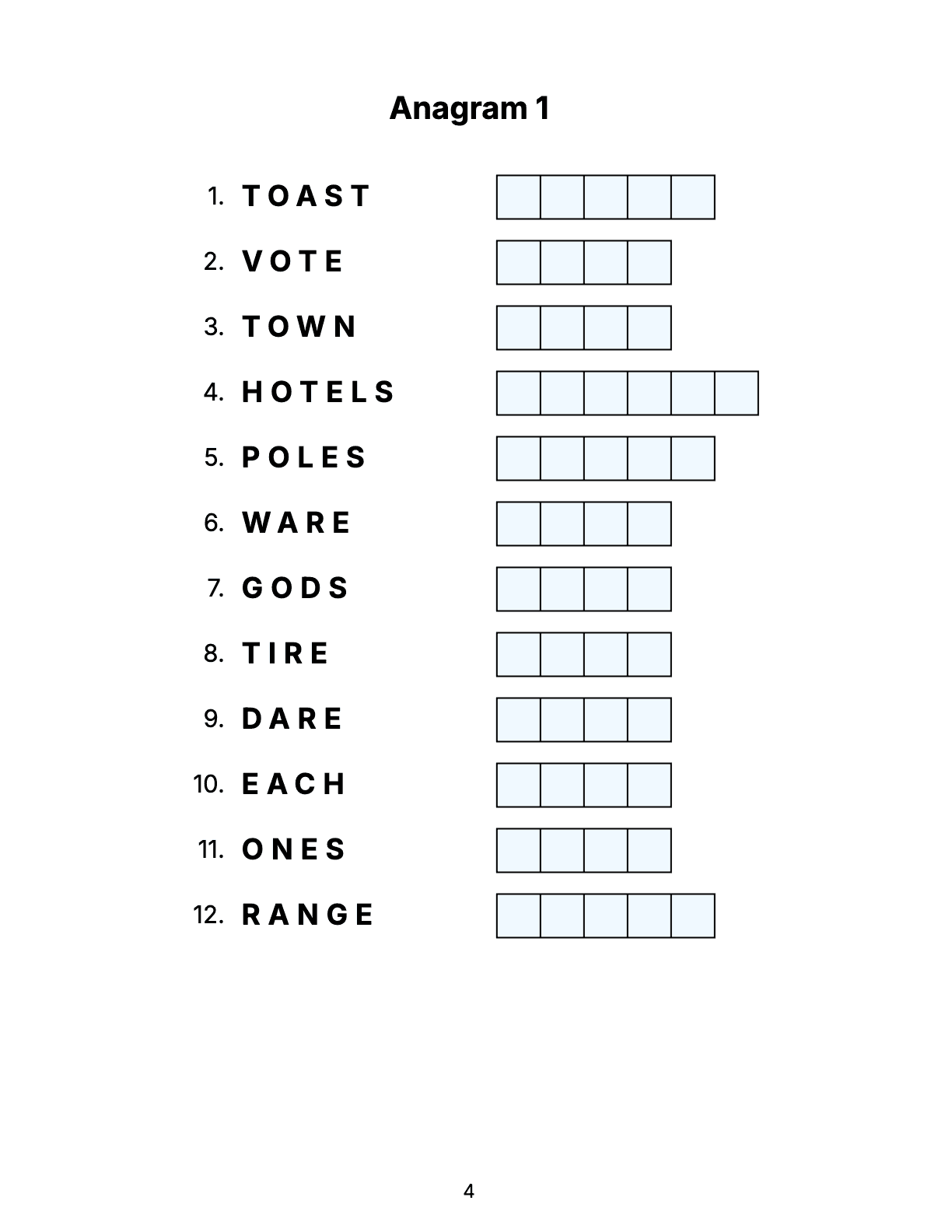
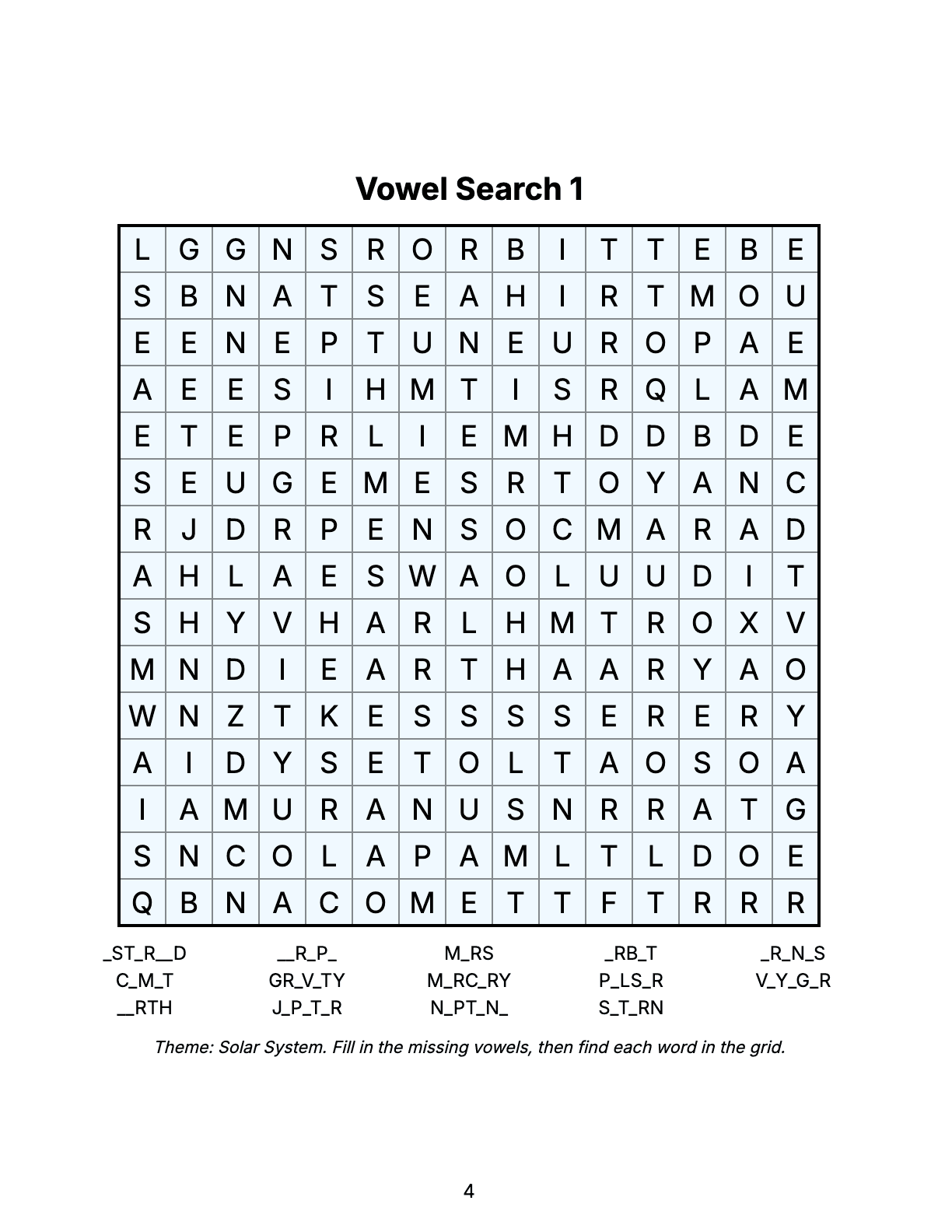
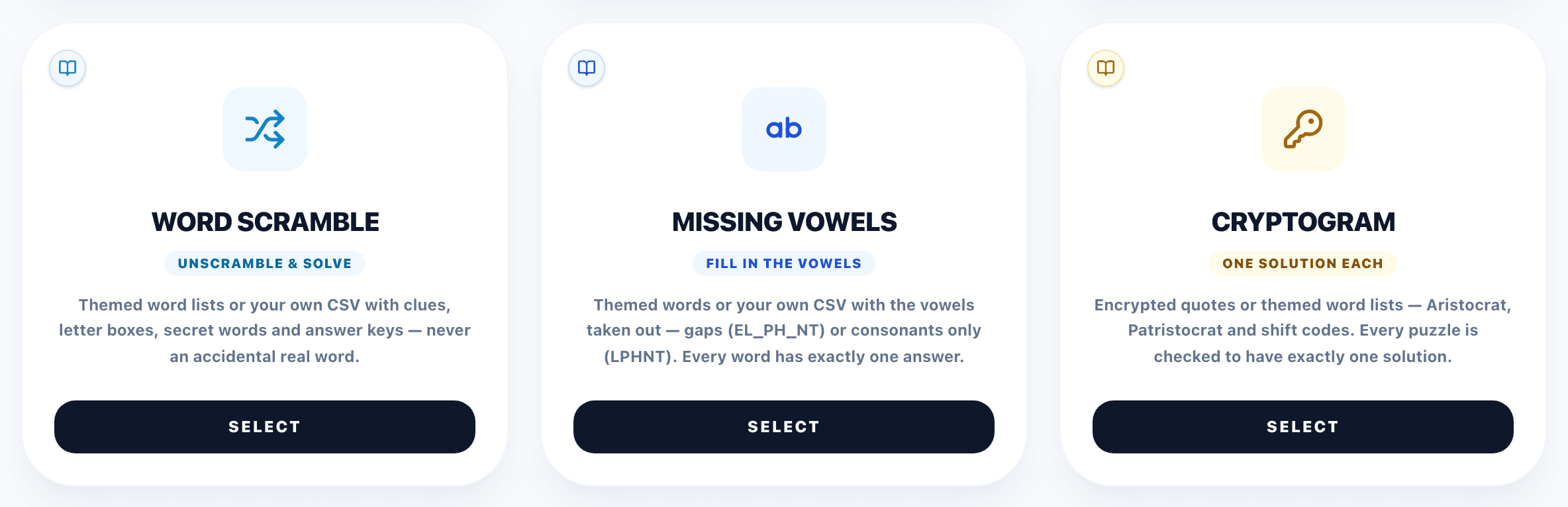
On /create choose the edition at the top (Standard, Kids or Senior) and click the Cryptogram card. For a holiday book, pick a seasonal theme there as well. Cryptograms can also be one chapter of a Mixed Book together with Sudoku, Word Search and the other puzzle types.
Step 2: Difficulty and Texts
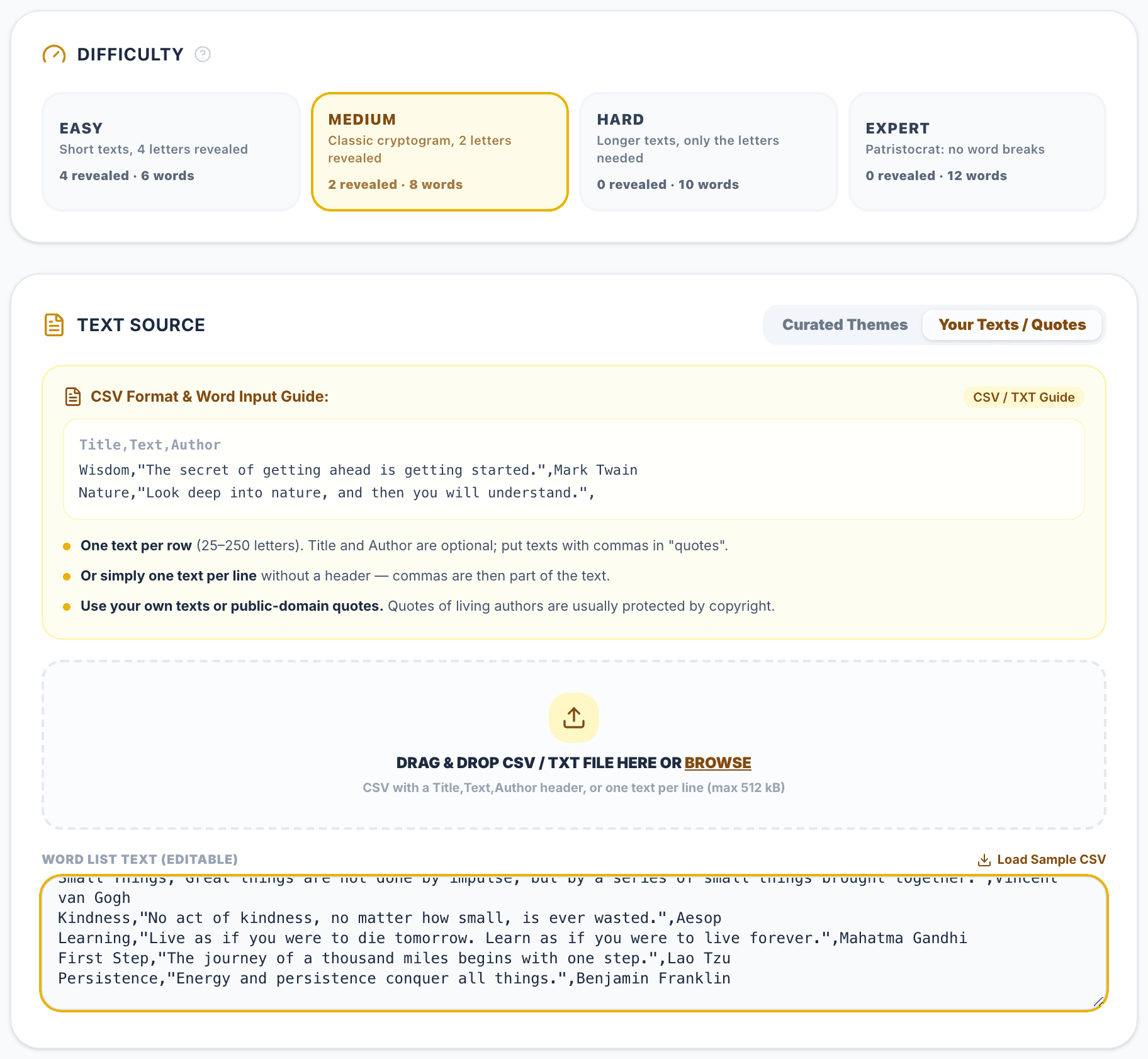
The configurator opens with the difficulty presets. In a Standard book, Easy reveals 4 letters in texts of about 6 words, Medium 2 letters and 8 words, Hard none and 10 words, and Expert switches to the Patristocrat with 12 words. Kids and Senior books have their own four presets.
Then choose the text source. Curated Themes build each puzzle from a word list of one theme, with the sub-theme as the title. Your Texts / Quotes takes your own quotes: paste them, drop a CSV or TXT file (up to 512 kB), or load the sample. Use a CSV with a Title,Text,Author header, where title and author are optional, or simply one text per line. Letters with accents are printed without them, and punctuation stays.
Step 3: Cipher, Hints and Book Check
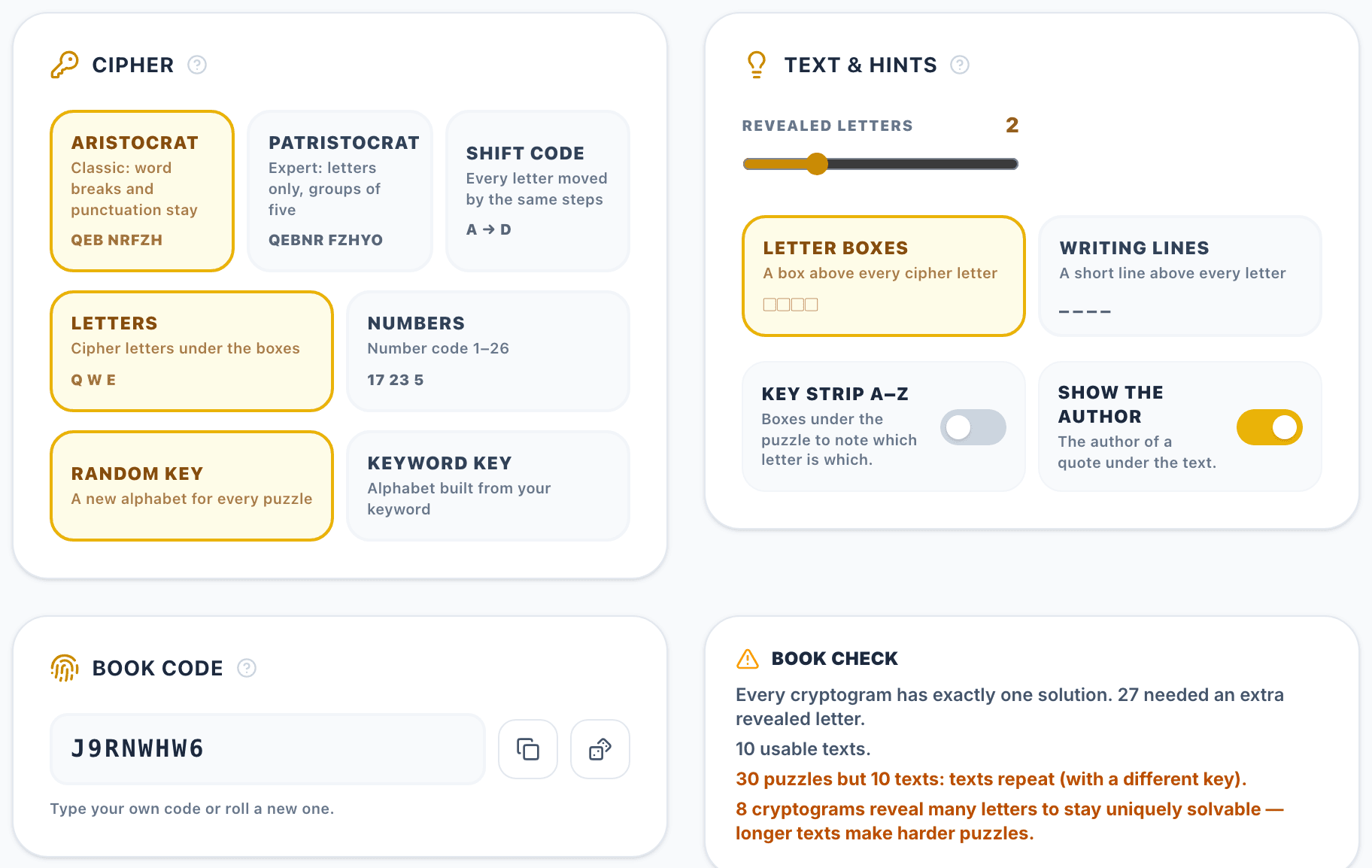
The Cipher card sets the type (Aristocrat, Patristocrat or shift code), the symbols (letters or numbers) and the key (random, or built from your keyword). A shift code can print its shift as a clue line.
Text & Hints sets the number of revealed letters, the answer area (a box or a short line above every cipher letter), the A–Z key strip and whether the author or the theme is printed under the text.
The Book Check next to the book code tells you that every cryptogram has exactly one solution and how many needed an extra revealed letter. It also lists the lines it could not use (too short, too long or with too few different letters) and warns when you ask for more puzzles than you have texts — the texts then repeat with a different key. The book code reprints the same puzzles later; roll a new one for a different book.
Step 4: Book Settings
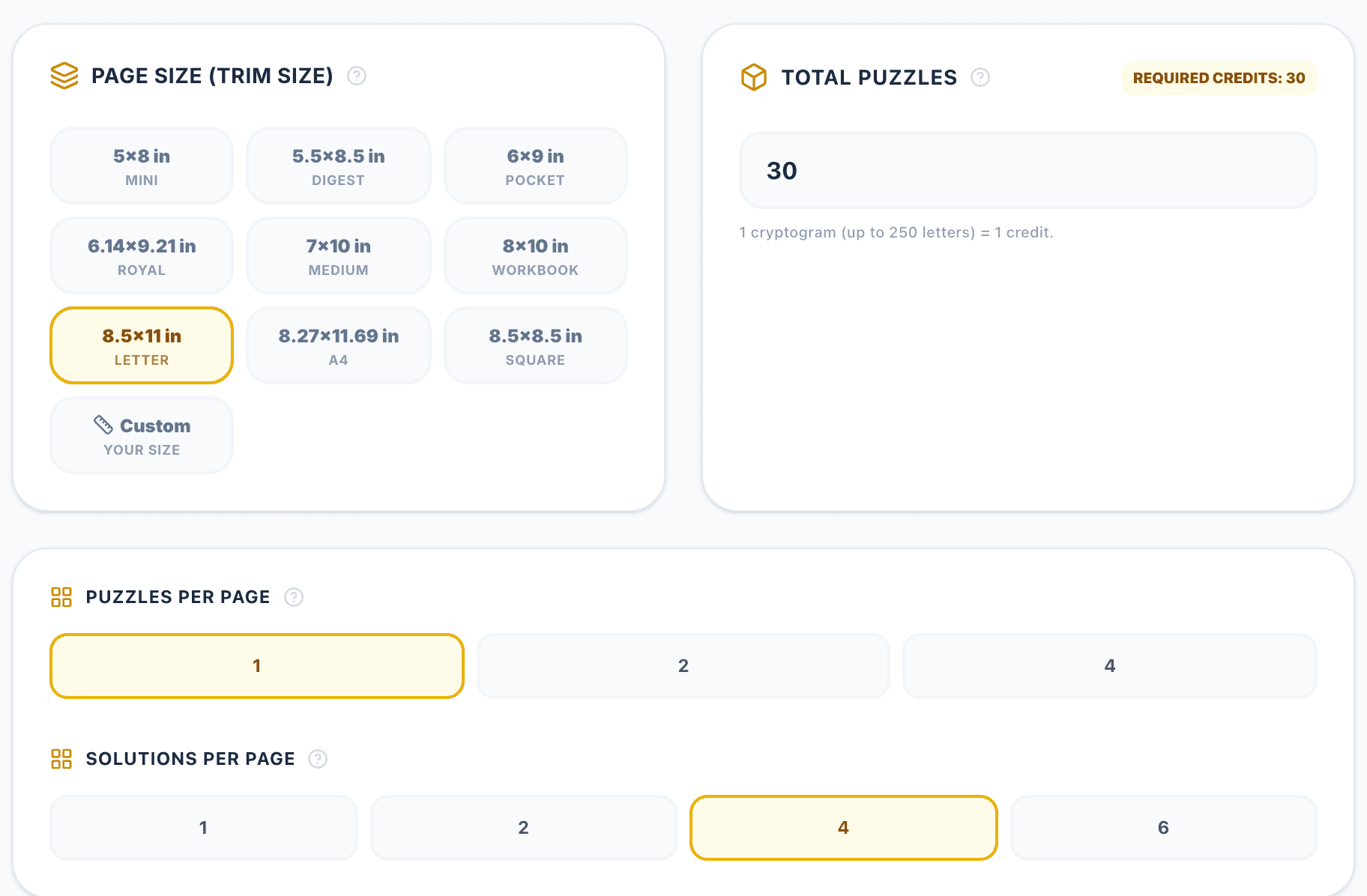
Further down, set up the book: the trim size (from 5×8 to 8.5×11, A4, square or your own size), the number of puzzles (one cryptogram of up to 250 letters costs one credit), how many puzzles and solutions go on a page and, on the Publisher plan, the book language.
The summary at the bottom counts the puzzle, solution and other pages and checks that the book fits the KDP paperback limits (24 to 590 pages). Then click Launch Cryptogram Editor.
Step 5: Design and Export
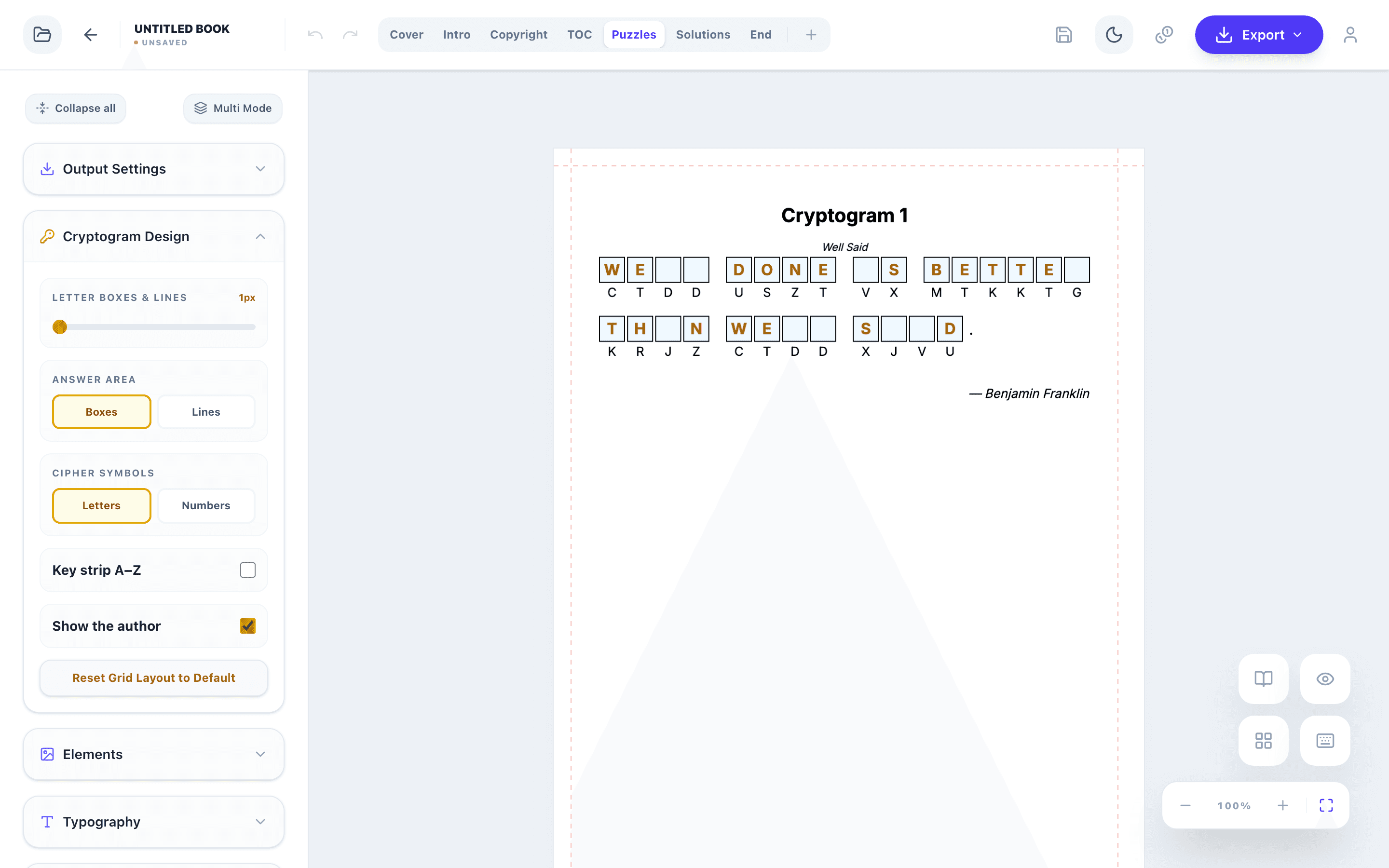
The Cryptogram Design panel in the editor changes the whole book at once: the weight of the letter boxes and lines, boxes or lines as the answer area, letters or numbers as the cipher symbols, the A–Z key strip, the author or theme line and, for shift codes, the printed shift. The color of the revealed letters is in the Color Palette.
The other panels change fonts, colors and the cover, add images and decorations and edit the title, copyright, contents and end pages. The page tabs (Cover, Intro, Copyright, TOC, Puzzles, Solutions, End) switch between the parts of the book.
When the book is ready, export the interior PDF and the cover PDF for KDP, or PNG and SVG files.
Key rules
- Pick texts with a theme and a reason to decode them.
- Check every puzzle for a single solution.
- Match cipher and revealed letters to the audience.
- Keep the answer keys large enough to read.
Tools for This Guide
Frequently Asked Questions
How many cryptograms should a book have?
Most books contain 50–150 puzzles, one or two per page, plus the answer key at the back. KDP paperbacks need at least 24 pages.
Can I use famous quotes?
Use public-domain quotes or your own texts. Quotes of living authors are usually protected by copyright.
What if I have fewer quotes than puzzles?
The texts repeat, each time with a different key, and the Book Check tells you so. For a book without repeats, add as many texts as puzzles.
Can the same book be printed again later?
Yes. Keep the book code from the configurator: the same code, texts and settings give the same puzzles.