In short
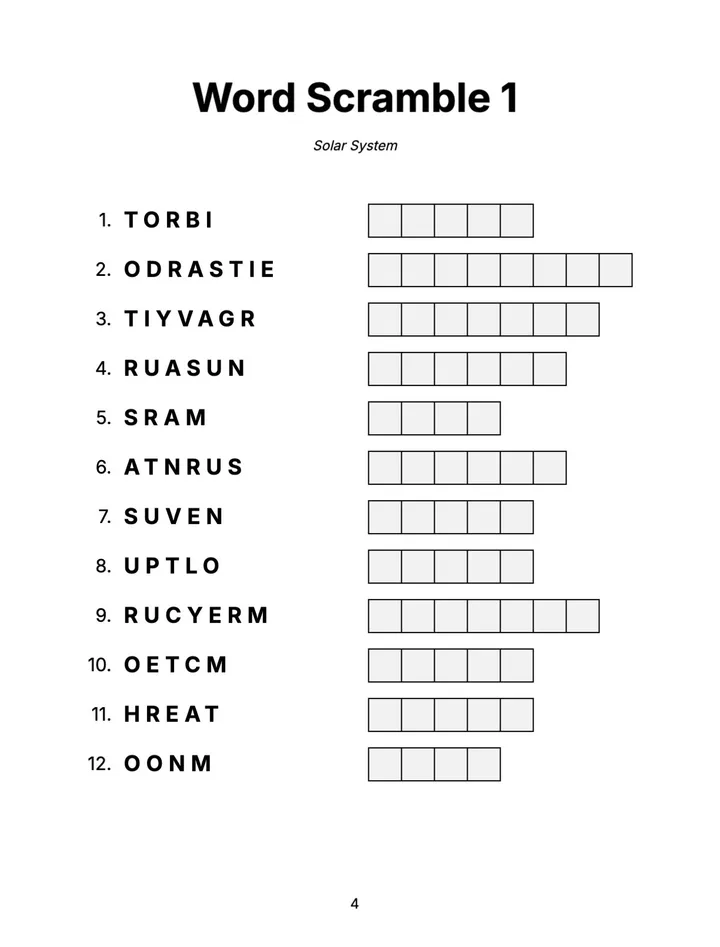
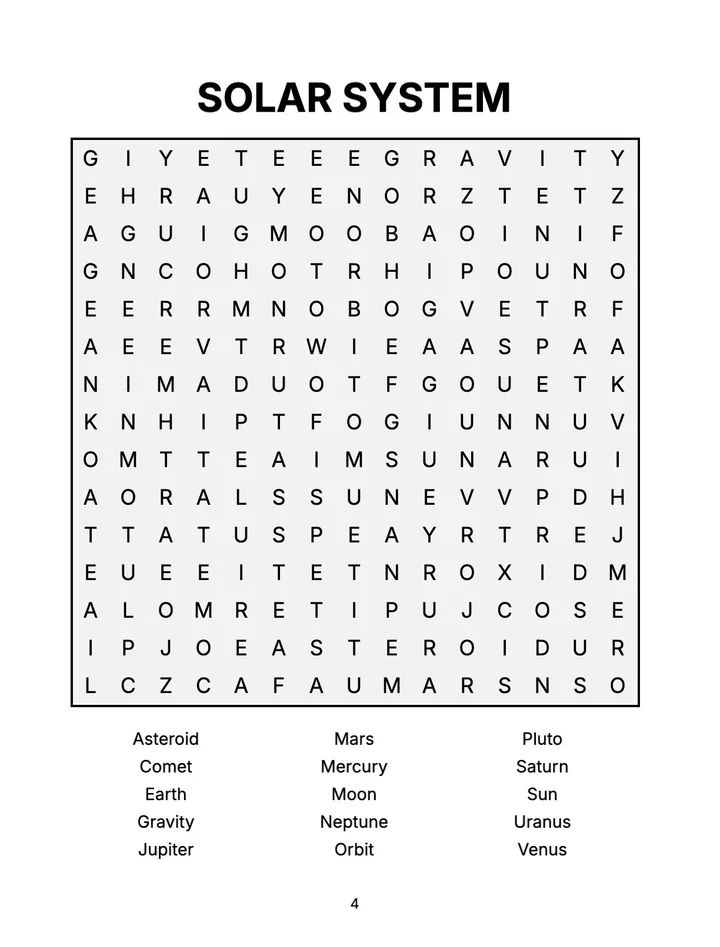
Word search is one of the most popular puzzle book genres on KDP, and one of the most crowded. Reviews are decided by details: themes readers care about, a grid size that matches the audience, directions that set the difficulty, a readable word bank and an answer key that is easy to check. This guide explains each decision and shows, screen by screen, how to make a complete word search book in Wisdom Effect.
On this page
- 1.Pick the Audience and Grid Size
- 2.Themes and Your Own Word Lists
- 3.Directions and Difficulty
- 4.Page Layouts and the Word Bank
- 5.Answer Keys
- 6.Step 1: Create the Book
- 7.Step 2: Grid Size and Page Layout
- 8.Step 3: Trim Size, Puzzles and Solutions
- 9.Step 4: Words, Directions and the Pre-Check
- 10.Step 5: Design and Export
- 11.Frequently Asked Questions
Pick the Audience and Grid Size
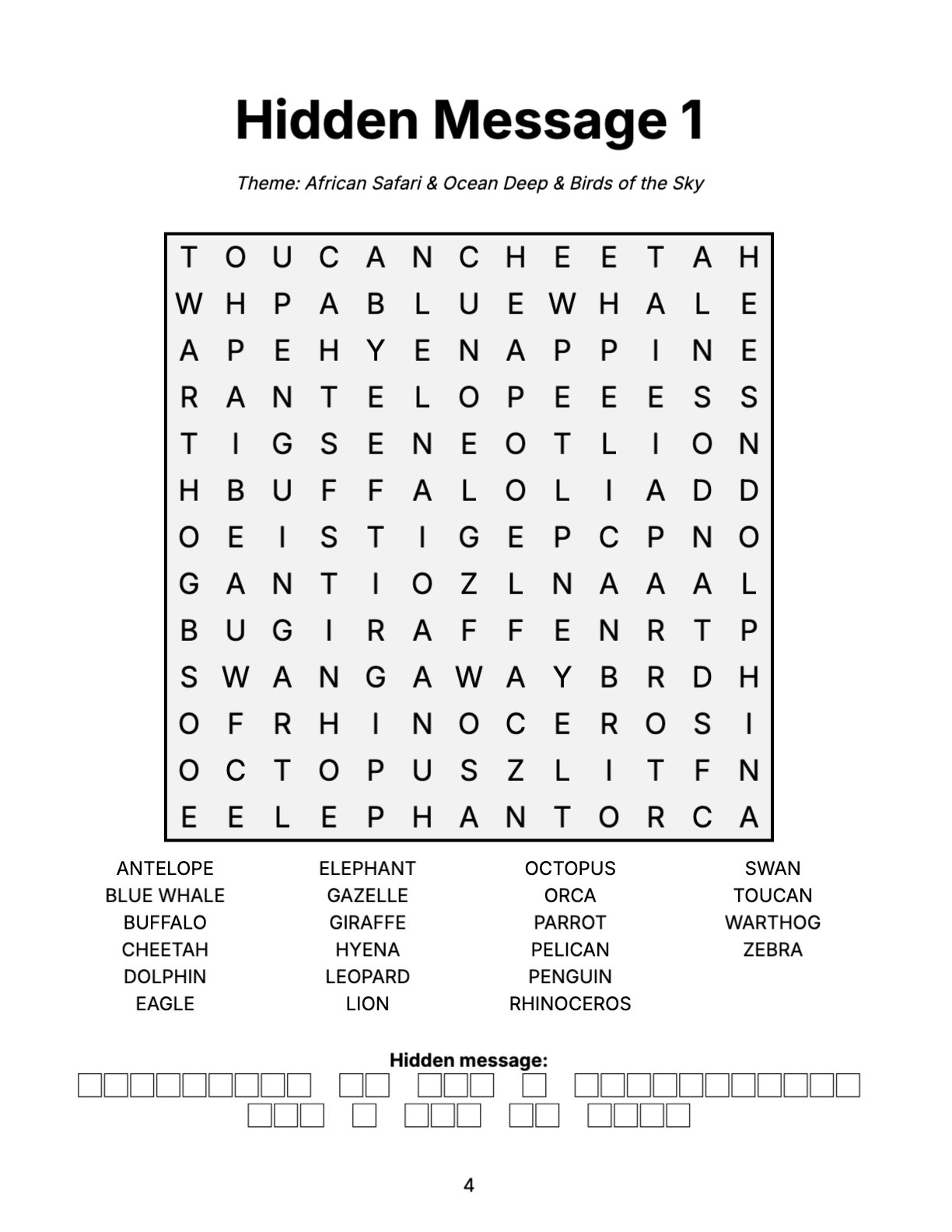
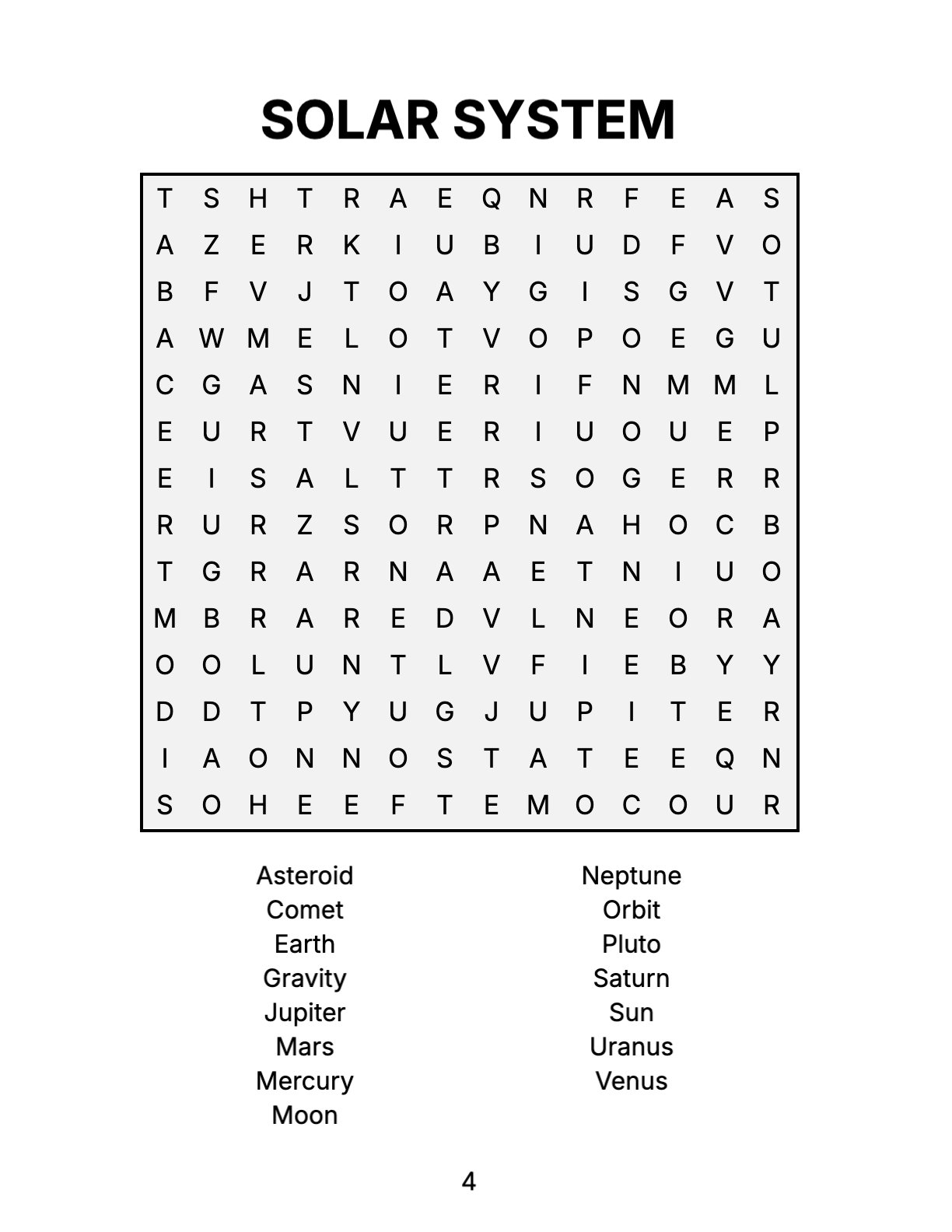
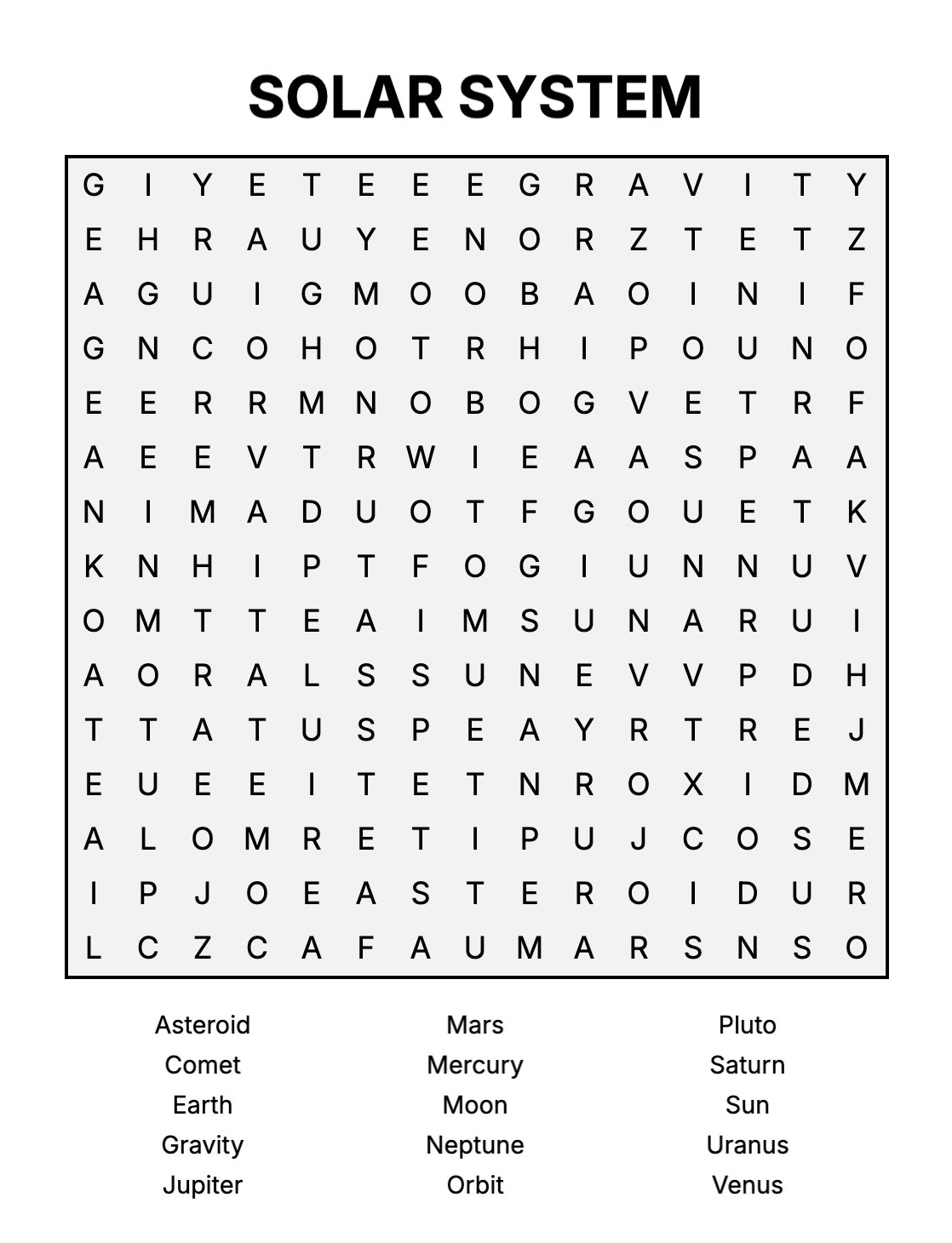
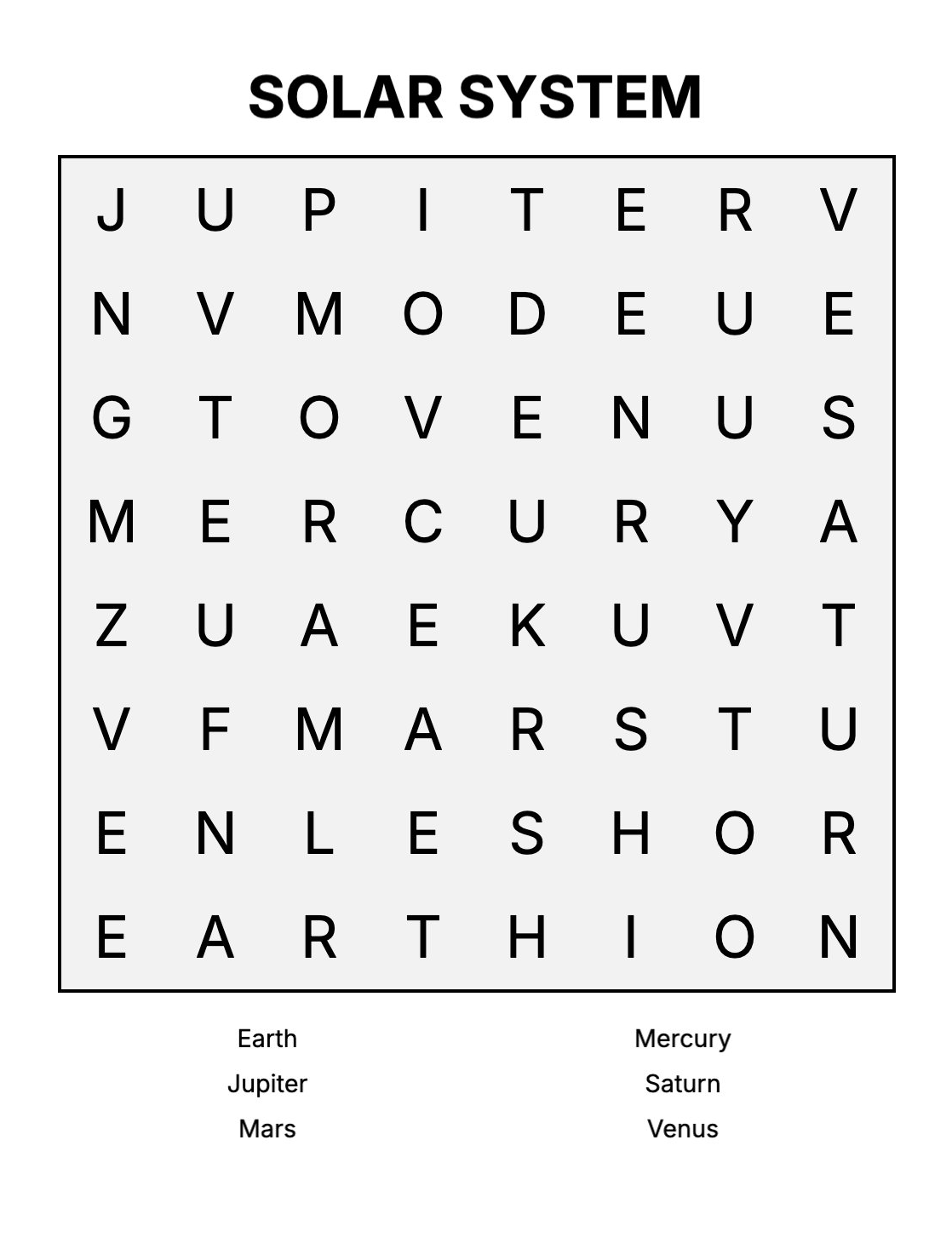
Grid size decides who the book is for. Children need small grids with a few short words in big letters; adults enjoy a classic 15×15 grid or a jumbo one up to 24×24; seniors want 12×12 to 15×15 grids printed large, one puzzle per page.
Wisdom Effect has three editions with these limits built in. Each edition starts with its own defaults, which you can change in the configurator.
| Edition | Grid | Words per puzzle | Directions | Puzzles per page |
|---|---|---|---|---|
| Kids | 6×6 to 10×10 (8×8 default) | 3–9 (6 default) | Left to right and top to bottom only | 1 |
| Standard | 12×12 to 24×24 (15×15 default) | The theme list (8–15 words) or your own list | Horizontal, vertical, diagonal, reverse | 1, 2 or 4 |
| Senior | 12×12 to 15×15 (14×14 default), large print | The theme list or your own list | Horizontal, vertical, diagonal, reverse | 1 |
Themes and Your Own Word Lists
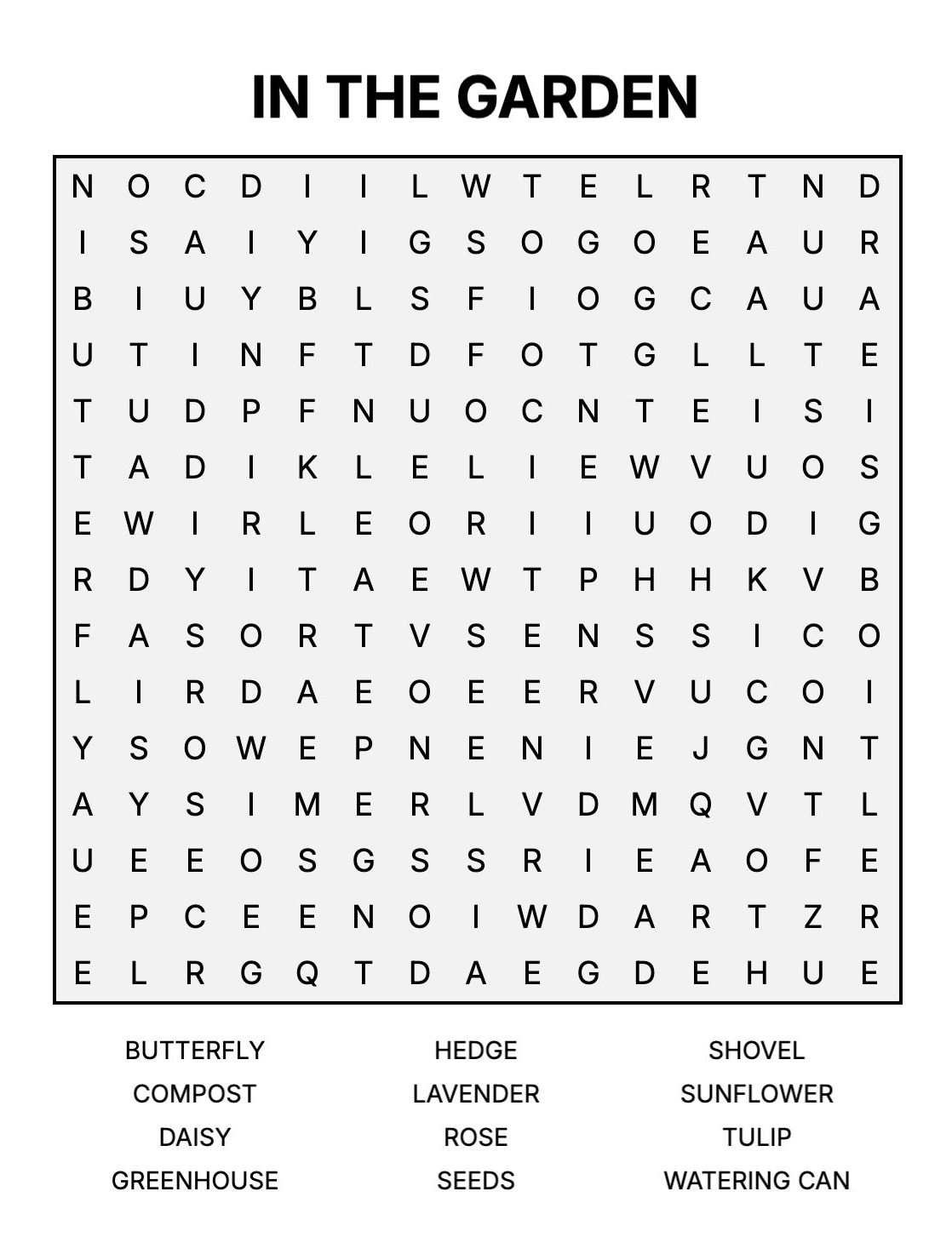
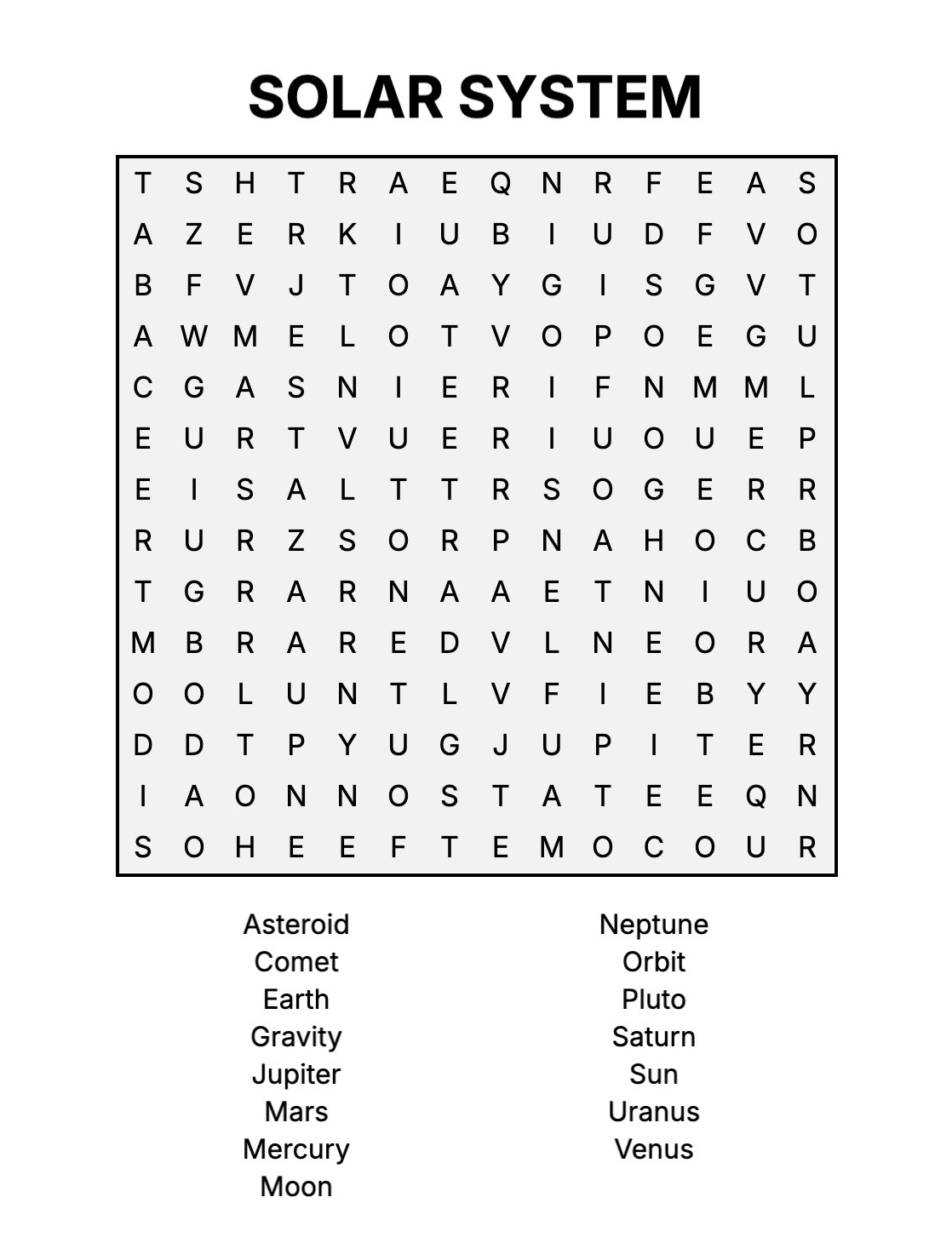
A theme per puzzle (planets, baking, the garden) gives the solver context and makes the book feel curated. Wisdom Effect offers 900+ curated themes of 8–15 words in collections such as Space & Astronomy or Food & Drink, plus seasonal collections; every puzzle gets its own sub-theme as its title.
You can also upload your own lists — a holiday, a school subject, a niche hobby. That is often what makes a book stand out among thousands of generic word search titles.
Directions and Difficulty
Words that read left to right and top to bottom are the easiest to spot. Diagonal words make a puzzle noticeably harder, and reverse words (right to left, bottom to top and the reverse diagonals) are the classic challenge for experienced solvers.
Bigger grids and longer word lists raise the difficulty too: the same 15 words are much harder to find in a 20×20 grid than in a 15×15 one. Keep kids books forward only and save reverse words for adult books.
Page Layouts and the Word Bank
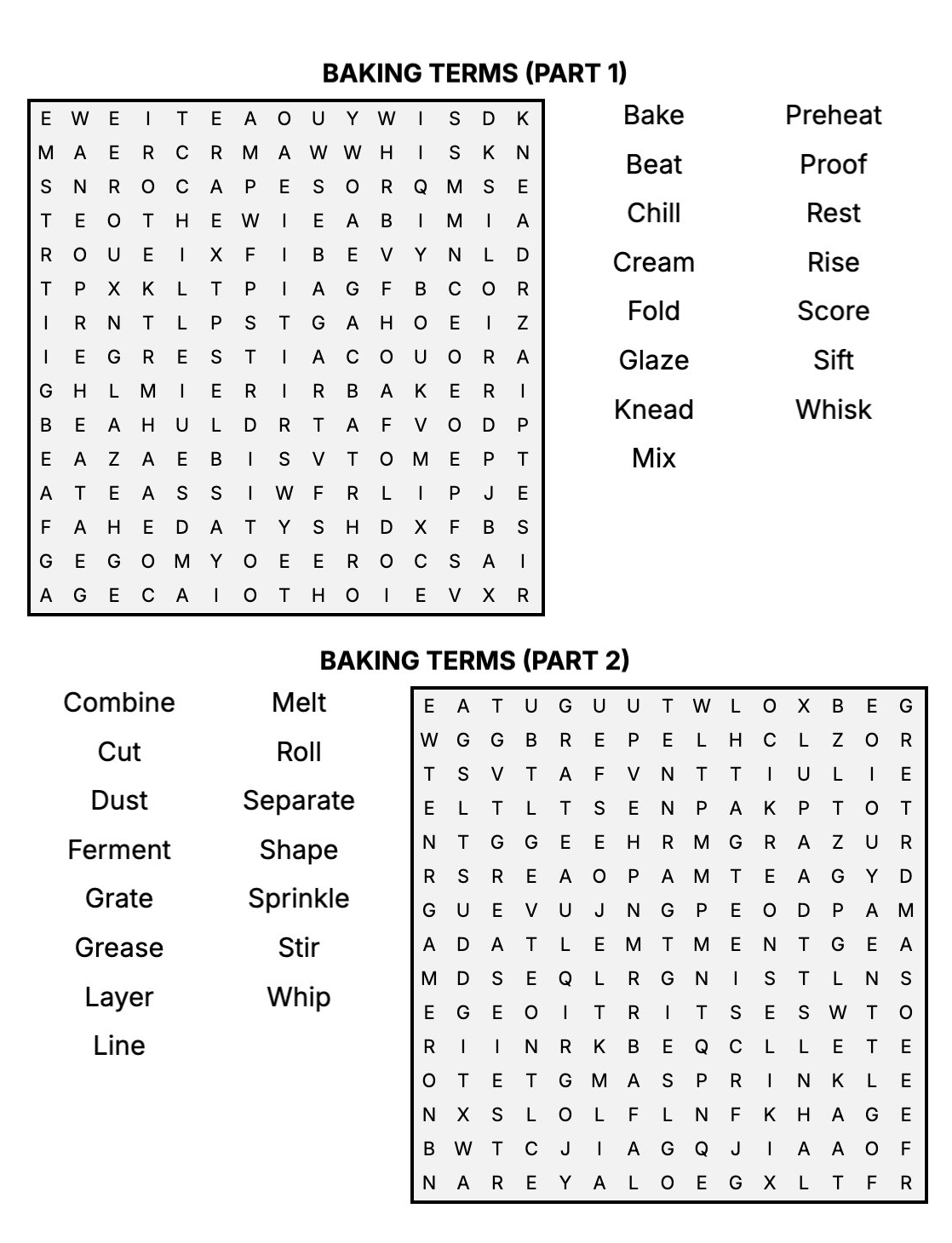
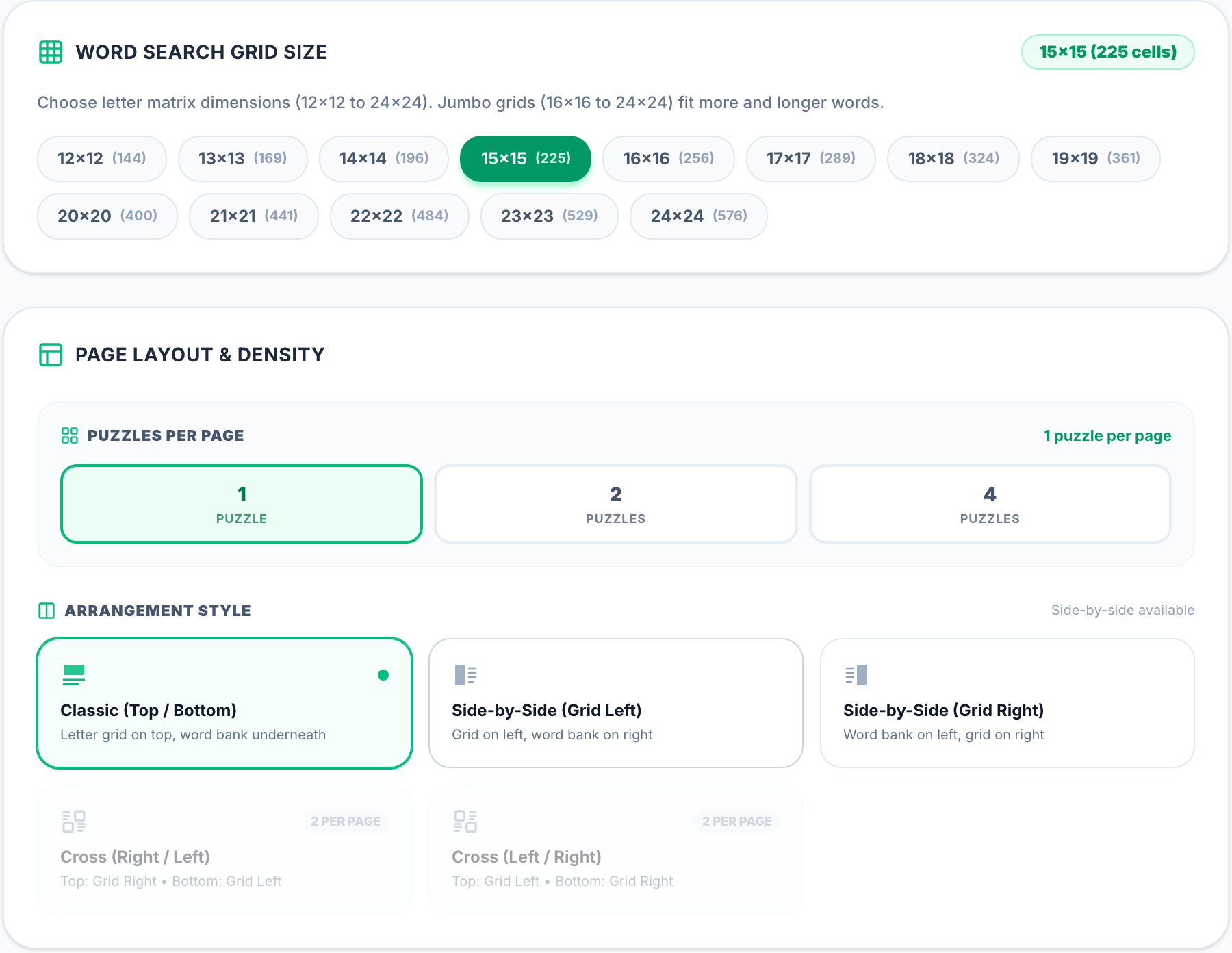
One puzzle per page is the standard for KDP books. Two per page saves pages in a large book, and four per page suits small grids. Besides the Classic layout (grid on top, word bank underneath) there are side-by-side layouts with the word bank left or right of the grid, and with two per page two Cross layouts that alternate the sides.
The word bank lists the hidden words in A–Z order in one to four columns. A title banner above the grid makes every page look finished.
Answer Keys
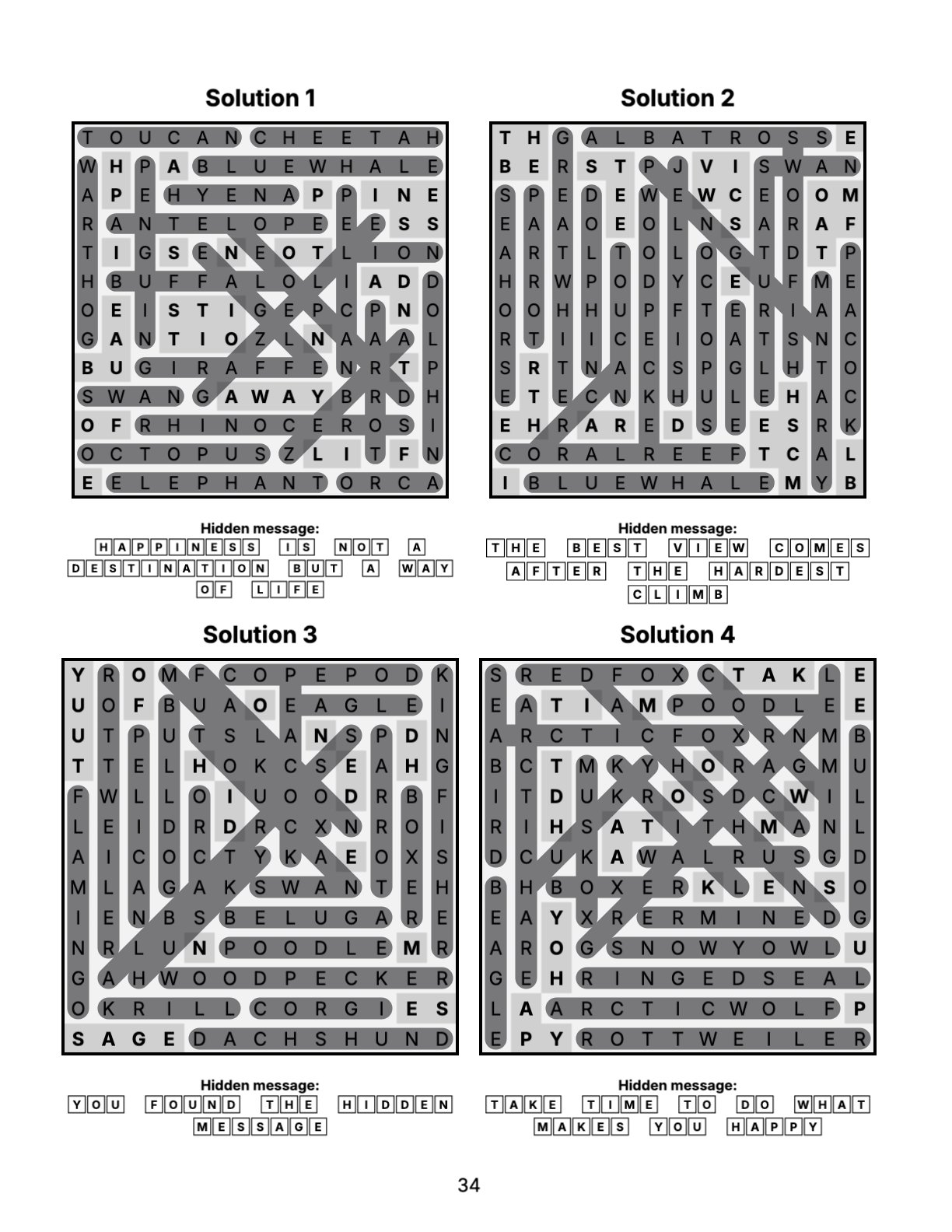
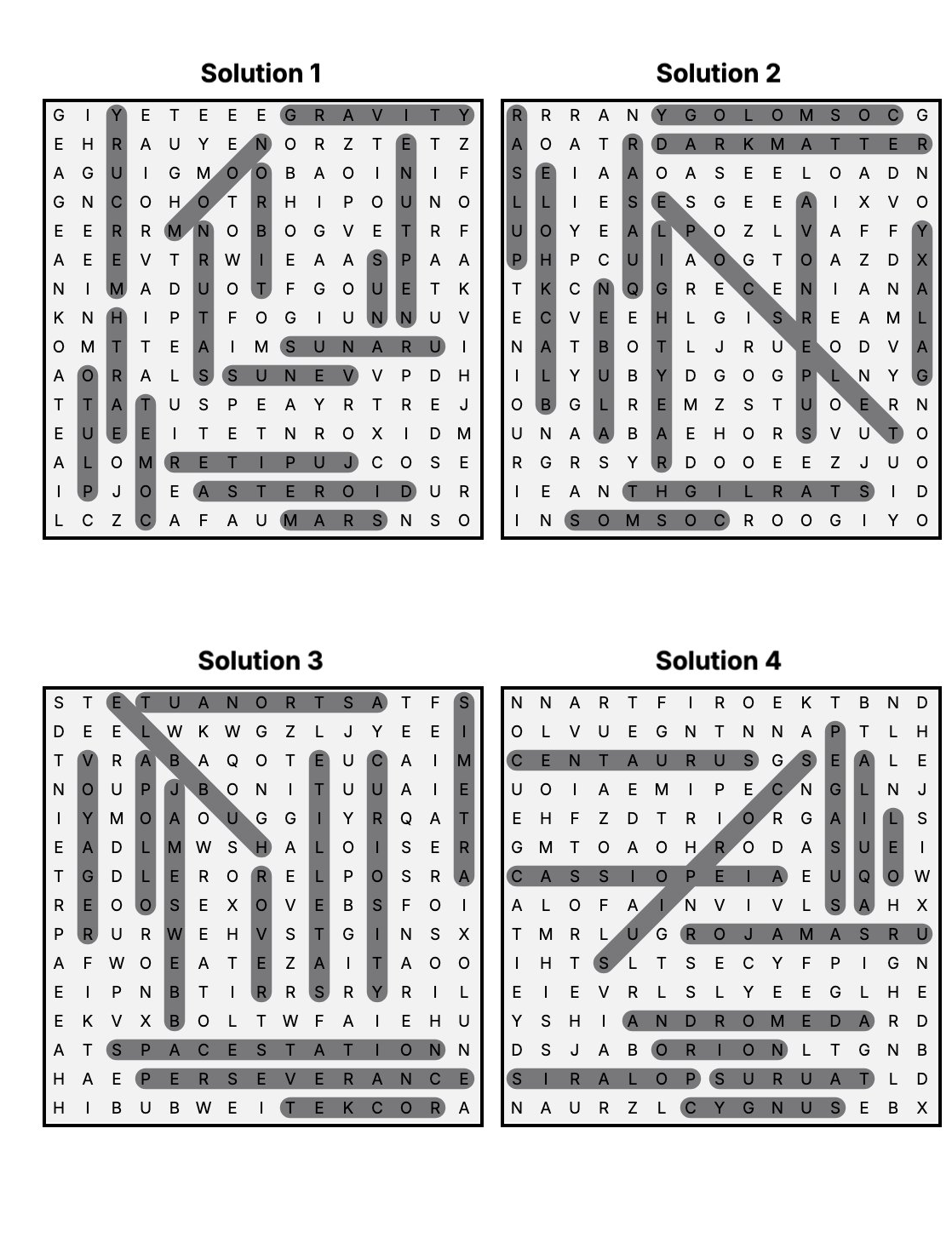
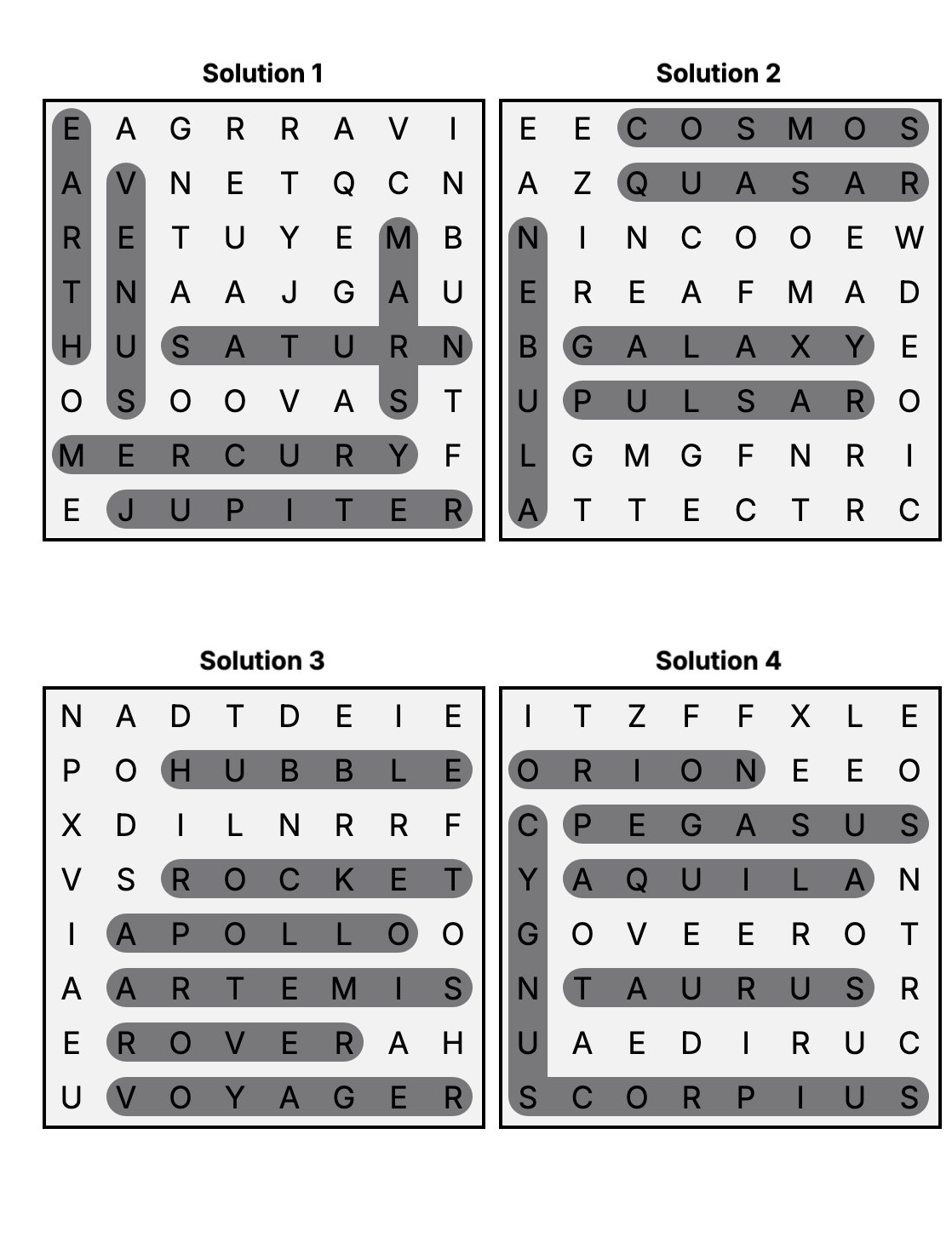
The answer key at the back shows every grid with the hidden words marked by see-through gray bands; where two words cross, the band keeps one shade, so the letter there stays readable. Standard books fit 1, 2, 4, 6, 9 or 12 solutions per page; Senior books up to 4. The band color can be changed in the editor (Color Palette).
Step 1: Create the Book
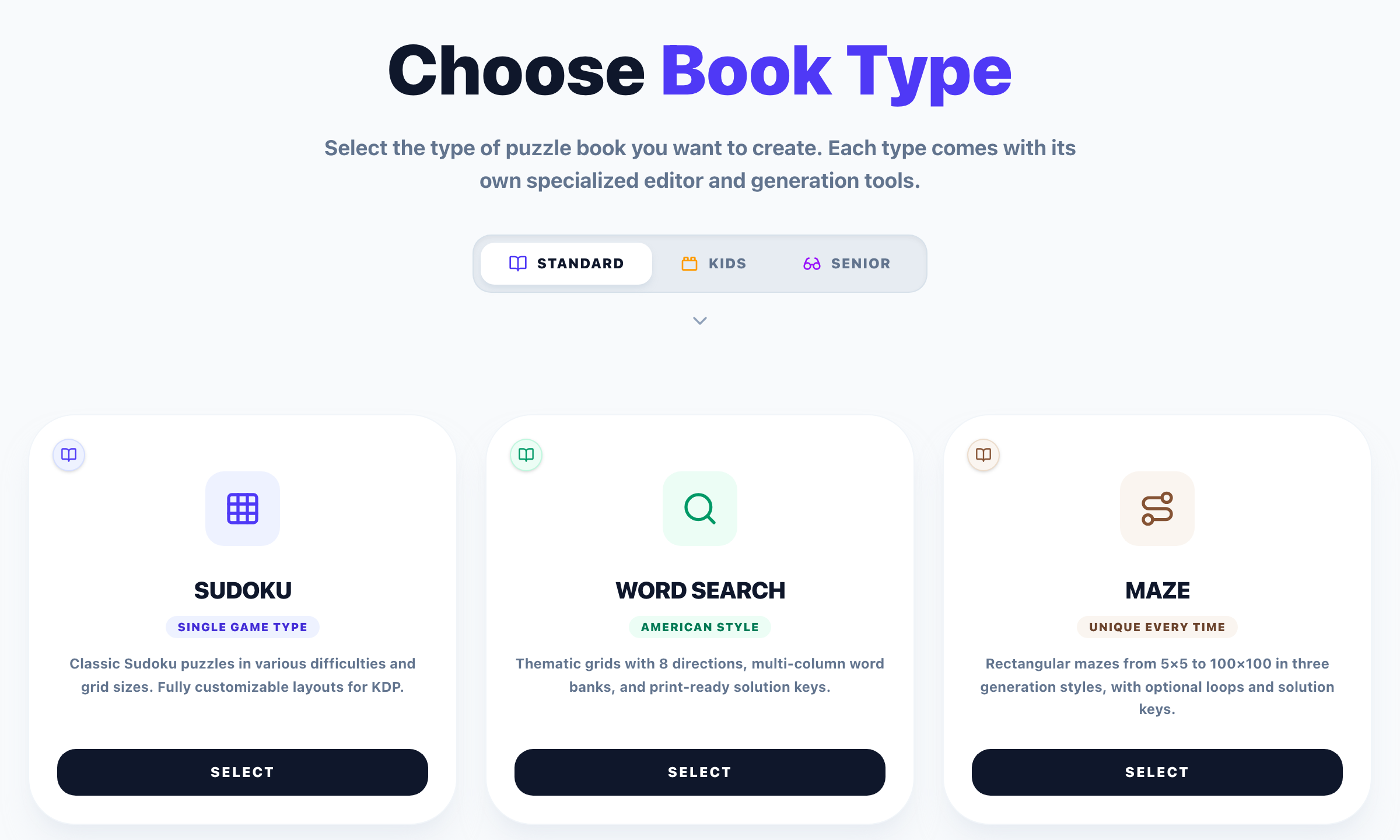
On /create choose the edition at the top (Standard, Kids or Senior) and click the Word Search card. Word Search books are part of every plan, Starter included, and 1 puzzle costs 1 credit. Word searches can also be one chapter of a Mixed Book.
Step 2: Grid Size and Page Layout
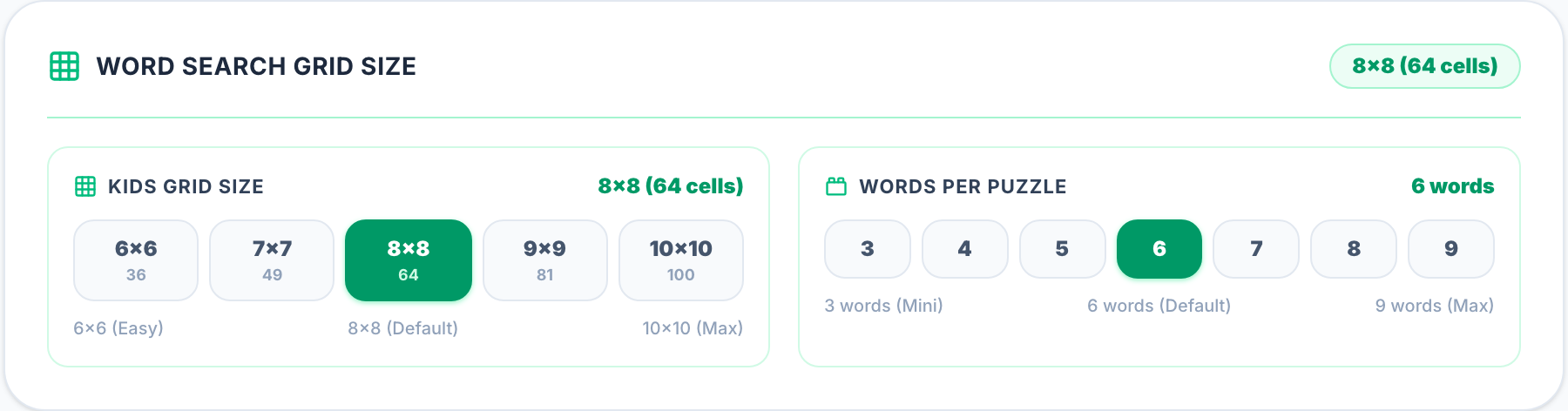
Word Search Grid Size picks the letter grid: 12×12 to 24×24 in the Standard edition (16×16 and up are jumbo grids that fit more and longer words), 12×12 to 15×15 in the Senior edition. Kids books pick the grid (6×6 to 10×10) and the number of words per puzzle (3 to 9) instead; words longer than the grid are left out.
Page Layout & Density sets puzzles per page (1, 2 or 4) and the arrangement: Classic, Side-by-Side with the grid left or right, and with two per page the Cross layouts. Four per page always use the Classic layout.
Step 3: Trim Size, Puzzles and Solutions
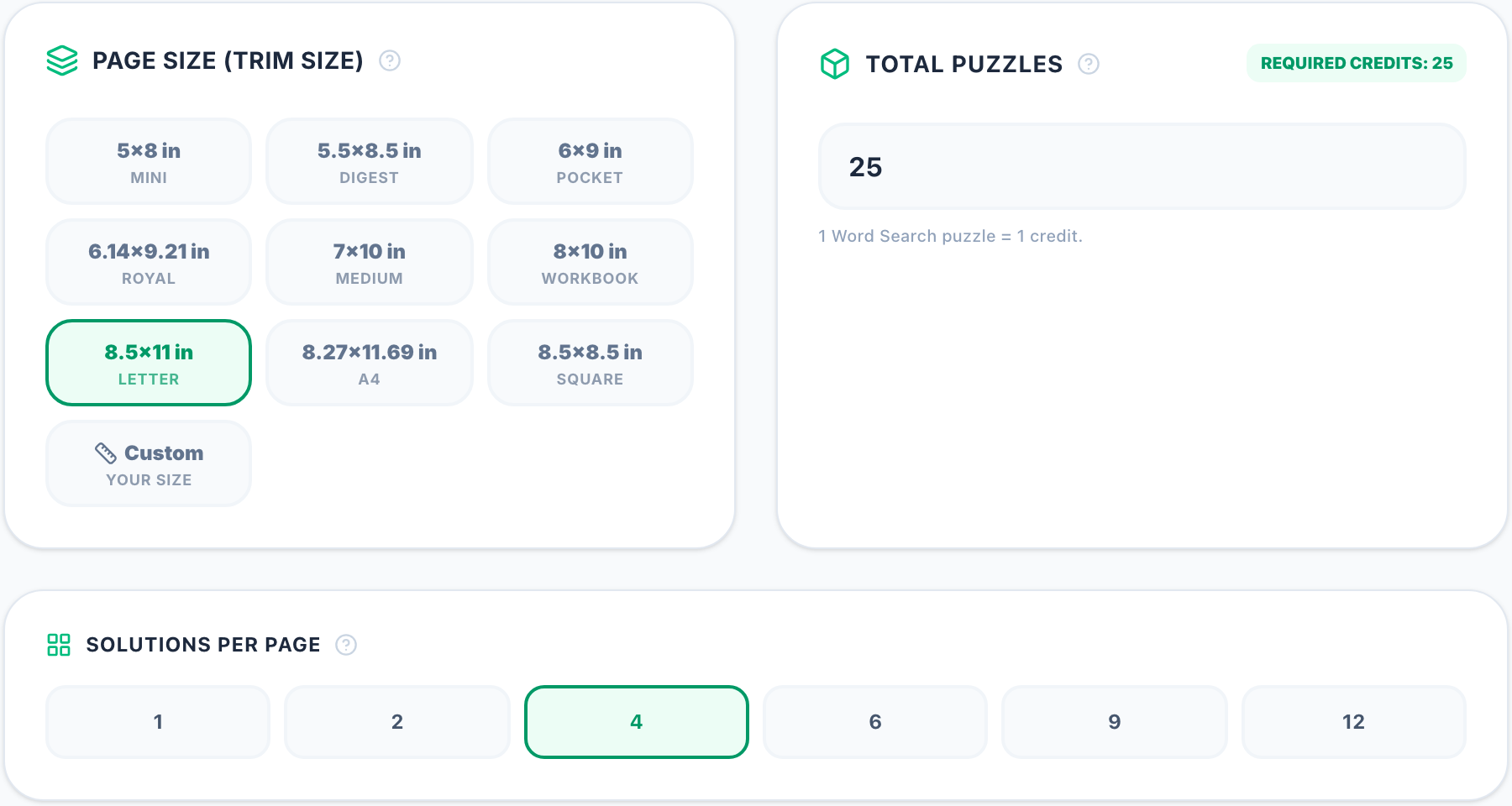
Pick the trim size (from 5×8 in to 8.5×11 in, A4, square or your own size), the number of puzzles (1 Word Search puzzle = 1 credit; the panel shows the credits the book needs) and the solutions per page.
Step 4: Words, Directions and the Pre-Check
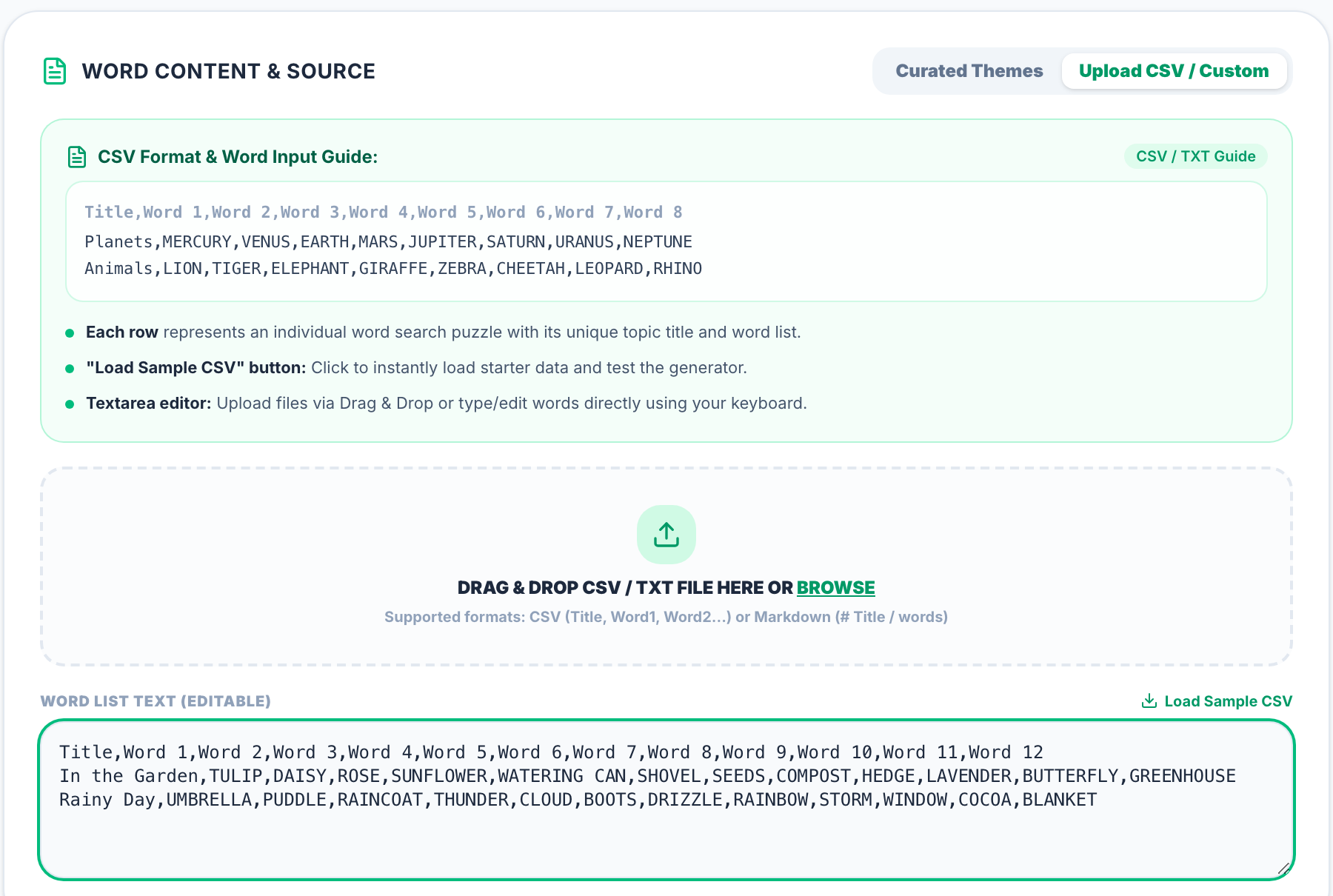
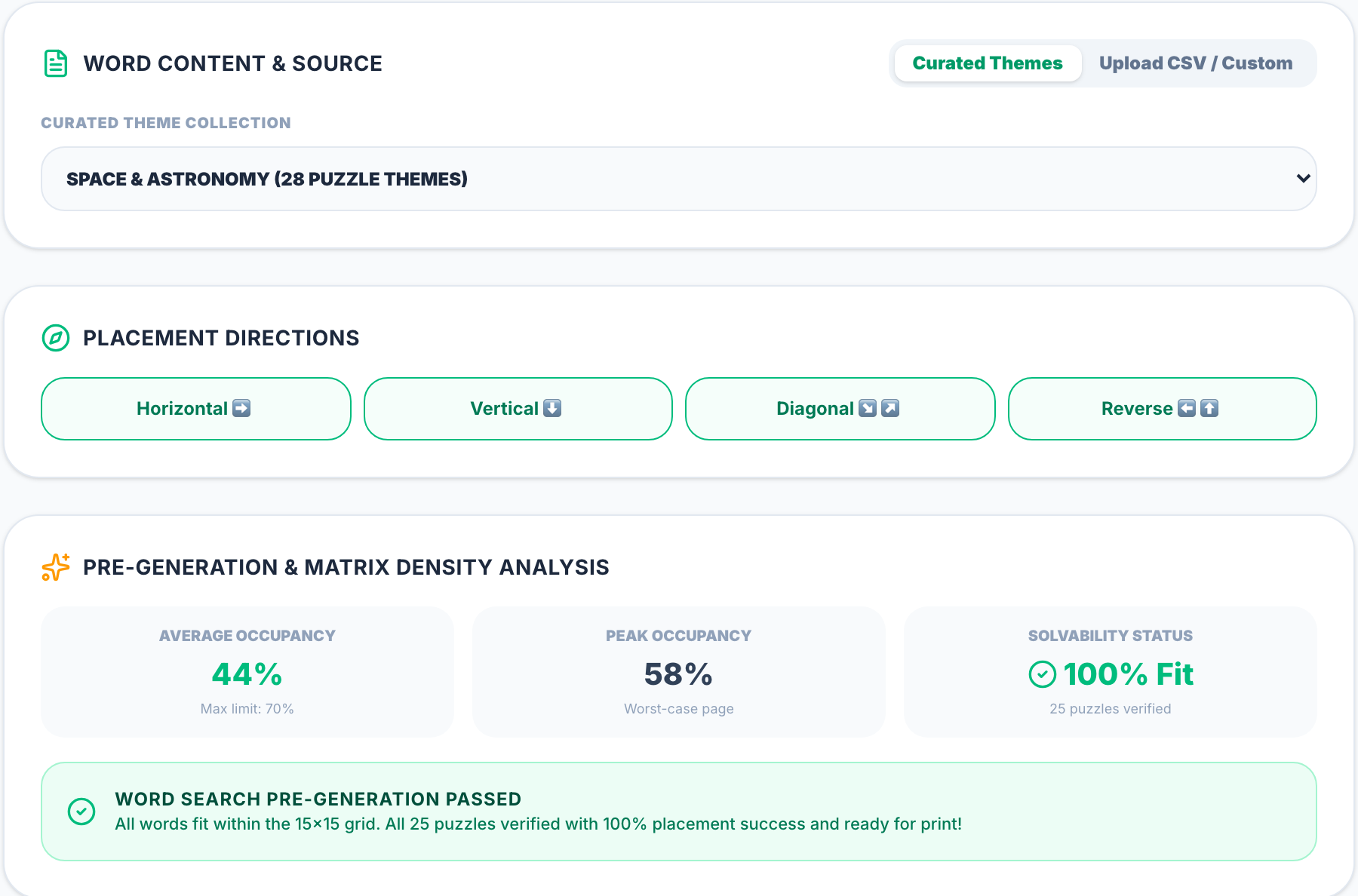
Word Content & Source has two tabs. Curated Themes takes one collection, or Mixed Collection with all themes rotating. Upload CSV / Custom takes your own words: a CSV where each row is one puzzle (Title,Word 1,Word 2,…), or # Title lines each followed by its words. A long list without titles is split into puzzles of 15 words. Paste the list, drop a CSV or TXT file or load the sample.
Placement Directions switch horizontal, vertical and diagonal words on or off, and Reverse adds the backward direction of each of them (right to left, bottom to top, reverse diagonals); Kids books are locked to left-to-right and top-to-bottom. Pre-Generation & Matrix Density Analysis then places every puzzle of the book before you open the editor: it shows the average and peak grid occupancy (limit 70%) and confirms that every word fits, or names the puzzles with words that are too long or do not fit.
Step 5: Design and Export
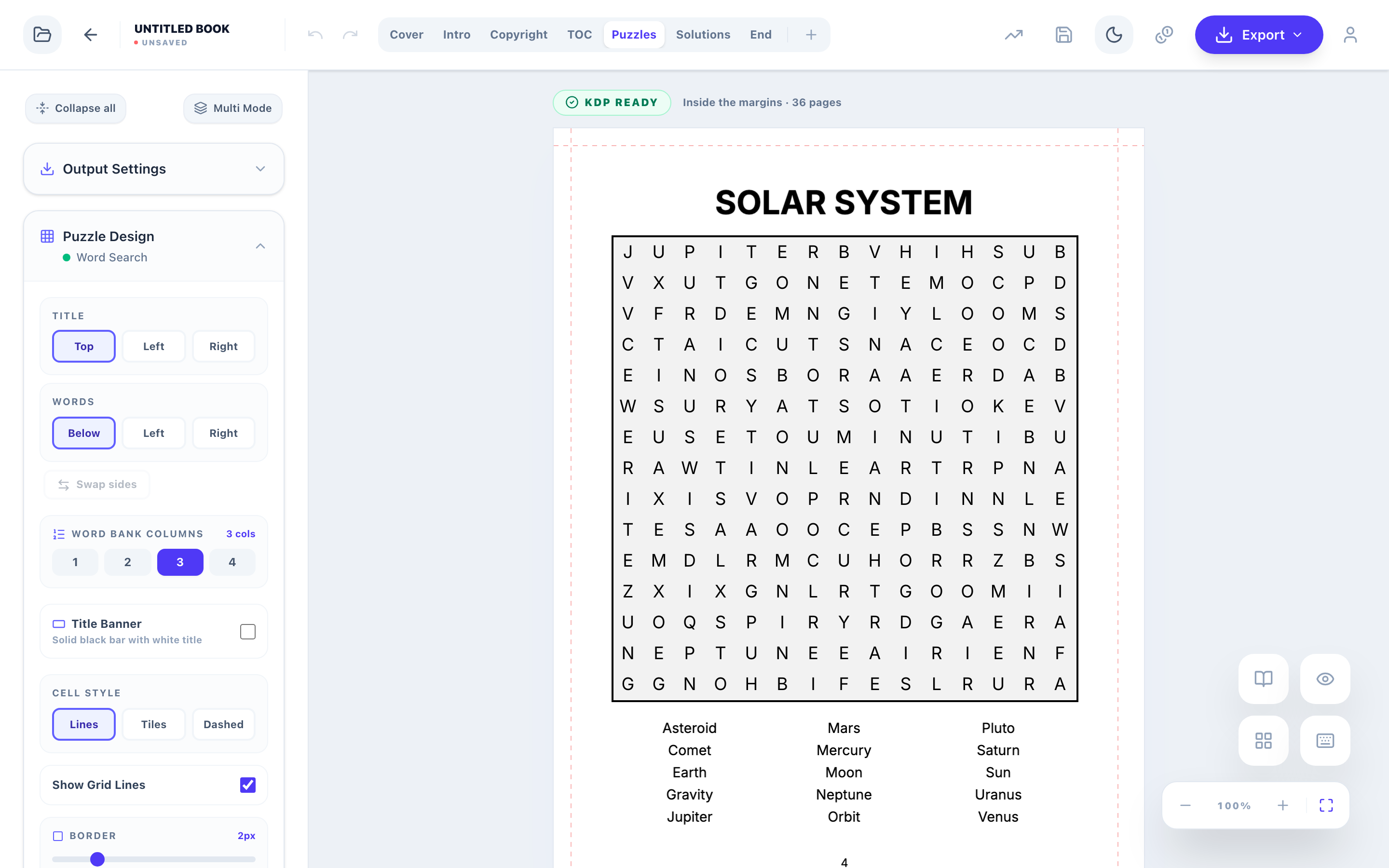
Launch Word Search Editor opens the book. The Puzzle Design panel switches the page layout, sets the word bank columns (1–4), the title banner, grid lines, the outer border and inner line weights and the letter size. The highlight color of the answer key is in Color Palette (Solution Highlight Color).
The other panels change fonts, colors and the cover, add images and decorations and edit the title, copyright, contents and end pages. The page tabs (Cover, Intro, Copyright, TOC, Puzzles, Solutions, End) switch between the parts of the book. The configurator ends with the KDP summary (24–590 pages for a paperback at 8.5×11 on white paper, up to 828 at 8×10 and smaller); export the interior PDF and the cover PDF for KDP, or PNG and SVG files.
Key rules
- Match the grid size and directions to the audience.
- Use themes readers care about, or your own lists to stand out.
- Keep grids below 70% full so random letters hide the words.
- Check the answer key and the KDP page count before you export.
Tools for This Guide
Frequently Asked Questions
Does the word search have other names?
Yes. Word find and seek-a-word are other names for the same puzzle, and puzzle magazines also sell word searches as Word Seek®. Every puzzle made here can be solved by anyone who knows it under one of those names. Word Seek® is a registered trade mark of Penny Publications; Wisdom Effect is not connected with Penny Publications.
How many word search puzzles should a book have?
Most books contain 50–100 puzzles, one per page, plus the answer key at the back. KDP needs at least 24 pages for a paperback.
What grid size is best for large print?
12×12 to 15×15 with one puzzle per page on an 8.5×11 in page, so every letter prints large. The Senior edition in Wisdom Effect keeps to these limits.
Can I use my own word lists?
Yes. Upload a CSV with one row per puzzle (Title,Word 1,Word 2,…) or a text file with # Title lines followed by the words.
How many credits does a word search book cost?
One credit per puzzle, so a 25-puzzle book costs 25 credits. Word Search is part of every plan, Starter included.