In short
A classic number search is the puzzle readers already know: a grid of digits and a list of numbers to find, with nothing to decode afterwards. Because there is no hidden message, you decide how full every grid is. This guide explains the choices that make a good classic number search book — grid size, number length, count and directions — and shows, screen by screen, how to make one in Wisdom Effect.
On this page
What a Classic Number Search Is
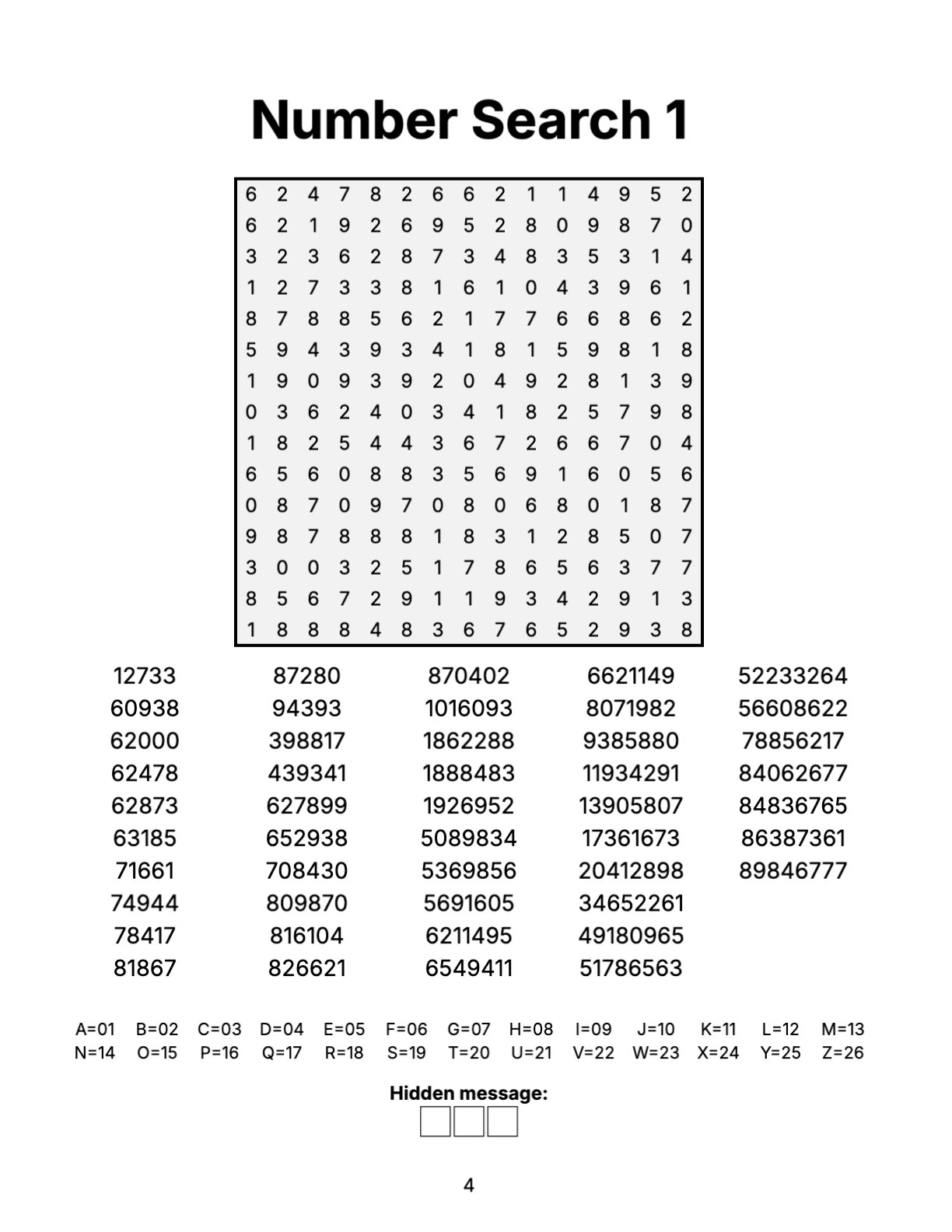
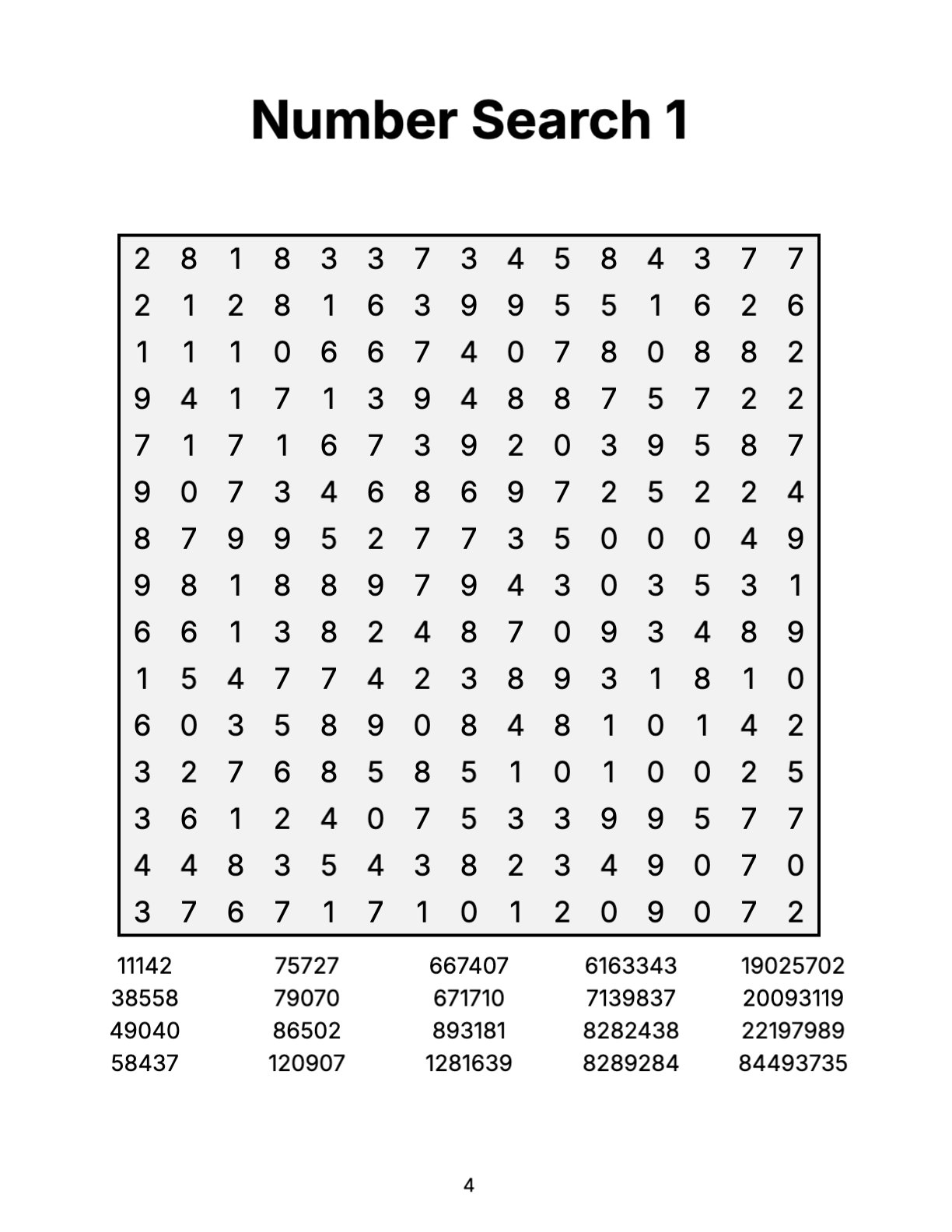
A number search prints a square grid of digits and a list of numbers under it. The solver finds each number in the grid — left to right, top to bottom, diagonally or, in harder books, backwards — and circles it. When the last number is circled, the puzzle is done. That is the whole game, and that is why it works for so many readers: it needs no explanation, no language and no code.
Digits are harder to tell apart than words, so even a small grid keeps the eyes busy: 47120 and 47210 look alike at a glance. Classic number searches are a favorite of adults who want a calm focus exercise, of seniors in large print and of children who are learning to read long numbers.
Classic or Hidden Message?
Wisdom Effect has two number search book types. Number Search adds a second step: the digits left over after every number is found spell a phrase with the code A=01 … Z=26. Classic Number Search leaves that step out. Both use the same generator and the same editions, so the choice is about your readers.
Choose the classic type when the reader should simply hunt: for puzzle books for adults and seniors that promise relaxation, for children who are still learning numbers and for activity books where every page should look the same. A practical bonus: without a message you set how many numbers each grid holds, and short three-digit numbers work in every direction.
| Classic Number Search | Number Search (hidden message) | |
|---|---|---|
| After the last number | Done | Decode the leftover digits |
| Numbers per grid | Your choice (up to 30) | Decided by the message |
| Under the grid | The number list | Number list, code key, message boxes |
| Shortest numbers | 3 digits in every direction | 4 digits when read diagonally or backwards |
| Credits | 1 per puzzle | 1 per puzzle |
Pick the Audience: Grid, Digits, Count and Directions
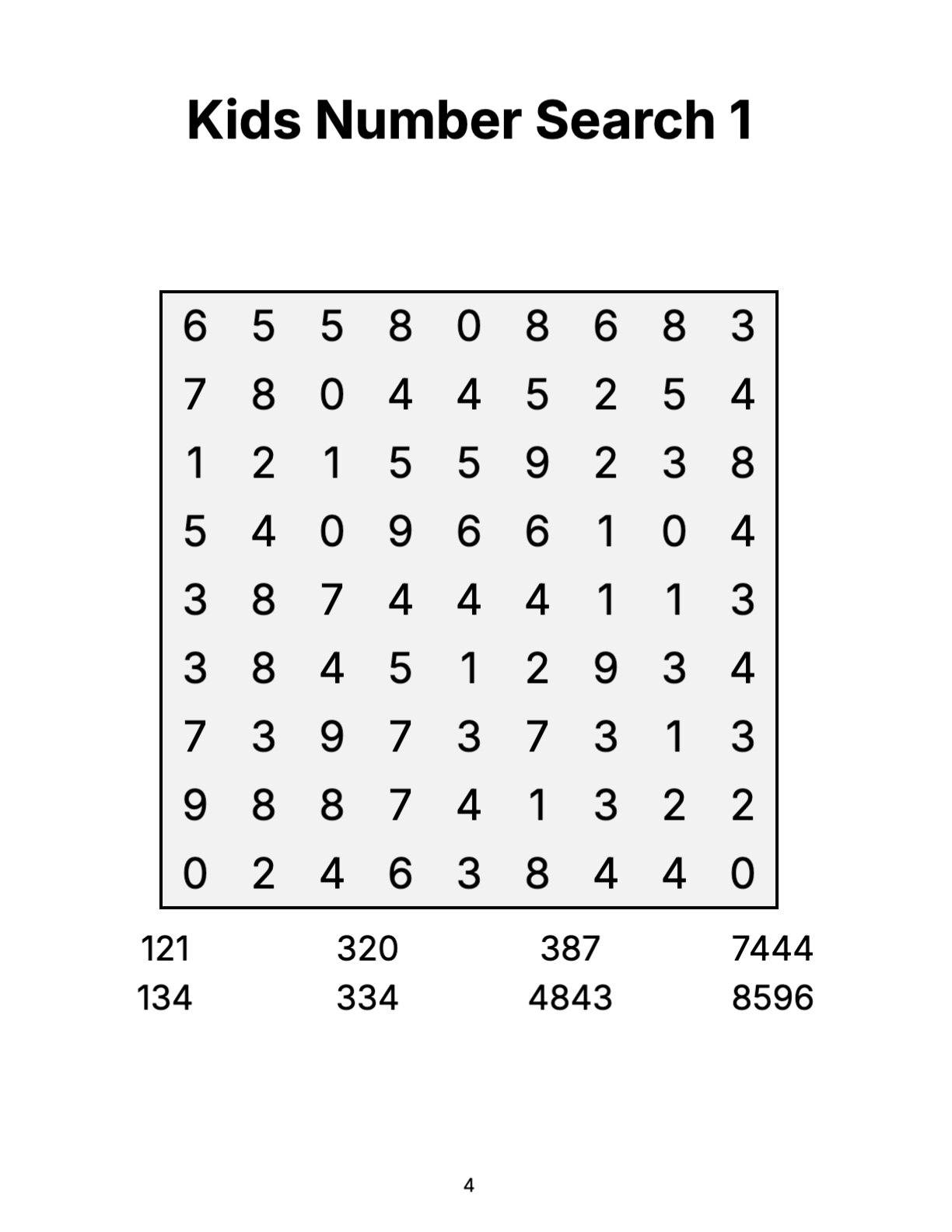
Four settings decide how hard a classic number search is: the grid size, the length of the numbers, how many numbers each grid hides and the directions they run in. Children do best with small grids, three- or four-digit numbers and only two directions (right and down). Adults like a 15×15 grid with diagonals and about 20 numbers; experts an 18×18 grid with up to 30 long numbers in all eight directions. Seniors prefer a 10–14 cell grid in large print.
Wisdom Effect has three editions with these limits built in. Each edition starts with its own defaults, which you can change in the configurator; a holiday mode (Christmas, Halloween, Easter and more) adds the season to titles and colors.
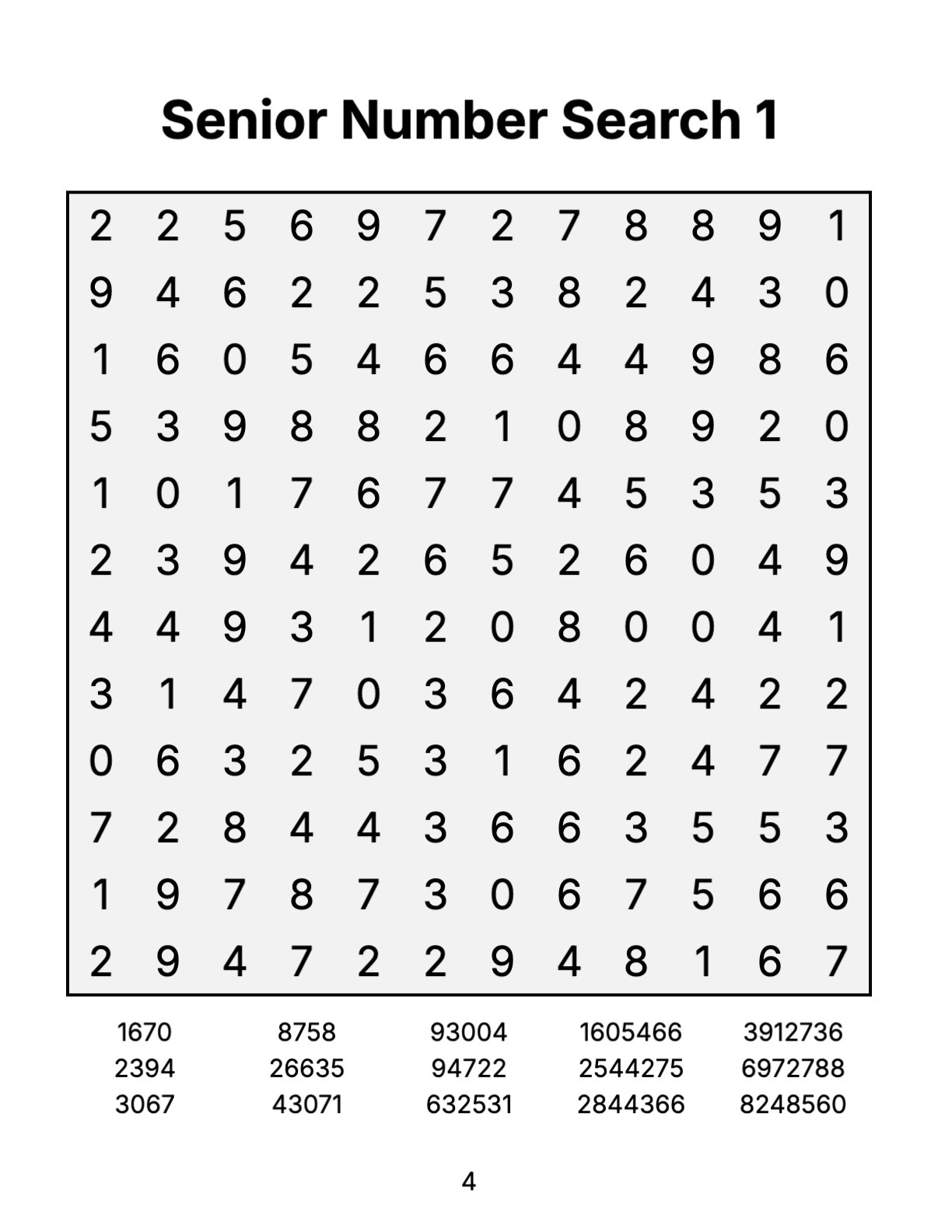
| Edition | Grid | Digits per number | Numbers per grid | Directions |
|---|---|---|---|---|
| Kids | 8×8 to 12×12 | 3–5 | Up to 15 | Right and down |
| Standard | 10×10 to 20×20 | 3–10 | Up to 30 | Straight, + diagonals or all 8 |
| Senior | 10×10 to 14×14 | 4–8 | Up to 25 | Straight, + diagonals or all 8 |
Every Number in Exactly One Place
The most common flaw of generated number searches is a number that appears twice: the reader circles one copy, the answer key shows the other, and the puzzle feels broken. With short numbers in a big grid, chance copies are likely — a three-digit number has only 1,000 possible values, and the random digits around the hidden numbers form new ones all the time.
Wisdom Effect checks every number in every direction the puzzle allows and rebuilds the grid until each one can be found in exactly one place, also counting the reversed reading when backwards numbers are allowed. No number of the list is hidden inside a longer one either.
Answer Keys
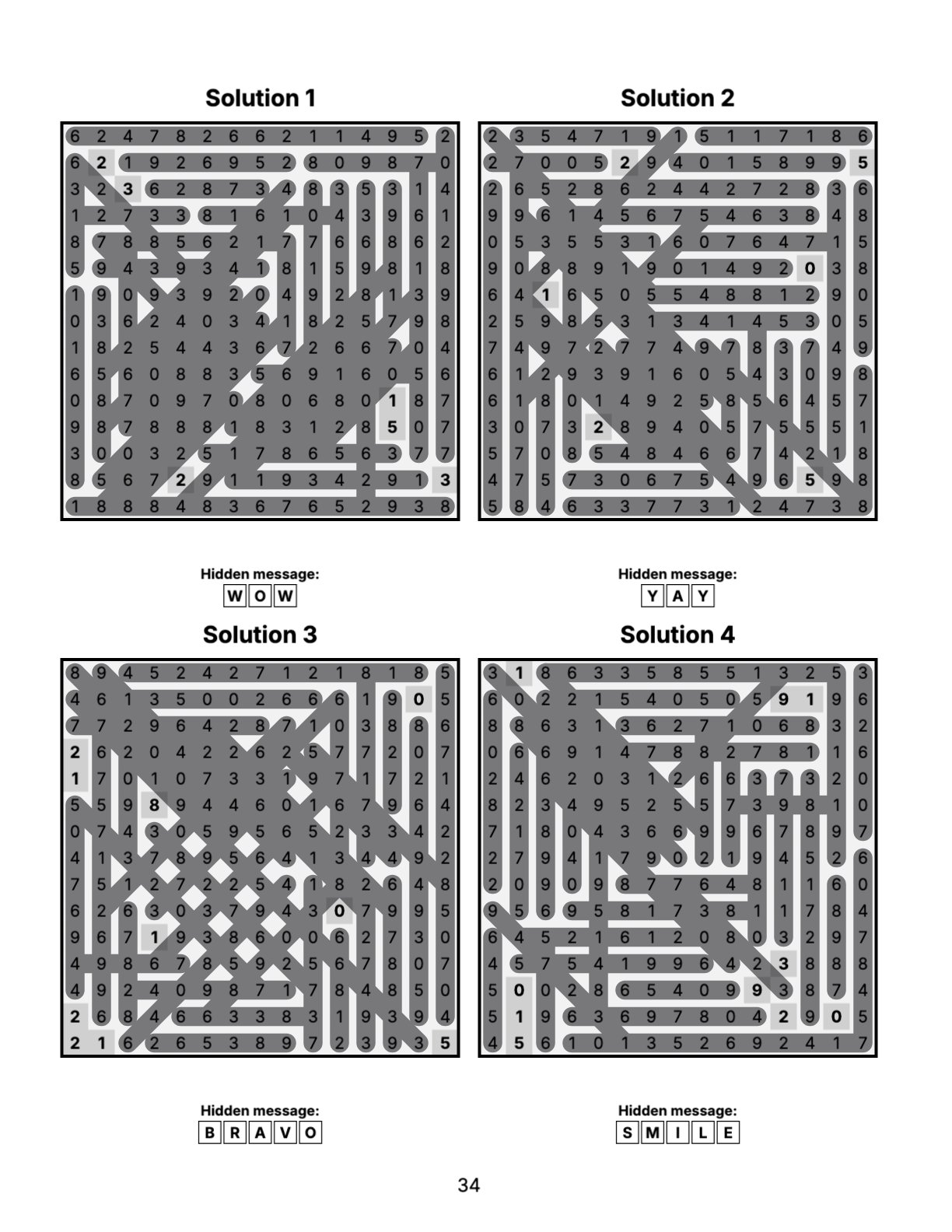
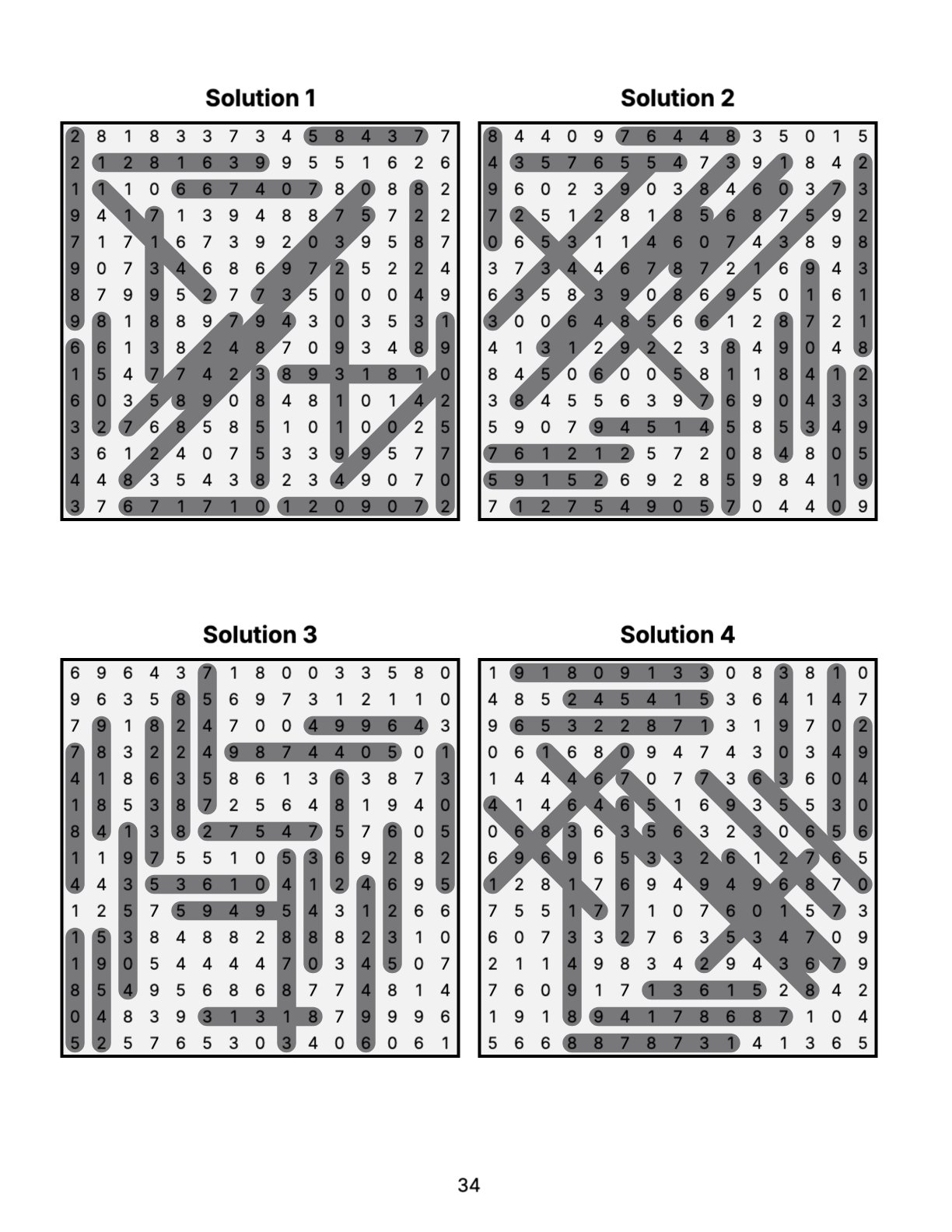
The answer key at the back marks every number with a see-through gray band, dark enough to see in black and white print while the numbers under it stay readable. Standard books fit 1, 2, 4, 6 or 9 solutions per page; Kids and Senior books fewer, in bigger print.
Step 1: Create the Book
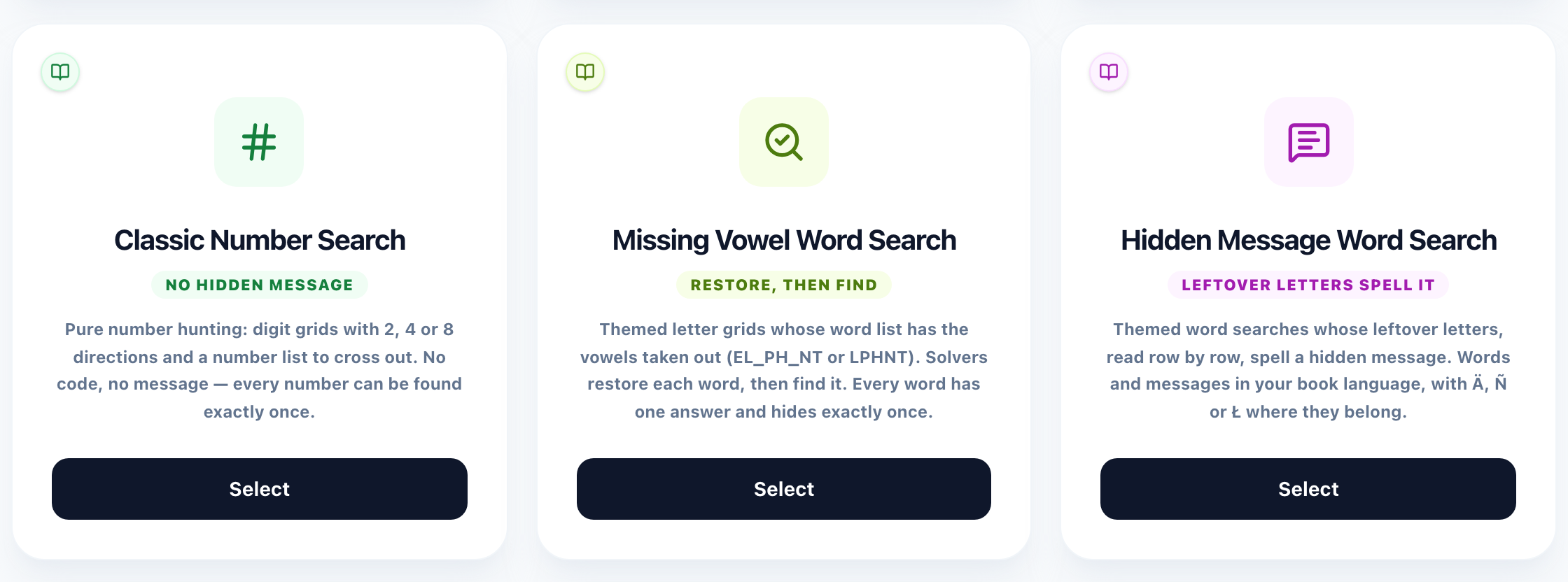
On /create choose the edition at the top (Standard, Kids or Senior) and click the green Classic Number Search card. It sits next to Number Search, the version with a hidden message. Classic Number Search books are part of every plan, Starter included, and they can also be one chapter of a Mixed Book — even next to a hidden message number search chapter, each with its own settings.
Step 2: Difficulty, Grid and Numbers
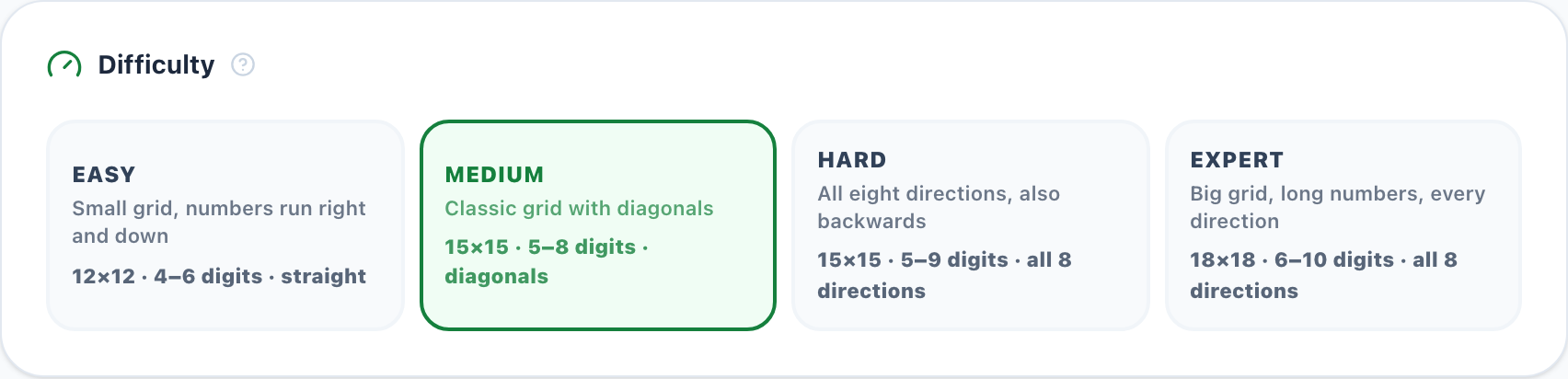
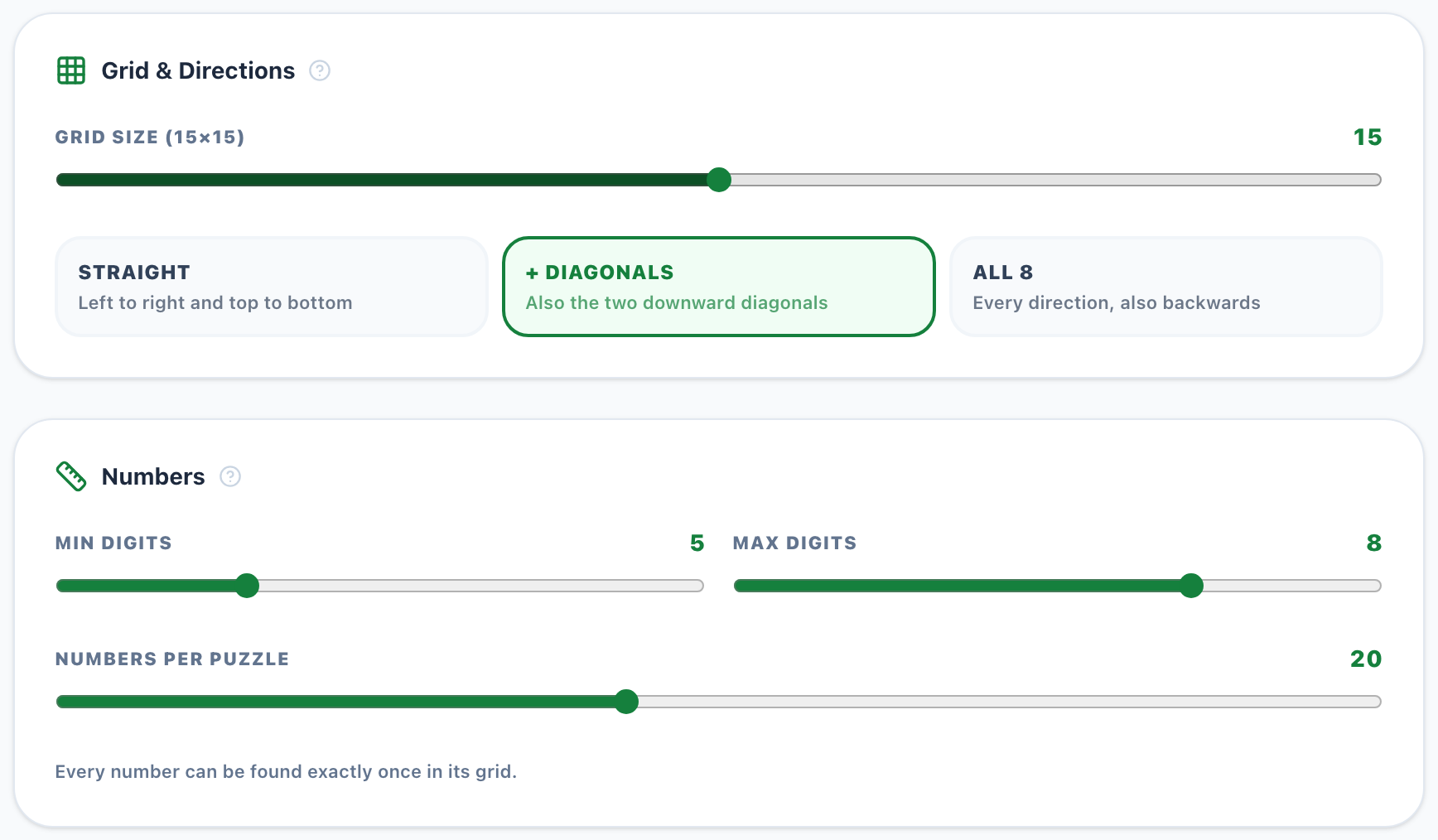
Difficulty sets the grid size, number lengths, count and directions in one click: Easy (12×12, 14 numbers of 4–6 digits, right and down), Medium (15×15, 20 numbers of 5–8 digits, with diagonals), Hard (15×15, 24 numbers of 5–9 digits, all eight directions) and Expert (18×18, 30 numbers of 6–10 digits, all directions). Kids books offer Tiny, Small, Big and Giant (ages 5 to 9+), Senior books Relaxed, Classic, Challenging and Master.
Grid & Directions fine-tunes the grid size and whether numbers run only straight, also diagonally down, or in all eight directions including backwards. Numbers sets the shortest and longest number and how many numbers each puzzle has. When digits would print too small on the chosen page, the configurator warns you. The book code makes the same settings produce the same puzzles again; type your own or roll a new one.
Step 3: Book Settings, Design and Export
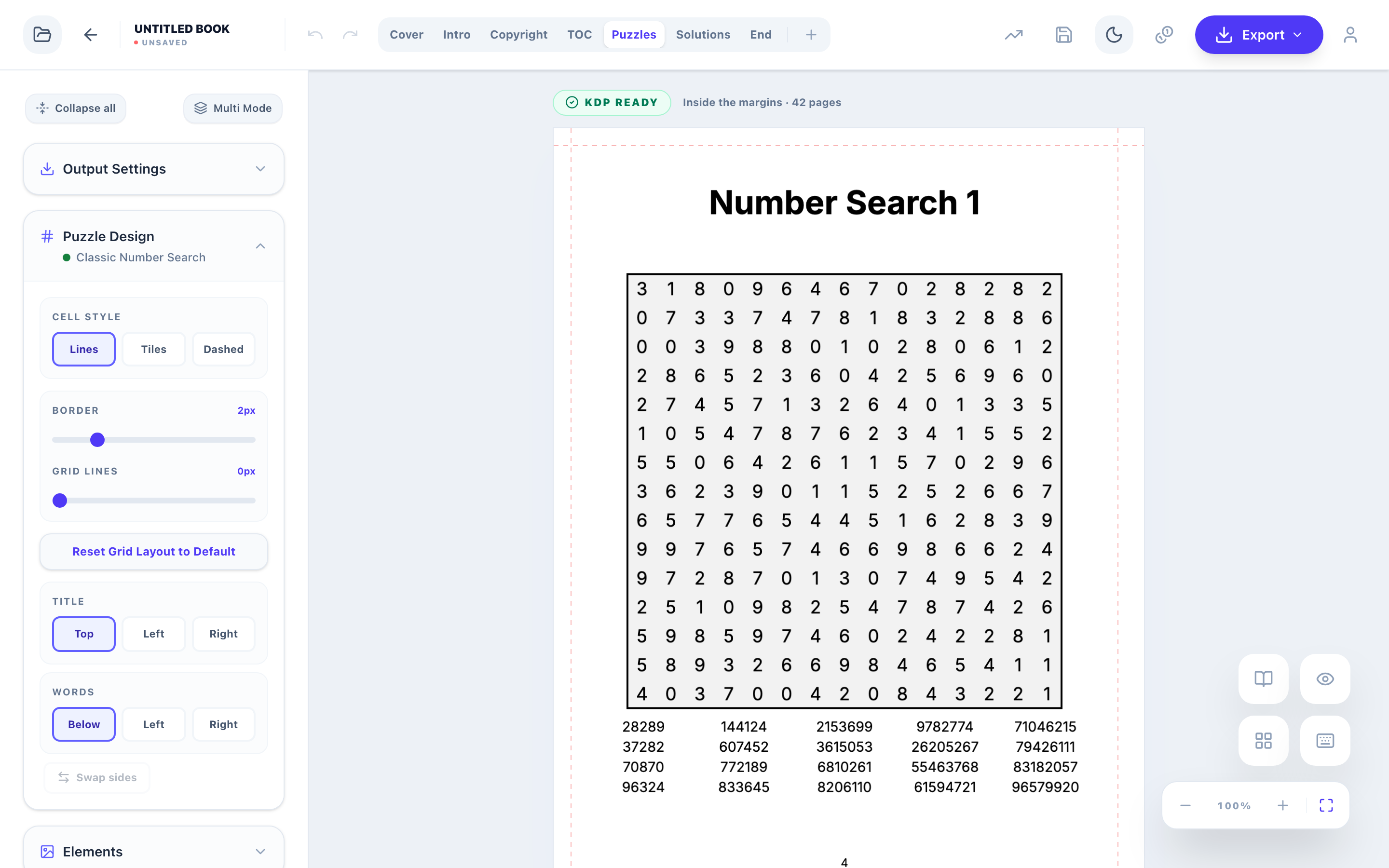
Pick the trim size, the number of puzzles (1 classic number search puzzle of up to 20×20 = 1 credit, 2 at Expert), puzzles and solutions per page and the book language. The page preview shows the first puzzle and solution page, and the KDP summary counts the pages and checks the page range KDP prints in the trim size (24–590 pages at 8.5×11 on white paper, up to 828 at 8×10 and smaller).
Launch Number Search Editor opens the book. The Puzzle Design panel sets the weight of the grid border and the cell lines. The color of the bands in the answer key is in Color Palette (Number Highlight). The other panels change fonts, colors and the cover, add images and decorations and edit the title, copyright, contents and end pages. When the book is ready, export the interior PDF and the cover PDF for KDP, or PNG and SVG files.
Key rules
- Choose classic when the hunt itself is the reward; choose the hidden message type for a second step.
- Match grid size, number length, count and directions to the audience.
- Make sure every number can be found in exactly one place.
- Check the answer key and the KDP page count before you export.
Tools for This Guide
Classic Number Search Book Generator
Classic number search books, every number in exactly one place — Kids & Large Print editions.
OpenFree Classic Number Search Generator
A free printable classic number search page with an answer key.
OpenNumber Search Book Generator
Number search books with a hidden message in the leftover digits.
OpenFrequently Asked Questions
How many number search puzzles should a book have?
Most books contain 50–100 puzzles, one per page, plus the answer key at the back. KDP needs at least 24 pages for a paperback.
How many numbers should one grid hide?
Roughly 8–10 on a 9×9 kids grid, 18–22 on 15×15 and up to 30 on 18×18 or larger. Fewer numbers make a calmer page, more numbers a fuller list.
Can a mixed book have both number search types?
Yes. Switch on the Classic Number Search and the Number Search chapters; each keeps its own grid, numbers and directions.
How many credits does a classic number search book cost?
One credit per puzzle of up to 20×20 cells, so a 30-puzzle book costs 30 credits; an Expert puzzle (a grid over 15×15 or more than 24 numbers) costs 2. Classic Number Search is part of every plan, Starter included.