In short
Wisdom Effect now has a cover designer that is free forever: back cover, spine and front sized from your trim, page count and paper, a 300 DPI PDF for KDP and a Kindle eBook cover, with no credits and no watermark. It works for any book, not only the puzzle books we make. Here is how it works, the five places you will find it, and an honest look at the other free cover makers.
On this page
Why We Made the Cover Free
Every paperback on KDP needs a cover file next to the interior, and the cover is where most first-time publishers get stuck: the spine width changes with every page, the bleed has to run around the whole wrap, and the barcode must have room on the back. Until now our editor drew that cover only inside a puzzle book and saved it with the book export.
We split it out and made it free on every plan, forever. You can design the cover of a novel, a journal or a puzzle book made with another tool, download it without a watermark and sell the book with it. The puzzle interiors stay what we charge for; the cover is the part we want nobody to pay for.
How It Works
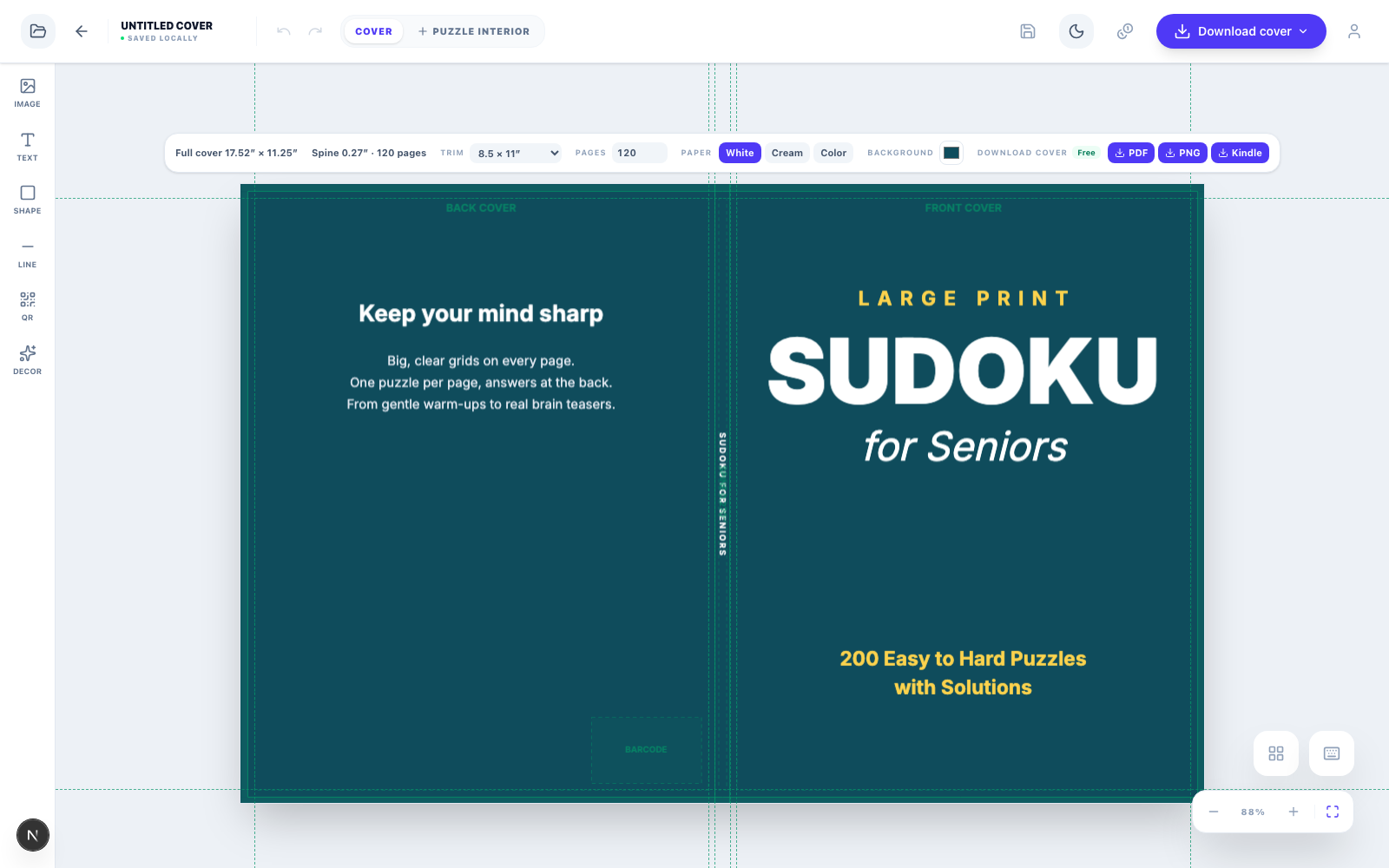
You enter three things: the trim size, the page count and the paper. The editor opens a cover-only project with the back cover, the spine and the front cover side by side at the exact KDP size, bleed included. Then you design on the whole wrap at once: titles in any of the editor’s fonts, your own images or free stock photos, shapes, lines, decorations and QR codes, with layers and undo.
When the design is done, Download cover saves one of three files: the Cover PDF for KDP (the full wrap at 300 DPI), the Kindle eBook cover (the front alone as a 2560 px tall JPG) or a PNG for previews and ads. The step-by-step guide walks through each step with the numbers KDP checks.
What It Handles for You
The size comes from KDP’s own numbers: 0.125″ bleed on every outer edge and a spine of the page count times the thickness of one page (0.002252″ for white paper, 0.0025″ for cream, 0.002347″ for premium color). Dashed guides show the trim line, the spine folds, the safe zones and the 2 × 1.2″ barcode area; the downloaded file has none of them.
The part we are most pleased with is what happens when the book changes. Interiors grow and shrink while you write them, and with a fixed template every change of page count means moving everything on the cover again. Here you type the new page count above the cover, the spine widens or narrows, and the design moves with it: the front stays on the front, the spine title stays centered, the back stays on the back. The same happens when you change the trim size.
Done for you
- Full wrap sized for all 16 KDP paperback trims and three paper types.
- Guides for trim, spine folds, safe zones and the barcode, left out of the file.
- Change the page count or trim later: the design follows the new spine.
- One design, two files: the paperback PDF and the Kindle eBook cover.
Where to Find It
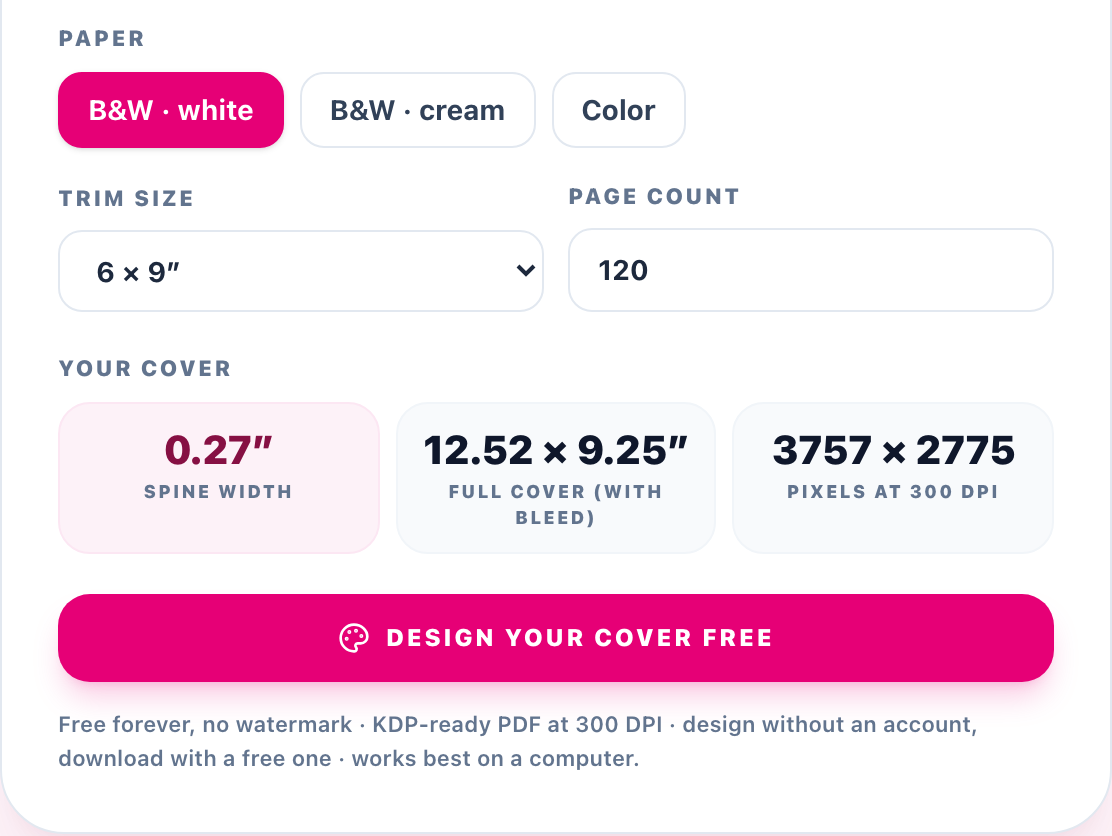
The designer is one editor with five doors, so you meet it wherever you start. The quickest is the free KDP cover creator page in our free tools: pick the paper, the trim size and the page count, check the spine width and the full cover size, and click Design your cover free.
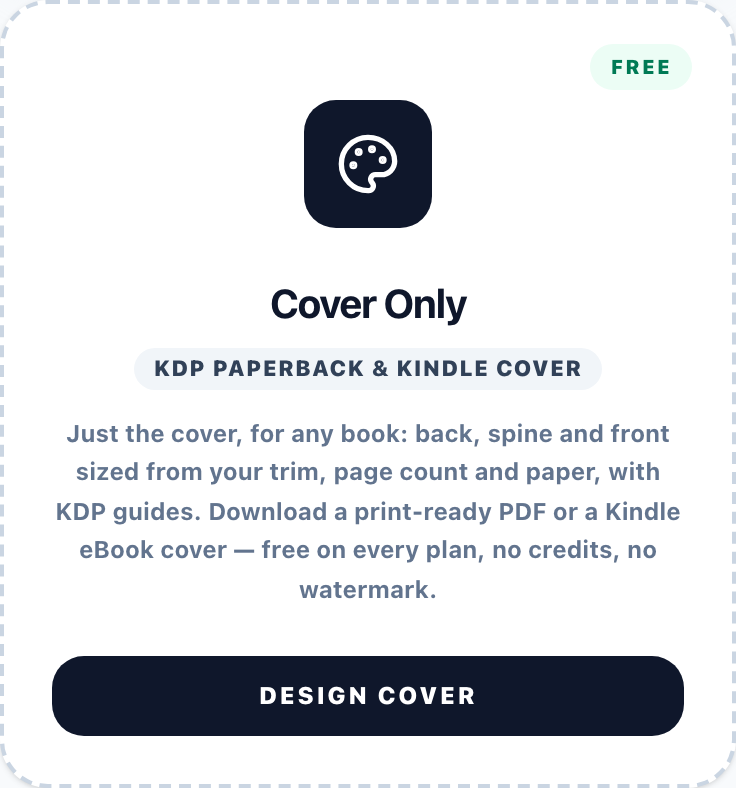
If you already know your numbers from one of the calculators, the KDP spine width calculator and the KDP cover size calculator both have a Design this cover free button under the result that opens the editor with the same values. It is on the Create page too, as the last card after the puzzle books: Cover Only.
| Where | What you click | Size it opens with |
|---|---|---|
| Free tools → KDP Cover Creator | Design your cover free | The trim, pages and paper you pick there |
| KDP spine width calculator | Design this cover free | The calculator’s values |
| KDP cover size calculator | Design this cover free | The calculator’s values |
| Create page | Cover Only card | 6 × 9″, 120 pages, white; change it in the editor |
| Any puzzle book in the editor | The Cover tab | The book’s real page count, updated as it grows |
From a Cover to a Whole Book
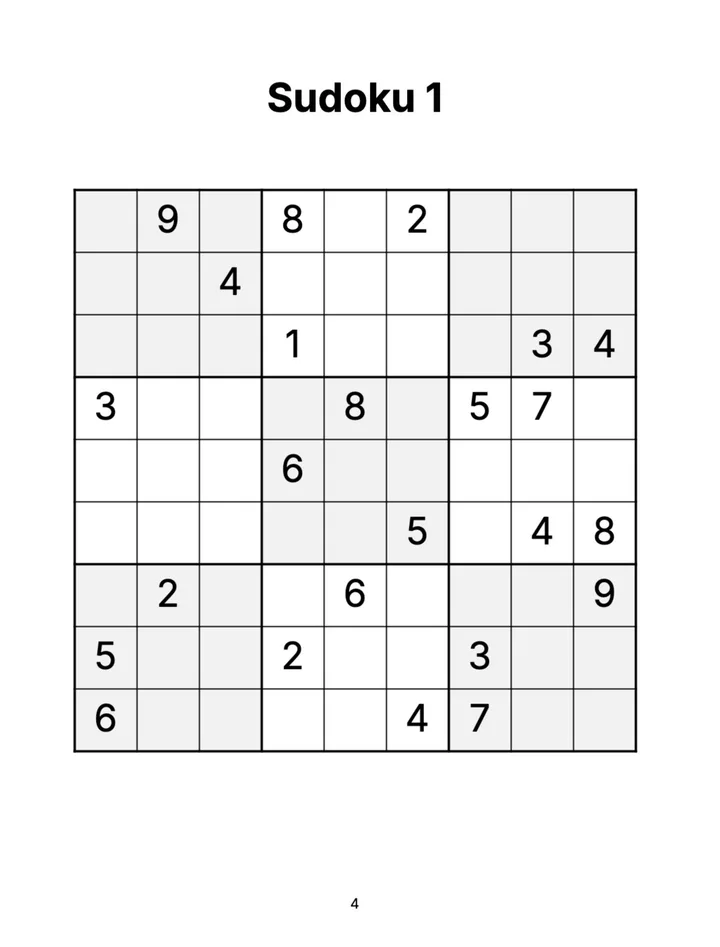
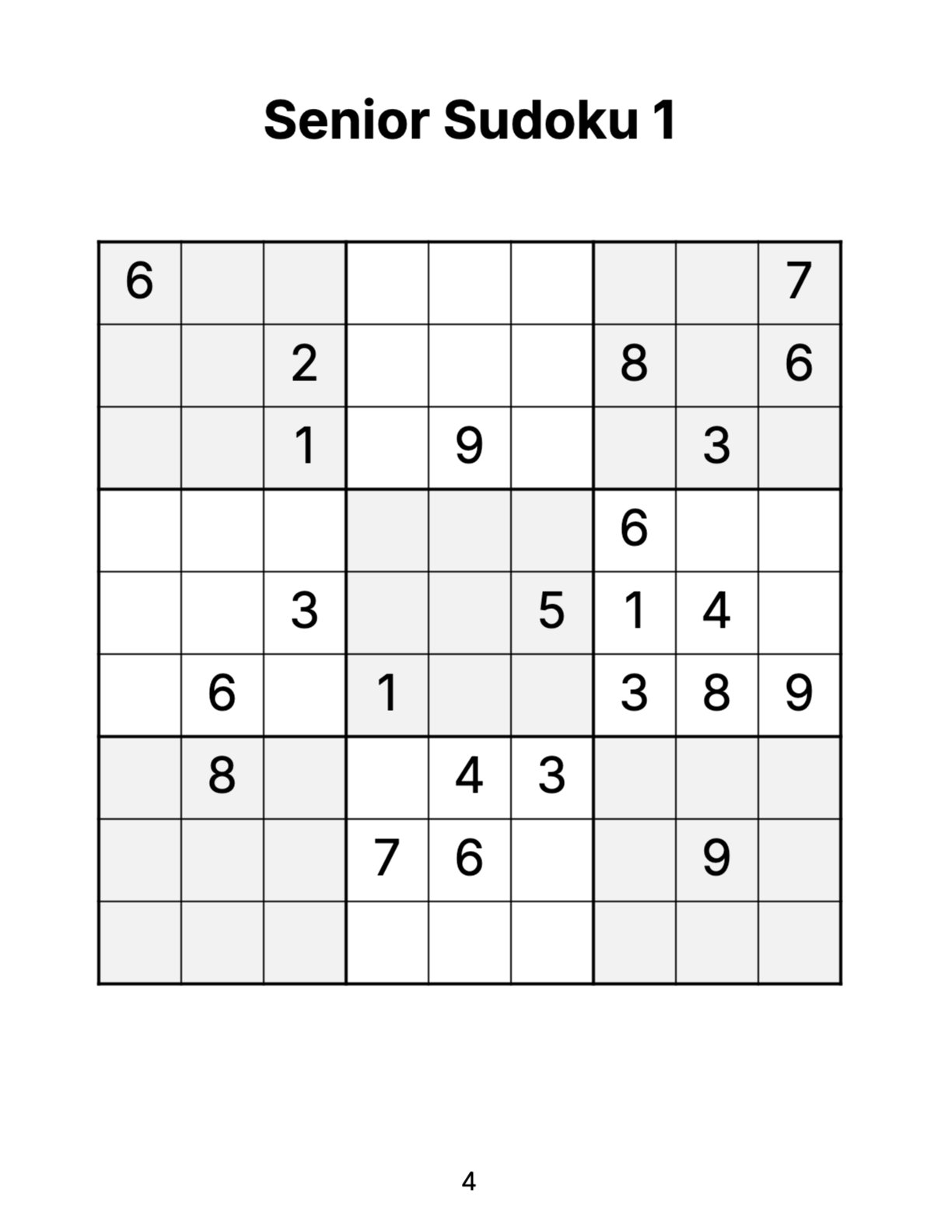
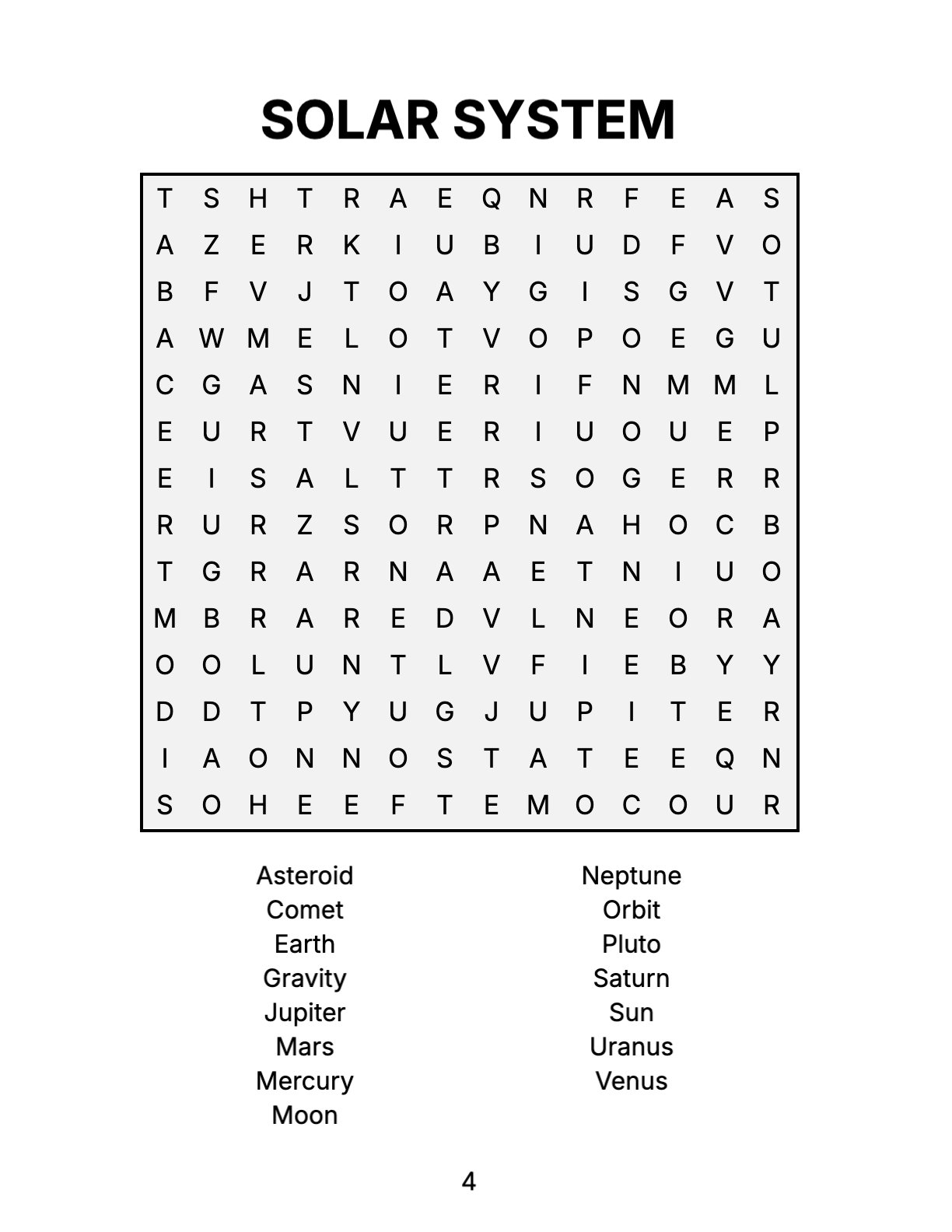
Some people come for the cover and then want the inside too. Next to Cover in the editor’s header, Puzzle interior takes you to the Create page with your design in hand. Pick a puzzle book there — sudoku, word search, a mixed book — and it starts with your cover, the same trim and paper, and a spine of its own: the cover design moves to fit the book’s real page count.
It also works the other way round. Every puzzle book has a Cover tab whose spine follows the interior: add a chapter or more puzzles and the spine widens without you touching a calculator. Downloading that cover is free too, even on a trial; the puzzle pages are what credits pay for.

Are We the Only Free One? How It Compares
No, and we would rather say so than claim it. While building this we looked for every free way to make a KDP paperback cover, and there are several good ones. Amazon’s own Cover Creator is free inside KDP; Canva has a KDP Cover Creator app that works with any Canva plan; and at least two small sites, Made Good Designs and Be Your Cover, make a full-wrap PDF for free without even asking for an account. The table sums up what each one says on its own pages.
Where ours differs is the editor and what comes after it. The free full-wrap makers we found are forms: you upload a front image and type a title, a spine line and a blurb, which is fast and fine for a simple cover. Ours is a free-form design editor with layers, stock photos and shapes, and the design follows the spine when the page count changes. Amazon’s Cover Creator is also a designer, but its covers stay inside KDP: Amazon says covers made with its stock images cannot be downloaded for use elsewhere.
Among puzzle book generators the picture is clearer. Of the puzzle book tools we follow (Book Bolt, KDPage, KDP Builder, Self Publishing Titans and Univers Studio), Univers Studio has a free cover builder, but for the front cover only; Book Bolt’s cover designer is part of its subscription, KDP Builder’s full-wrap cover comes in its paid book package, and we found no free full-wrap designer at the others. As far as we could find, Wisdom Effect is the only puzzle book generator with a full-wrap cover designer that is free on its own, for any book.
| Tool | Cost and account | Full wrap from page count | How you design | Files |
|---|---|---|---|---|
| Amazon KDP Cover Creator | Free, KDP account | Yes, from your interior | Templates and layouts | Stays in KDP; stock-image covers cannot be downloaded |
| Canva + KDP Cover Creator app | App free with any Canva plan, Canva account | Spine from page count | Canva’s editor | Canva’s exports |
| Made Good Designs | Free, no account | Yes | Form: image, title, back text | PDF, PNG, Kindle JPG |
| Be Your Cover | Free, no account; Pro (one-time) adds layers and AI | Yes, also hardcover | Form: front image, spine and back text | PDF, PNG |
| Book Brush | Paid plan to download | Not checked | Design editor | After upgrading |
| Book Bolt | Subscription, 3-day trial | Not checked | Designer with templates | Not checked |
| Wisdom Effect | Free on every plan, free account to download | Yes; the design follows changes | Editor: layers, text, images, stock photos, shapes | PDF 300 DPI, PNG, Kindle JPG |
What Is Free and the Limits
Free means free: no credits, no watermark, not counted as a trial export, on every plan including the free one, and you may sell the book with the cover. You can design without an account for as long as you like; downloading asks for a free account, which also keeps your projects and lets you come back to a cover later. That is one step more than the no-account form makers, and the reason is plain: we hope some of you will make a puzzle book with us one day.
What it does not do yet: hardcover wraps (the cover size calculator gives their size and a template), AI-generated cover art, and comfortable editing on a phone — the designer works best on a computer.
Key rules
- Free forever on every plan: no credits, no watermark, commercial use allowed.
- Design without an account; a free account to download.
- Paperback PDF, Kindle eBook JPG and PNG; no hardcover yet.
Tools for This Guide
Free KDP Cover Creator
Design a KDP paperback and Kindle cover in the browser, free and without a watermark.
OpenFree KDP Spine Width Calculator
The spine width of a KDP paperback from its page count and paper, with a button into the designer.
OpenFree KDP Cover Size Calculator
The full cover size with bleed for KDP paperback, hardcover and Kindle eBook, with templates.
OpenFrequently Asked Questions
Is the Wisdom Effect cover designer really free?
Yes, forever and on every plan: no credits, no watermark, and you may sell the book with the cover. Downloading needs a free account, no credit card.
Is it the only free KDP cover maker?
No. Amazon’s Cover Creator, Canva with its KDP Cover Creator app, Made Good Designs and Be Your Cover are free too. Ours differs by its free-form editor, a design that follows page count changes, and a link to puzzle book interiors.
Can I use it for a book I did not make with Wisdom Effect?
Yes. Enter the trim size, page count and paper of any paperback — a novel, a journal or a puzzle book made elsewhere.
Does it make Kindle covers?
Yes. Download cover saves the front as a 2560 px tall JPG for your Kindle eBook, from the same design as the paperback.
What happens if my page count changes after I design the cover?
Type the new page count above the cover. The spine and the full size update, and the design moves with them, so the front stays on the front and the spine title stays centered.
Sources
The pages each statement about another tool comes from, checked on 10 November 2026 (Book Bolt on 3 November, for our generator comparison).