In short
Maze books are one of the simplest activity books to publish, yet the details decide the reviews: corridors wide enough for a crayon, a clear START and FINISH, the right difficulty for the reader and readable answer keys. This guide walks through each decision and shows, screen by screen, how to make a complete maze book in Wisdom Effect.
On this page
Pick the Audience First
Children aged 4–7 need small grids (6×7 to 8×10 cells), very wide paths and obvious start and finish markers. Older children manage 11×13 to 14×15 grids. Adults enjoy classic 20×25 mazes, and puzzle enthusiasts look for dense grids of 45×56 cells and more. Seniors want large, calm mazes with one maze per page.
Decide the audience before anything else: it sets the trim size, the grid sizes, how many mazes fit on a page and how the cover should look. In Wisdom Effect the audience is the edition you pick when you create the book: Standard, Kids or Senior. Each edition has its own presets and limits. Rectangular Kids mazes stay at 15×15 cells or less and Senior ones between 10 and 25 cells per side; both editions print one maze per page.
Grid Size and Corridor Width
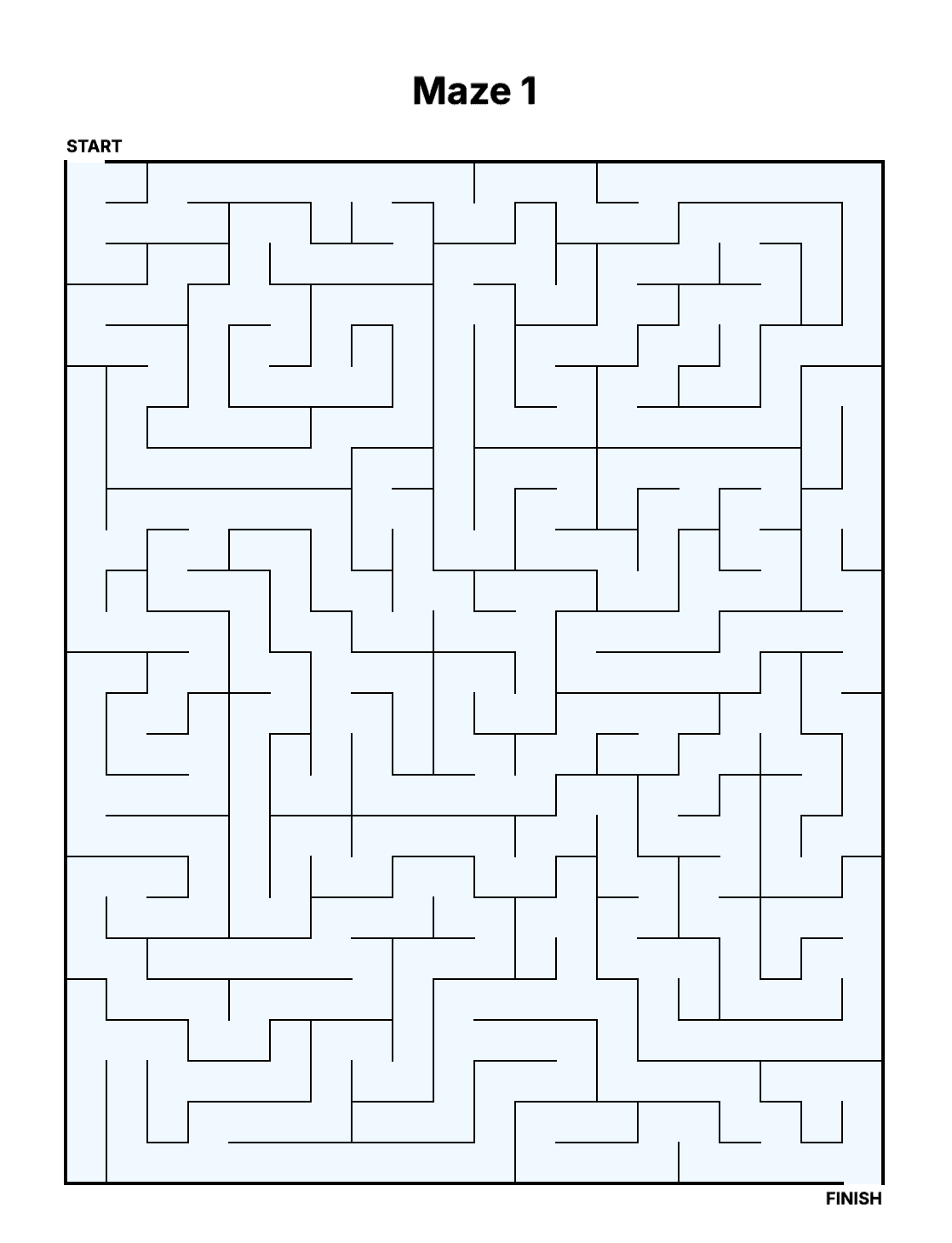
What matters on paper is the printed corridor width, not the number of cells. As a rule of thumb keep corridors at least 0.30" (7.5 mm) for young children, 0.15" (3.8 mm) for large print and 0.08" (2 mm) for adult books.
Wisdom Effect shows the printed corridor width under the grid size while you change the grid, the trim size or the number of mazes per page, and warns when it drops below the recommendation for the edition. A 100×100 maze on an 8.5×11 page, for example, gets 0.07" corridors and the warning. Two or four mazes per page take a much smaller box each: a 12×15 maze drops from 0.56" to 0.26".
| Edition | Presets | Grid | Corridor |
|---|---|---|---|
| Kids (ages 4–7) | Tiny, Small | 6×7 – 8×10 | ≈ 1.19"–0.83" |
| Kids (ages 7+) | Big, Giant | 11×13 – 14×15 | ≈ 0.64"–0.51" |
| Standard (adults) | Easy – Expert | 12×15 – 45×56 | ≈ 0.56"–0.15" |
| Senior | Relaxed – Master | 10×12 – 22×25 | ≈ 0.69"–0.32" |
Shape, Maze Style and Loops
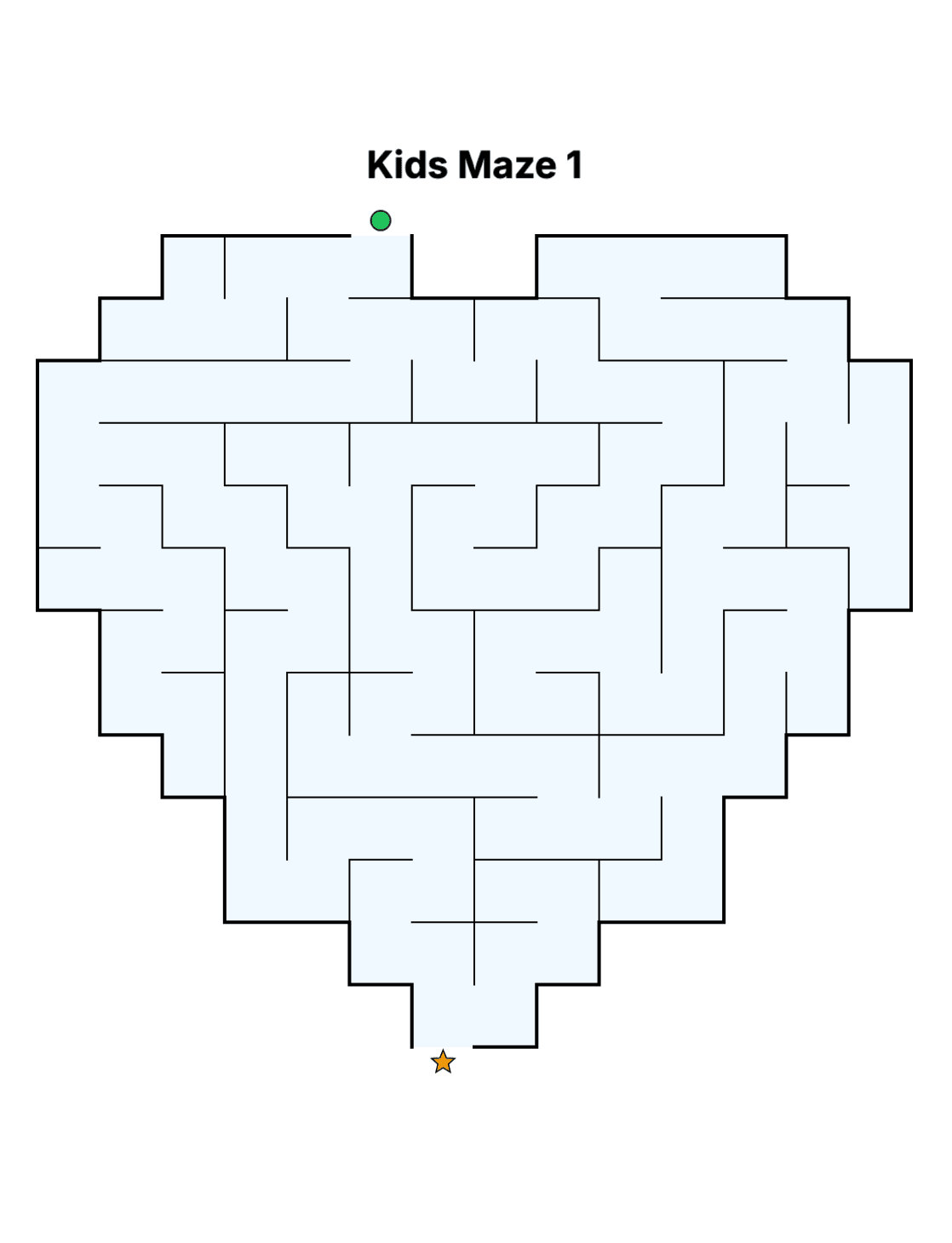
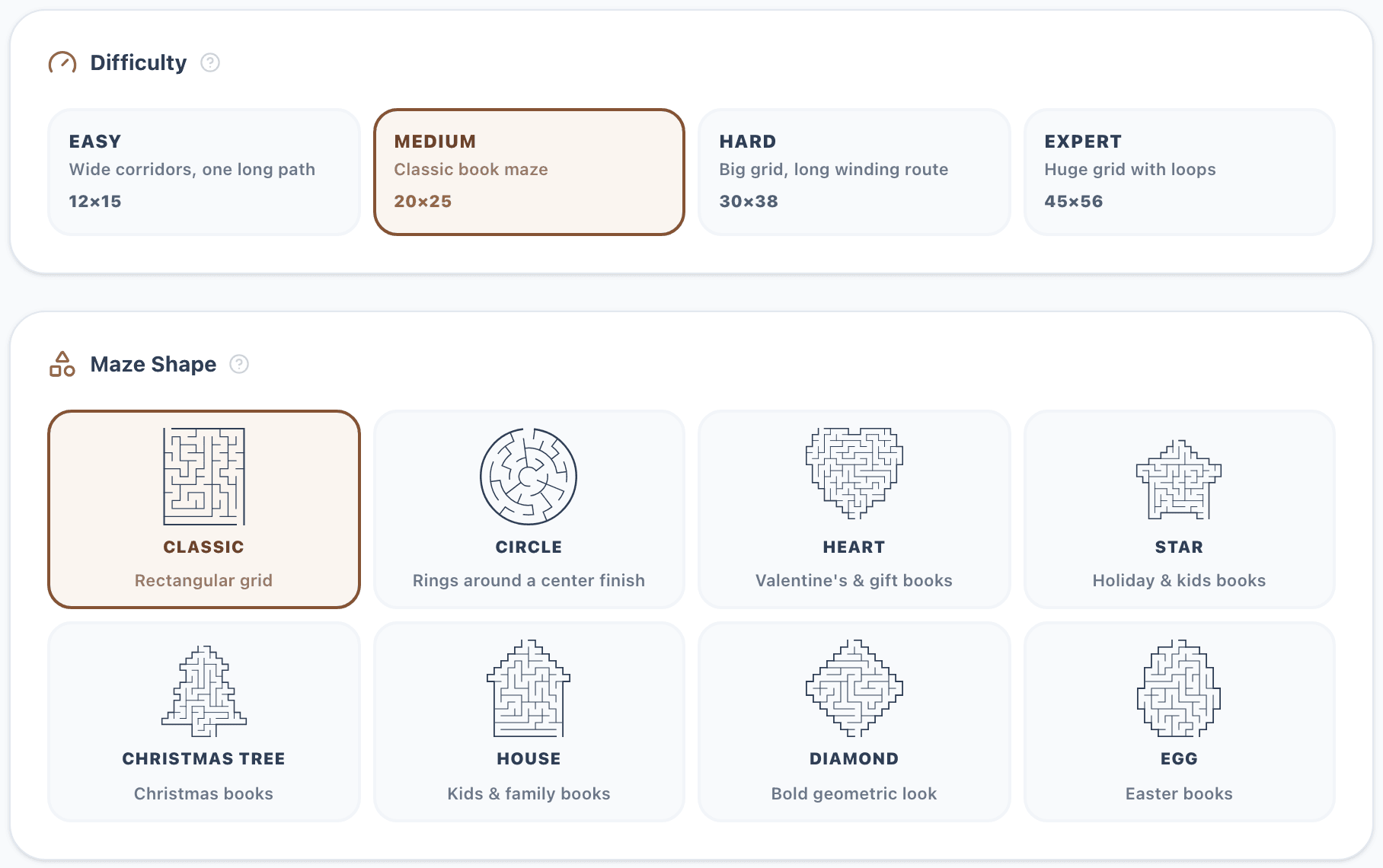
Mazes do not have to be rectangles. Besides the classic grid, Wisdom Effect draws circular mazes (rings around a center finish) and silhouettes: a heart, a star, a Christmas tree, a house, a diamond and an egg. Silhouettes suit gift, holiday and kids books; circular mazes look striking in adult books. A circle is sized in rings, a silhouette by the side of its square grid.
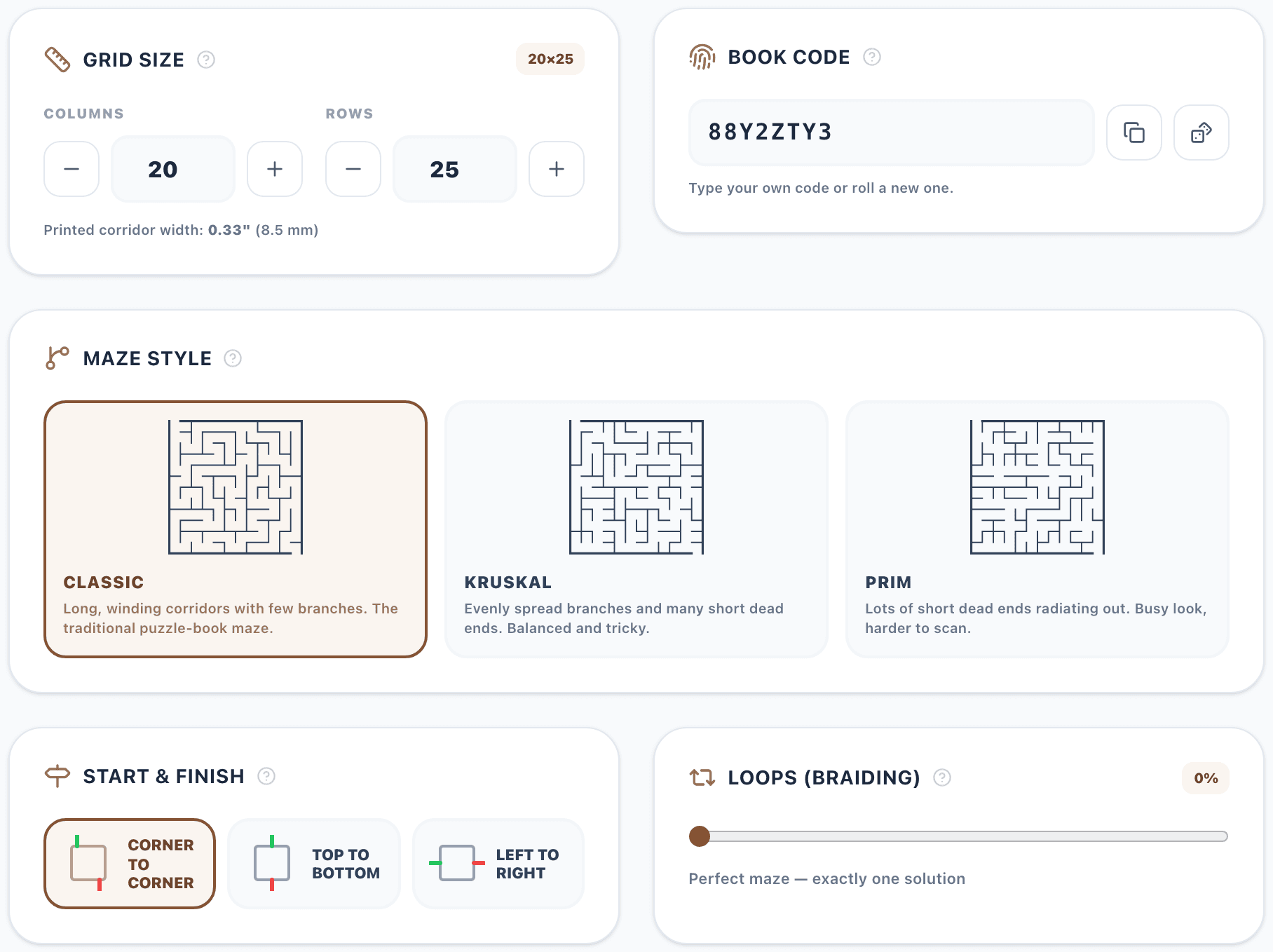
The maze style changes how a maze feels without changing its size. Classic (depth-first) mazes have long, winding corridors with few branches, the traditional puzzle-book maze. Kruskal mazes spread their branches evenly with many short dead ends. Prim mazes have lots of short dead ends radiating out: a busy look that is harder to scan.
Loops (braiding) open some dead ends, so the maze has more than one route. A maze with loops is more confusing, because a wrong turn no longer ends in an obvious dead end. Standard books can add loops (the Expert preset uses 10%) and Senior books up to 10%. Kids mazes stay perfect: exactly one route from START to FINISH.
Planning Difficulty Across Books
In a Wisdom Effect maze book every maze shares the same size, style and loops: each maze is different, but they are equally hard. That keeps a book consistent, which is what most maze buyers expect.
If you want readers to progress, plan it across books: a series with Volume 1 on Easy, Volume 2 on Medium and Volume 3 on Hard, each made with its own preset. Every book has a book code (the seed of its mazes). Keep it to reprint the same mazes, or roll a new one for the next volume so no maze repeats.
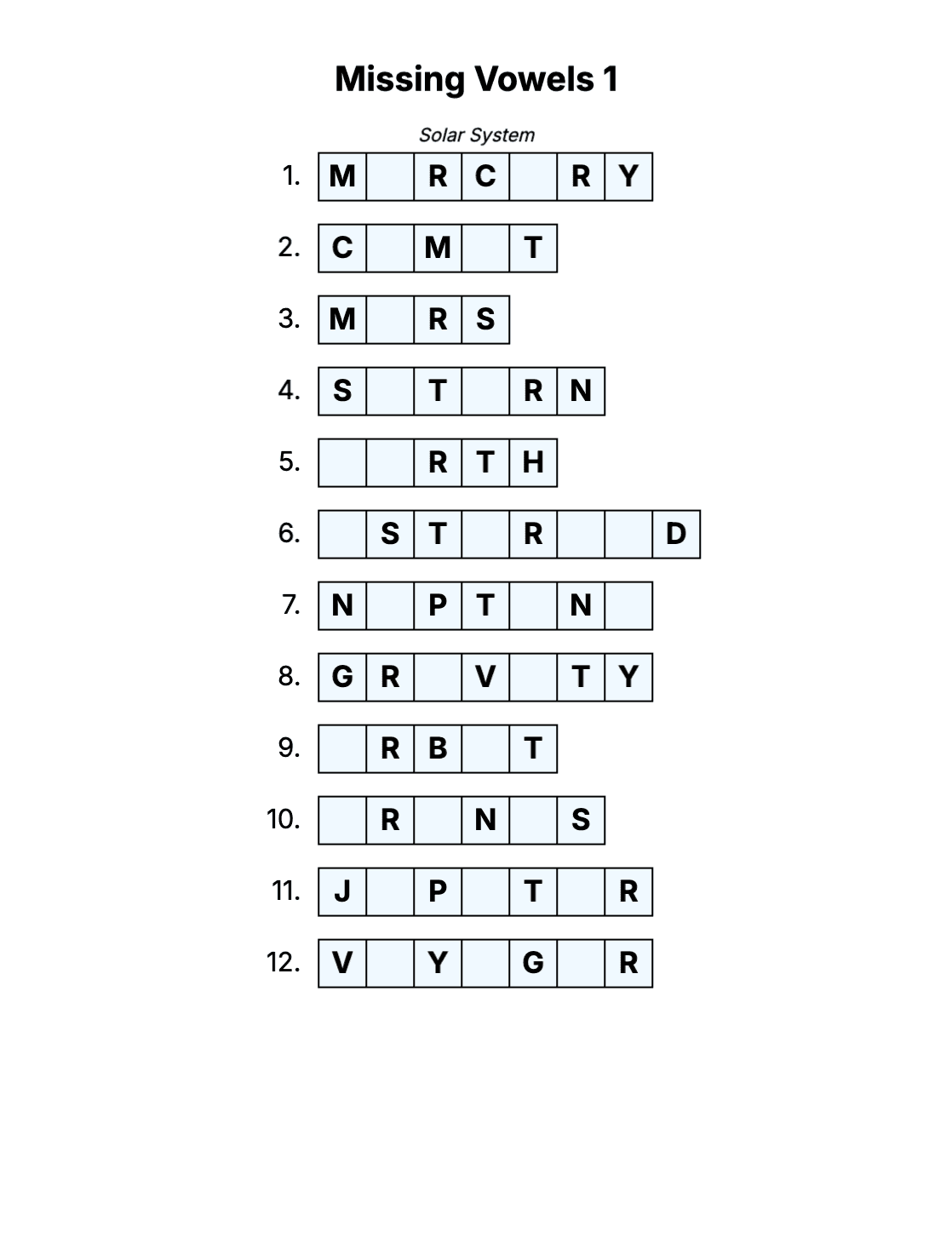
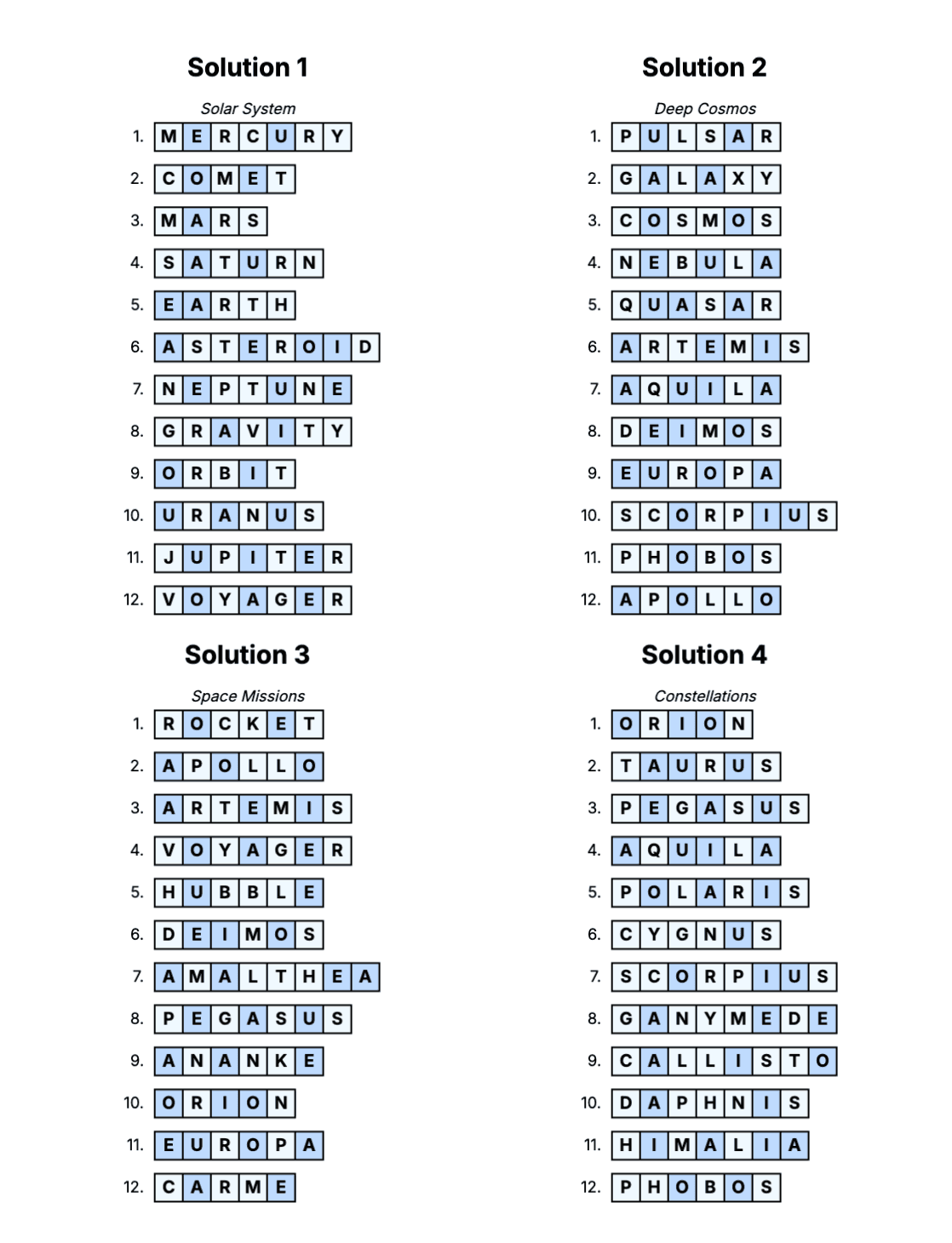
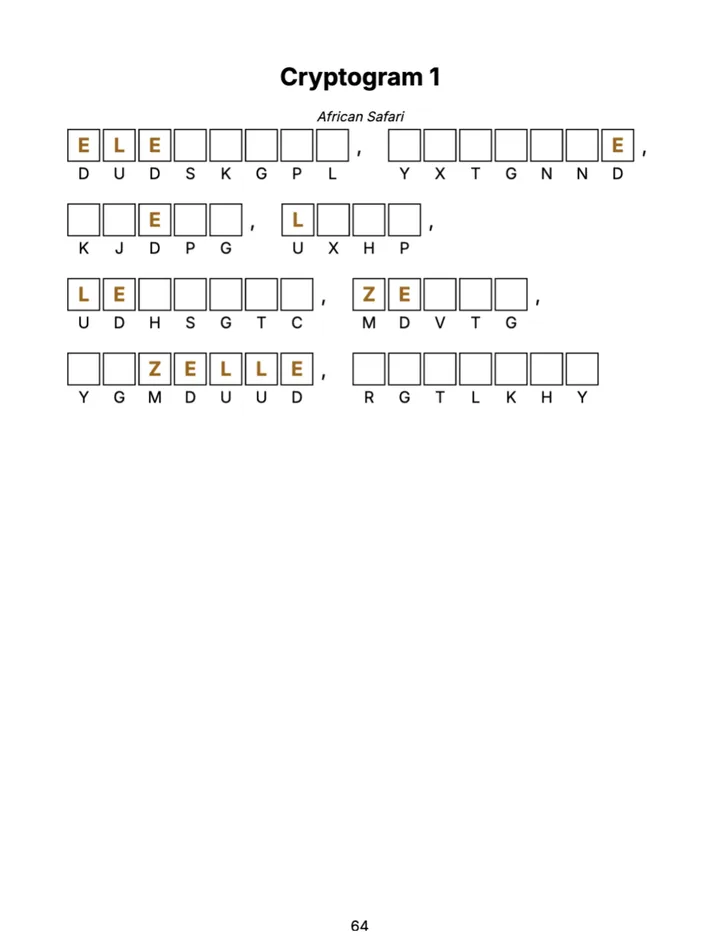
For variety inside one book, make a mixed book: a maze chapter next to Sudoku, Word Search or other chapters, in the order you choose.
Solution Pages
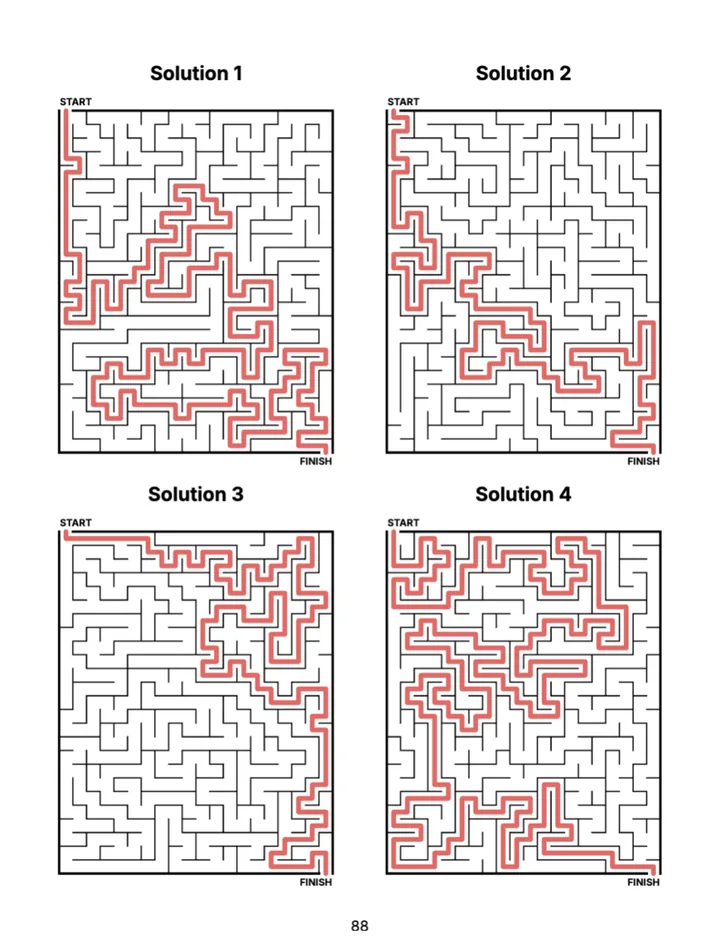
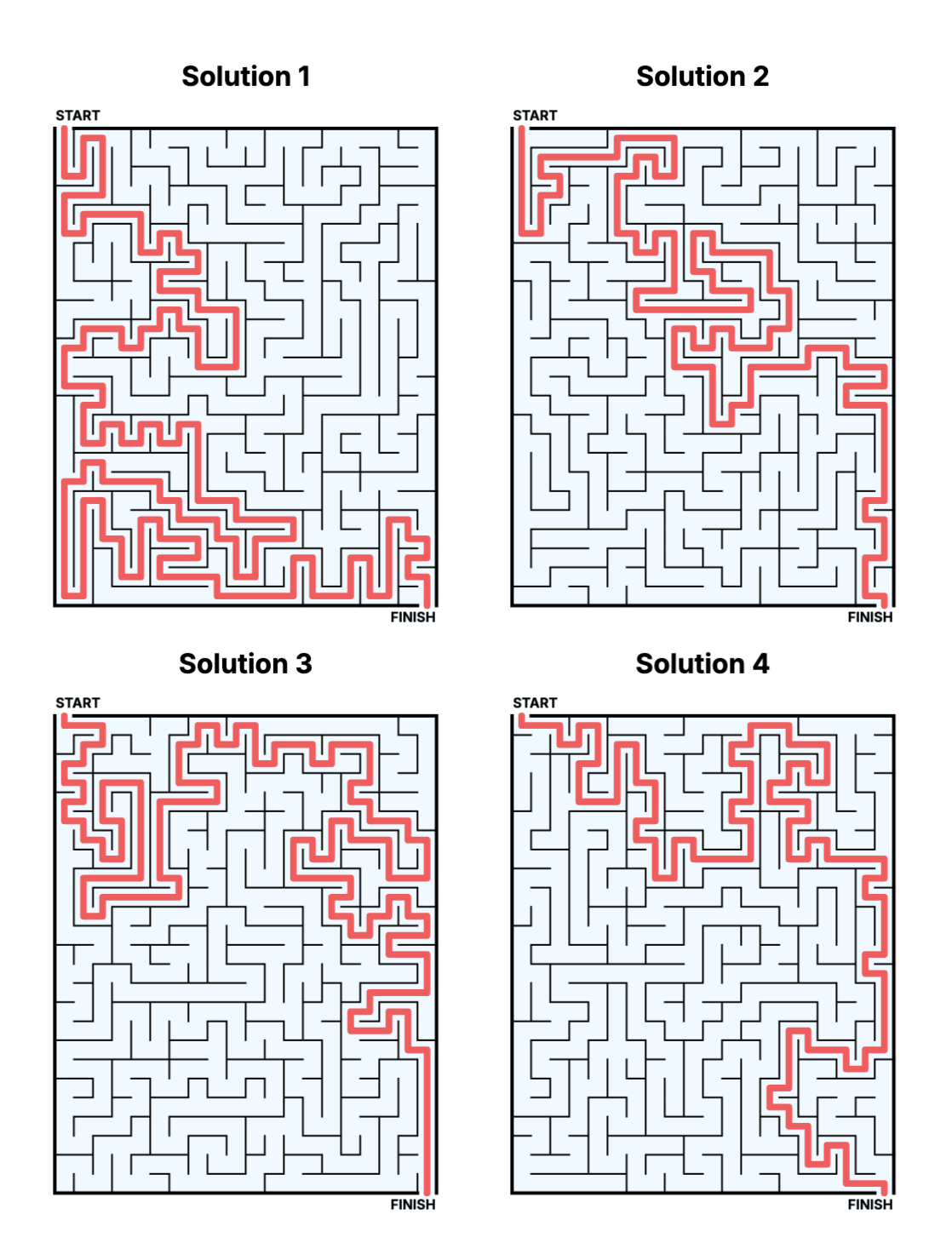
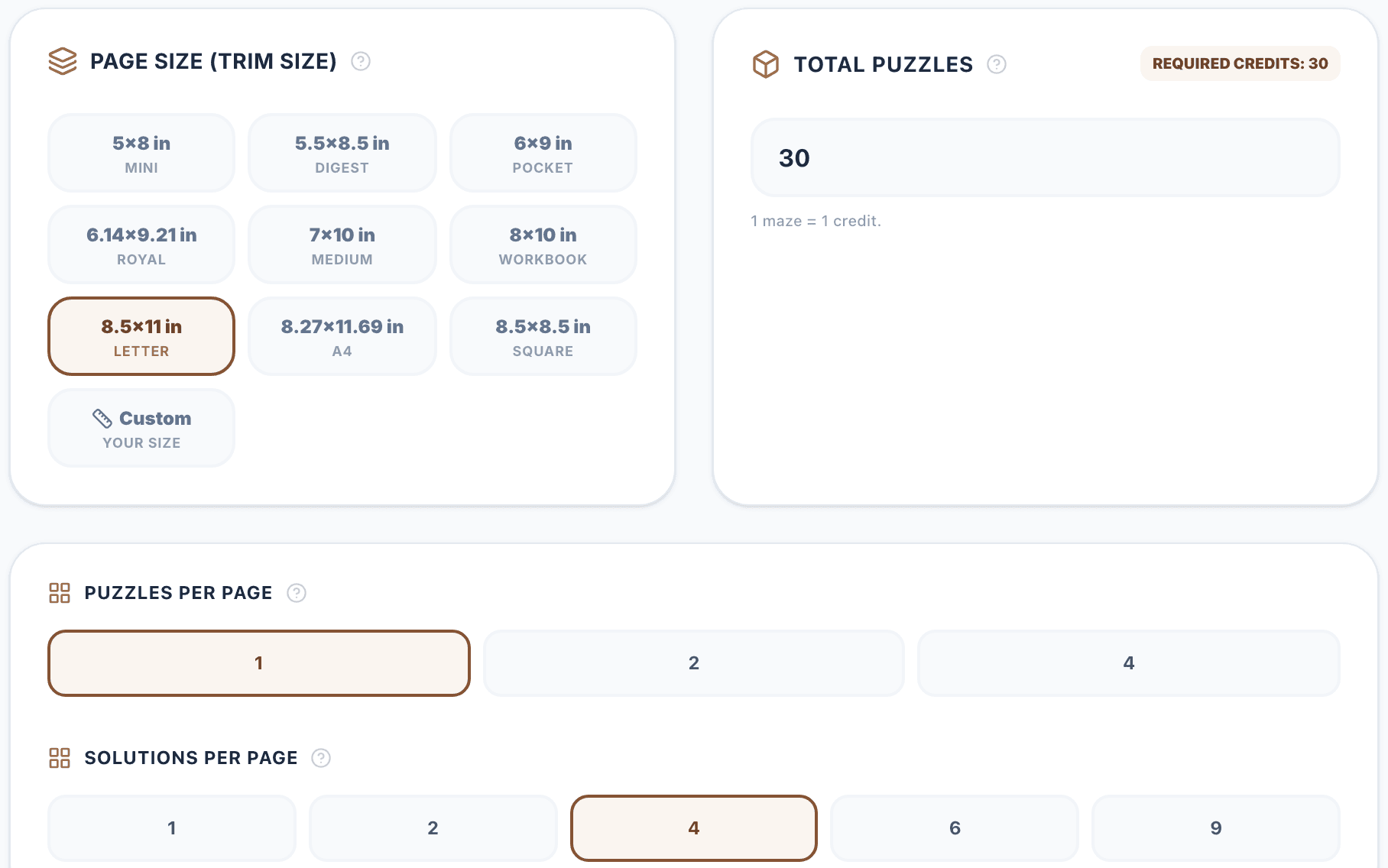
Solutions go at the back of the book. Standard books print 1, 2, 4, 6 or 9 solutions per page (4 by default); Kids and Senior books 1, 2 or 4, so the answer keys stay readable.
The highlighted route is the shortest path from START to FINISH, which also matters for mazes with loops. It is drawn in red by default, with round line ends so it stays readable at small sizes. On the solution pages you can change its width in the Maze Design panel (15–70% of the corridor) and its color in the Color Palette.
Step 1: Create the Book
On /create choose the edition at the top (Standard, Kids or Senior) and click the Maze card. For a holiday book, pick a seasonal theme there as well. A maze chapter can also be part of a Mixed Book together with Sudoku, Word Search and the other puzzle types.
Step 2: Configure the Mazes
The configurator opens with the maze settings. Pick a difficulty preset and a shape first: the preset sets the grid size, the maze style and the loops in one click.
Then fine-tune: the grid size (columns and rows, or rings for a circle), with the printed corridor width right under it; the maze style (Classic, Kruskal or Prim); where START and FINISH are (corner to corner, top to bottom or left to right); and the loops. The book code is generated for you: copy it to reprint the same mazes later, or roll a new one.
Step 3: Book Settings
Further down, set up the book: the trim size (from 5×8 to 8.5×11, A4, square or your own size), the number of mazes (one maze costs one credit), how many mazes and solutions go on a page and, on the Publisher plan, the book language.
The summary at the bottom counts the puzzle, solution and other pages and checks that the book fits the KDP paperback limits (24 to 590 pages). Then click Launch Maze Editor.
Step 4: Design and Export
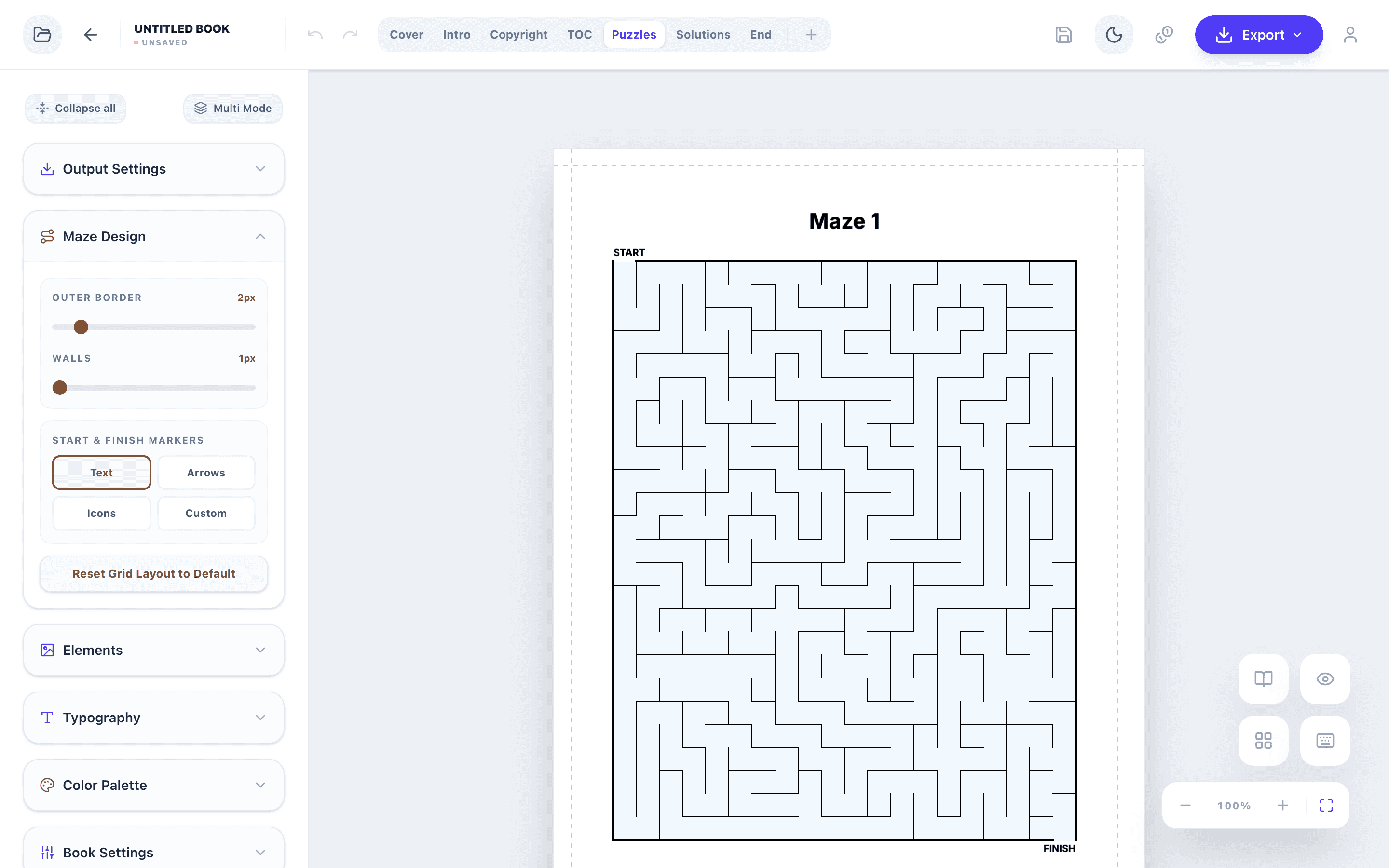
The Maze Design panel in the editor sets the outer border and wall thickness and the START and FINISH markers: text, arrows, icons or your own images. On the solution pages it also sets the width of the solution route.
The other panels change fonts, colors and the cover, add images and decorations and edit the title, copyright, contents and end pages. The page tabs (Cover, Intro, Copyright, TOC, Puzzles, Solutions, End) switch between the parts of the book, and the storyboard shows all pages at once.
When the book is ready, export the interior PDF and the cover PDF for KDP, or PNG and SVG files.
Key rules
- Choose the audience (edition) first.
- Check the printed corridor width, not just the grid size.
- Keep one difficulty per book and grow it across a series.
- Keep solution keys large enough to read.
Tools for This Guide
Frequently Asked Questions
How many mazes should a KDP maze book have?
Most maze books contain 30–100 mazes. With one maze per page and four solutions per page, 40 mazes take 40 puzzle pages and 10 solution pages, plus a few front and end pages; the configurator counts them for you.
Can I make a maze book for toddlers?
Yes. Use the Kids edition with the Tiny (6×7) or Small (8×10) preset: the start is at the top middle, the finish at the bottom middle, and icons mark both.
Can I make heart, star or Christmas tree mazes?
Yes. Besides rectangles there are circular mazes and heart, star, Christmas tree, house, diamond and egg silhouettes, in every edition.
Do kids mazes have loops?
No. Kids mazes are always perfect mazes with exactly one route. Standard books can add loops, and Senior books up to 10%.